Pay Linode with Crypto
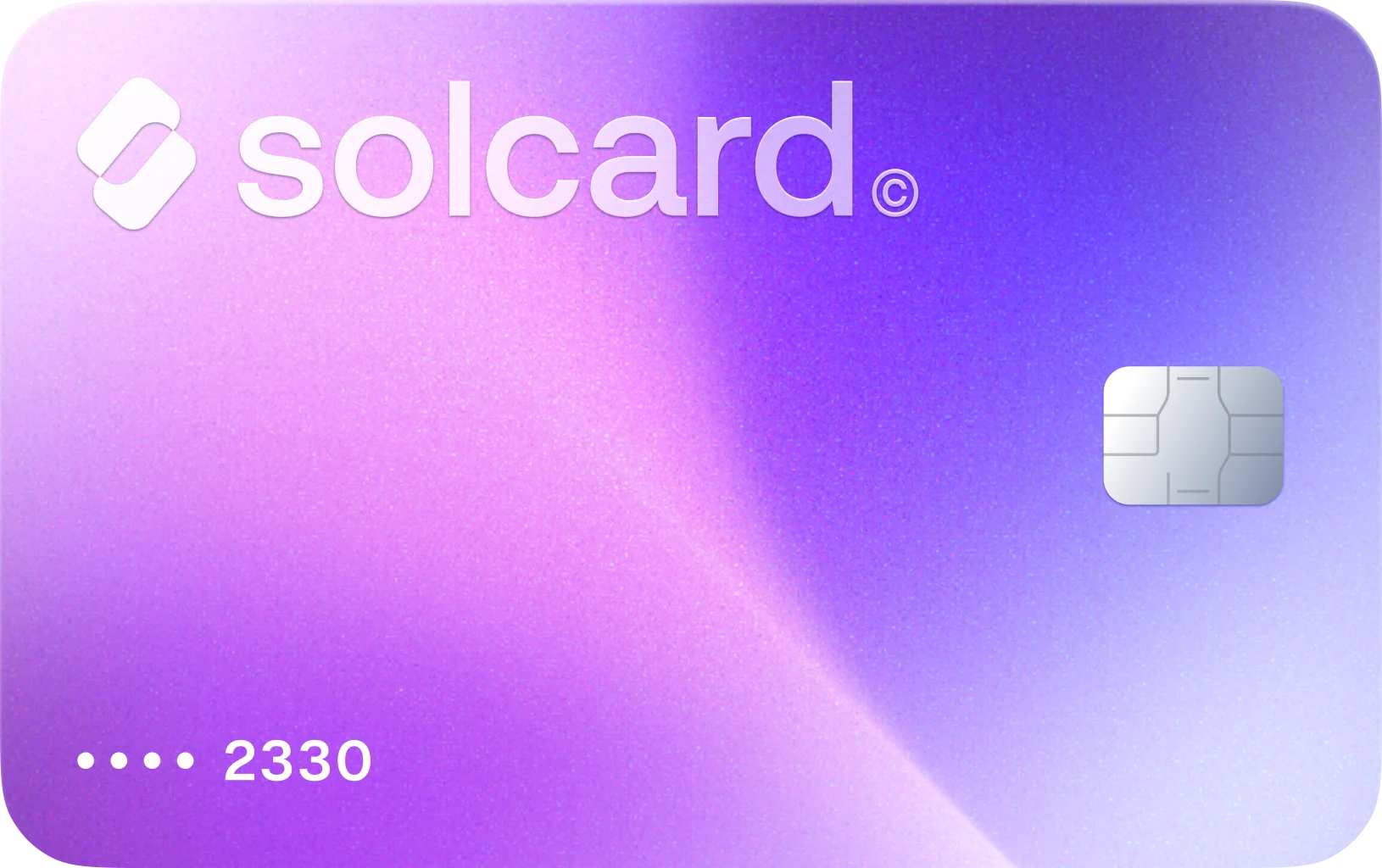
Use SolCard in Linode's Cloud Manager billing flow for compute, storage, Kubernetes, and monthly cloud invoices.
71% of buyers purchase again at Linode / Akamai · Based on real card transactions
How to Use Crypto for Linode Billing
Get Your SolCard
Sign up for SolCard in minutes. Get your virtual card instantly or order a physical card delivered to your door.
Load Your Crypto
Deposit SOL, USDC, USDT, or SOLC directly from your crypto wallet across 9 supported blockchain networks.
Pay Linode through Cloud Manager
Use SolCard as the payment card for Cloud Manager billing, whether you are adding a new service, making a one-time prepayment, or covering the invoice Linode charges to your default payment method.
Why SolCard Fits Linode's Billing Model
Akamai Cloud bills each paid service at an hourly rate up to a monthly cap and rounds usage up to the nearest hour. That works well for SolCard when your Linode bill can come from short-lived test instances, month-long servers, or plan changes that show up as separate invoice line items.
Linode generates the regular invoice on the first day of the month, but its billing guide also says a mid-month invoice can be issued after your account crosses an internal threshold that often starts at $50. SolCard helps when cloud spend is variable and the charge date is not always the same.
Cloud Manager supports manual one-time payments that add funds to your account balance for future services or clear an outstanding balance. That is useful for Linode accounts that may suddenly add extra Kubernetes nodes, temporary GPU capacity, or more storage during a busy period.
Linode's catalog spans compute plans, LKE clusters, managed MySQL and PostgreSQL databases, Block Storage, Object Storage, backups, NodeBalancers, and Linode Managed. If the charge lands in Cloud Manager billing, SolCard gives you one crypto-funded card path across that same account.
Linode states that powered-off services still accrue charges while resources remain on the account. It also documents that enabling Object Storage starts the prorated $5 monthly charge even before you create a bucket, and deleting an LKE cluster can leave NodeBalancers and Block Storage volumes active until you remove them separately.
Linode documents a 7-day guarantee for paid services, refund requests for positive balances made within 180 days, and immediate collection of past-due plus uninvoiced usage when an account is closed. SolCard keeps the payment on a supported billing route instead of relying on an undocumented crypto option.
Cryptocurrencies You Can Use for Linode Through SolCard
About Linode
Linode, now part of Akamai Cloud, sells compute instances, Kubernetes clusters, managed MySQL and PostgreSQL databases, NodeBalancers, Block Storage, Object Storage, backups, and managed infrastructure services. Real Linode spending usually happens inside Cloud Manager as services accrue usage charges throughout the month, then the default payment method is billed automatically when an invoice is generated. SolCard is useful when you want to fund that documented card-style Linode billing flow with crypto even though Linode's public payment-method guides do not list direct cryptocurrency checkout.
Linode Billing and Crypto FAQ
Not according to Linode's current billing documentation. Akamai Cloud lists credit and debit cards, Google Pay, PayPal, and check, ACH, or wire transfer through support, but it does not list direct crypto checkout. SolCard bridges that gap and supports 4 tokens across 9 blockchain networks.
What Users Say About SolCard for Linode
No reviews yet. Be the first to try SolCard at Linode.
Supporting guides related to Linode
Use these guides to branch from Linode into adjacent merchant workflows, category-level comparisons, and broader SolCard payment explainers.
How to Pay for Hostinger Web Hosting with Crypto: A Complete Guide for 2026
Pay for Hostinger hosting with crypto using CoinGate or a crypto-funded virtual card. Step-by-step guide with real costs, plan breakdowns, and tips.
Read guideBest Crypto Payment Gateways for Businesses in 2026
Compare the best crypto payment gateways for businesses in 2026 -- features, fees, supported coins, and integration options for accepting crypto.
Read guideStripe Crypto Payments: A Complete Guide to Web3 Integration
Stripe crypto payments explained -- from stablecoin checkout and fiat-to-crypto onramps to USDC payouts and web3 integration for businesses.
Read guideWeb3 Payments Explained: The Future of Spending Crypto
A comprehensive guide to web3 payments — how decentralized payment infrastructure works, key platforms, and why web3 is reshaping how we spend crypto in 2026.
Read guide