Pay Neon with Crypto
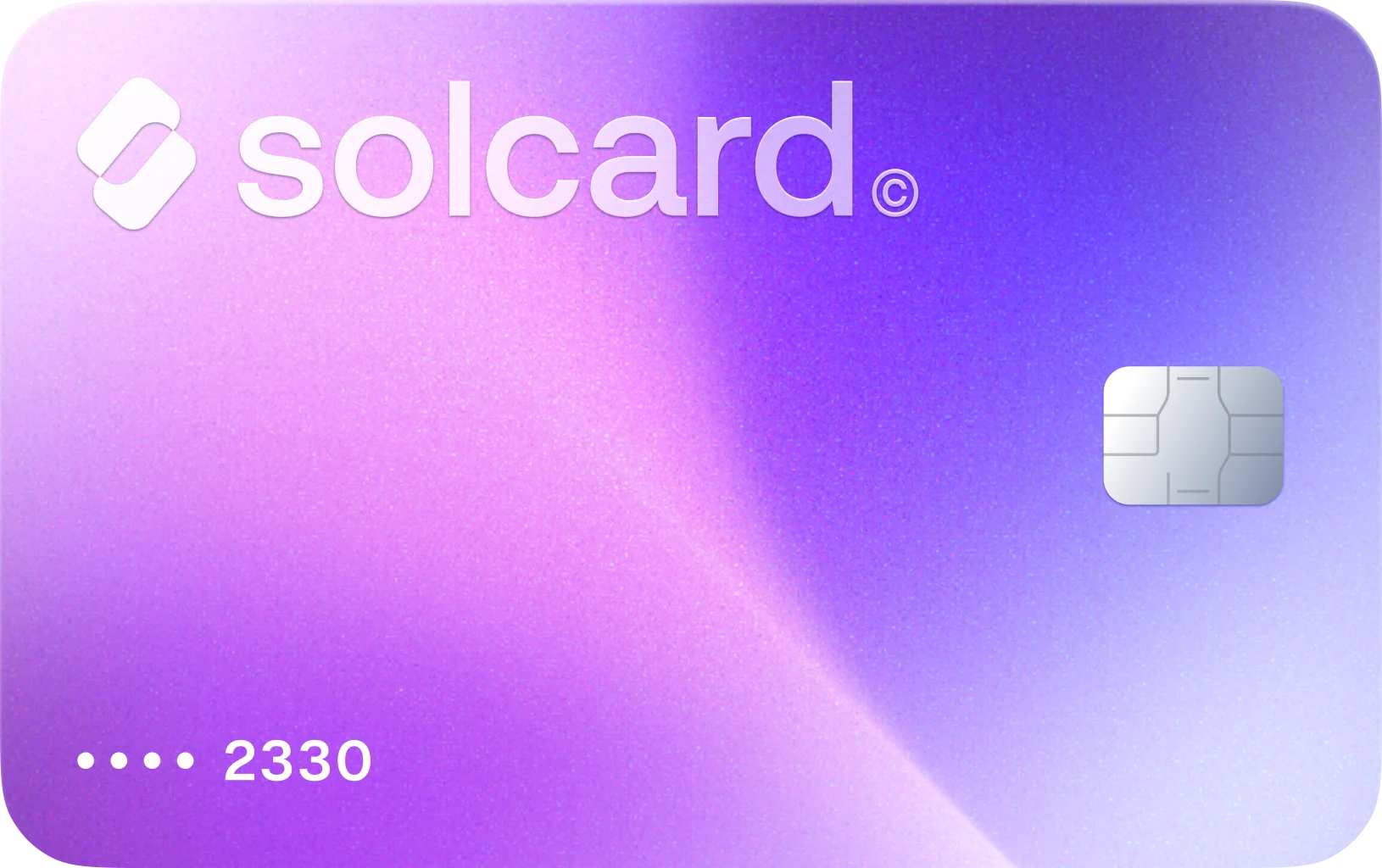
Neon bills Launch and Scale usage to a saved payment card, so SolCard lets you fund that normal Neon billing path with crypto.
51% of buyers purchase again at Neon · Based on real card transactions
How to Pay Neon's Metered Bill With Crypto
Get Your SolCard
Sign up for SolCard in minutes. Get your virtual card instantly or order a physical card delivered to your door.
Load Your Crypto
Deposit SOL, USDC, USDT, or SOLC directly from your crypto wallet across 9 supported blockchain networks.
Save SolCard in Neon billing
If your organization is billed directly by Neon, an admin can add SolCard on the Billing page and use it for Launch or Scale charges such as compute, storage, restore history, or branch overages.
Why SolCard Fits Neon's Usage-Based Billing
Neon's self-service terms say fees are calculated from each subscription month's usage, invoiced monthly in arrears, and automatically charged to the payment card on record. SolCard fits that saved-card billing flow.
Neon's paid plans are usage-based rather than flat rate: Launch lists $0.106 per CU-hour up to 16 CU, while Scale lists $0.222 per CU-hour up to 56 CU. A SolCard-funded payment method is practical when workload spikes change your monthly total.
Neon's pricing includes 10 branches per project on Launch and 25 on Scale, with additional branches billed at $0.002 per branch-hour. That matters if your team creates lots of short-lived dev, CI, or preview branches.
Paid Neon plans bill history storage at $0.20 per GB-month based on the volume of data changes inside your selected restore window. Launch includes up to 7 days of restore history, while Scale extends that to 30 days.
Neon's Free plan includes 5 GB per month of public network transfer, and the docs say exceeding that suspends compute until the next billing cycle or an upgrade. Paid plans include 100 GB before overage pricing starts.
Outside the free organization you sign up with, Neon says new organizations are always paid and require plan selection plus billing details at creation. SolCard gives you a dedicated card path for those extra orgs.
Cryptocurrencies You Can Use for Neon Through SolCard
About Neon
Neon sells serverless Postgres under Free, Launch, and Scale plans. Real Neon charges usually include usage-based compute, database storage, history storage tied to time travel and instant restore, extra branch-hours for preview or dev environments, and public network transfer on paid plans, all managed per organization in the Neon Console. Neon's self-service terms say those fees are billed monthly in arrears to the payment card on file, so SolCard is useful when you want to fund that billing path with crypto.
Neon Billing and Crypto FAQ
Neon does not advertise a native crypto checkout in its public self-service billing docs. Its product-specific schedule says self-service fees are invoiced monthly in arrears and automatically charged to the customer's payment card on record. SolCard bridges that card requirement with 4 supported tokens across 9 blockchain networks.
What Users Say About SolCard for Neon
No reviews yet. Be the first to try SolCard at Neon.
Supporting guides related to Neon
Use these guides to branch from Neon into adjacent merchant workflows, category-level comparisons, and broader SolCard payment explainers.
How to Pay for Hostinger Web Hosting with Crypto: A Complete Guide for 2026
Pay for Hostinger hosting with crypto using CoinGate or a crypto-funded virtual card. Step-by-step guide with real costs, plan breakdowns, and tips.
Read guideBest Crypto Payment Gateways for Businesses in 2026
Compare the best crypto payment gateways for businesses in 2026 -- features, fees, supported coins, and integration options for accepting crypto.
Read guideStripe Crypto Payments: A Complete Guide to Web3 Integration
Stripe crypto payments explained -- from stablecoin checkout and fiat-to-crypto onramps to USDC payouts and web3 integration for businesses.
Read guideWeb3 Payments Explained: The Future of Spending Crypto
A comprehensive guide to web3 payments — how decentralized payment infrastructure works, key platforms, and why web3 is reshaping how we spend crypto in 2026.
Read guideUsers who shop at Neon also shop at

Buy on Vercel with Crypto
Use SolCard to pay Vercel Pro fees, extra seats, usage overages, add-ons, and domain renewals with SOL, USDC, USDT, and SOLC across 9 blockchain networks.
Learn more
Buy on X with Crypto
Use SolCard to pay for X Premium, creator subscriptions, gifts, and X Ads with SOL, USDC, USDT, and SOLC across 9 blockchain networks.
Learn more
Buy on Anthropic with Crypto
Use SolCard to pay Anthropic for Claude subscriptions, Team seats, and API credits with SOL, USDC, USDT, and SOLC across 9 blockchain networks.
Learn more
Buy on OpenAI with Crypto
Use SolCard to pay for ChatGPT Plus, Pro, Business, and OpenAI API usage with SOL, USDC, USDT, and SOLC across 9 blockchain networks.
Learn more