Buy RunPod Credits with Crypto
Fund RunPod's prepaid balance for Pods, Serverless, storage, and public endpoints with crypto while keeping a card route available for RunPod auto-pay.
62% of buyers purchase again at RunPod · Based on real card transactions
How to Fund RunPod with Crypto
Open RunPod Billing
Go to the Billing page in the RunPod console, check the balance you need for your Pods, Serverless workers, storage, or public endpoints, and choose a credit amount to add.
Choose Your Funding Method
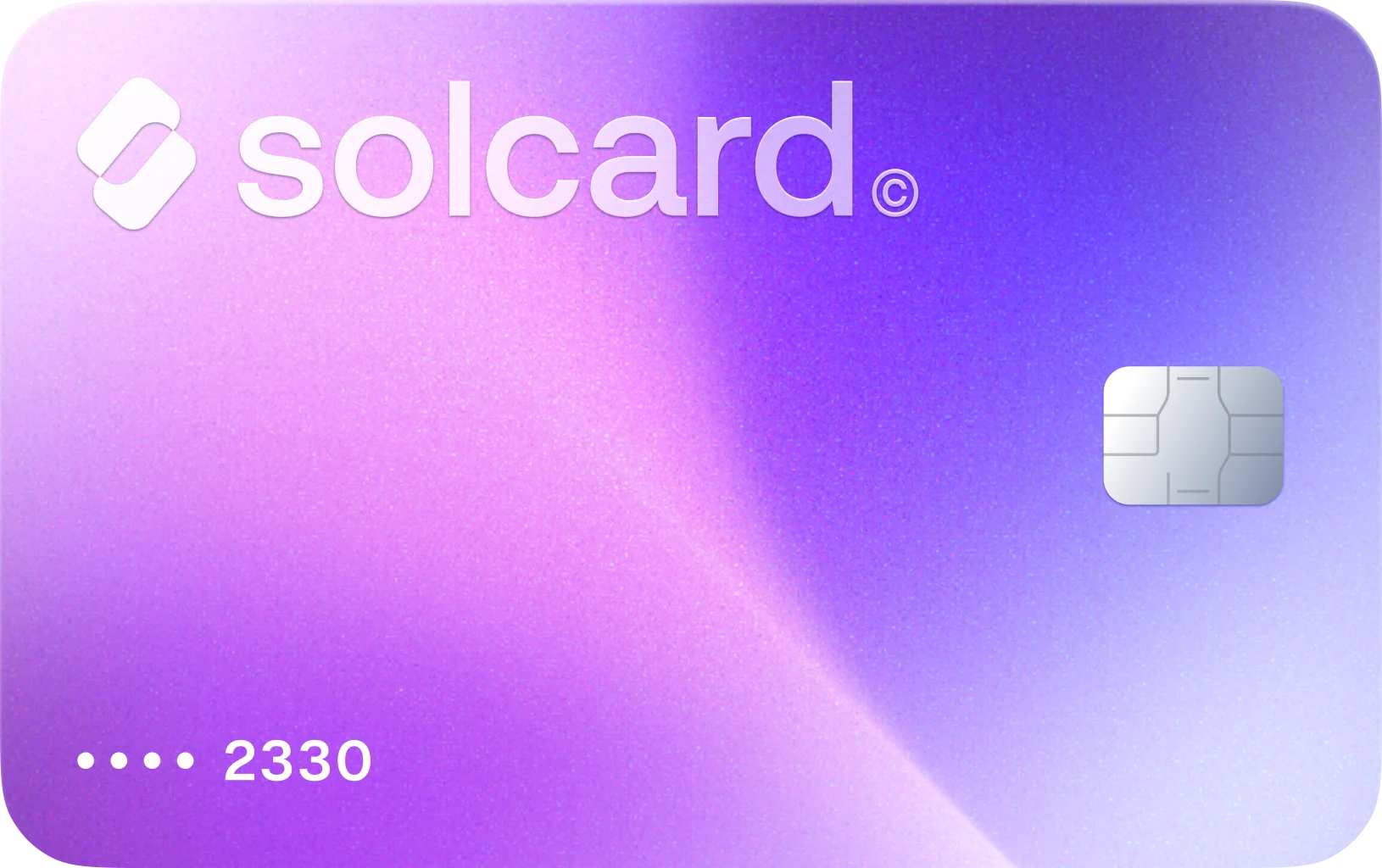
RunPod lets you add credits with cards or with cryptocurrency through integrated payment processors. Use SolCard when you want RunPod to process the top-up as a card payment funded from your wallet.
Keep Credits Ready for Active Workloads
After the deposit lands, RunPod deducts credits in real time as your infrastructure runs. If you want automatic low-balance reloads, RunPod's auto-pay system requires a saved credit card on the account.
Where SolCard Fits RunPod's Credit-Based Billing
RunPod asks you to add funds first, then deducts credits in real time as you use resources. That makes SolCard useful for topping up the account balance that powers Pods, Serverless endpoints, storage, and public model usage.
RunPod's auto-pay reloads your balance after it drops below a threshold, charges the default saved card, and limits attempts to once per hour. SolCard fits that documented card-based reload flow for long-running workloads.
RunPod requires at least one hour of credits to deploy a new Pod, and it says Pods are automatically stopped when the remaining balance is projected to cover less than 10 seconds of runtime. Reliable funding matters here because interrupted compute can be expensive in time, not just money.
The same RunPod balance can be consumed by GPU or CPU Pods, pay-per-second Serverless workers, public AI endpoints, and storage. That is a different payment pattern from a single SaaS plan and makes consolidated balance funding more practical.
Stopping a Pod releases the GPU, but RunPod continues billing volume disk storage, and Pods with attached network volumes cannot be stopped at all, only terminated. SolCard-funded credits can keep storage alive while you preserve data for the next deployment.
RunPod reserves business invoicing for transactions above $5,000 and routes those through sales, ACH, wire, or card. SolCard is most aligned with the normal self-serve billing page where users add credits directly before launching compute.
Cryptocurrencies You Can Use for RunPod Funding
About RunPod
RunPod sells AI infrastructure through a prepaid credit balance rather than a simple flat subscription. Real RunPod spend can include funding GPU or CPU Pods, pay-per-second Serverless endpoints, persistent storage, public AI endpoints, and other self-serve compute charges from the billing console. RunPod also documents native crypto payments through integrated processors, but SolCard is still useful when you want a crypto-funded card for RunPod's credit top-ups and card-based auto-pay flow.
RunPod Funding and Billing FAQ
Yes. RunPod's billing documentation lists cryptocurrency as an accepted payment method through integrated payment processors, and it notes that first-time crypto payments may require KYC verification. SolCard is mainly useful when you would rather fund RunPod through its card flow or keep a card available for balance reloads. SolCard supports 4 tokens across 9 blockchain networks.
What Users Say About SolCard for RunPod
No reviews yet. Be the first to try SolCard at RunPod.
Supporting guides related to RunPod
Use these guides to branch from RunPod into adjacent merchant workflows, category-level comparisons, and broader SolCard payment explainers.
How to Pay for Hostinger Web Hosting with Crypto: A Complete Guide for 2026
Pay for Hostinger hosting with crypto using CoinGate or a crypto-funded virtual card. Step-by-step guide with real costs, plan breakdowns, and tips.
Read guideBest Crypto Payment Gateways for Businesses in 2026
Compare the best crypto payment gateways for businesses in 2026 -- features, fees, supported coins, and integration options for accepting crypto.
Read guideStripe Crypto Payments: A Complete Guide to Web3 Integration
Stripe crypto payments explained -- from stablecoin checkout and fiat-to-crypto onramps to USDC payouts and web3 integration for businesses.
Read guideWeb3 Payments Explained: The Future of Spending Crypto
A comprehensive guide to web3 payments — how decentralized payment infrastructure works, key platforms, and why web3 is reshaping how we spend crypto in 2026.
Read guideUsers who shop at RunPod also shop at

Buy on WaveSpeedAI with Crypto
Use SolCard to buy WaveSpeedAI credits with SOL, USDC, USDT, and SOLC across 9 blockchain networks. Fund pay-as-you-go model runs, API usage, and higher account tiers with crypto.
Learn more
Buy on OpenRouter with Crypto
Use SolCard to fund OpenRouter credit top-ups and Auto Recharge with SOL, USDC, USDT, and SOLC across 9 blockchain networks, even though OpenRouter also offers native crypto checkout.
Learn more
Buy on Higgsfield with Crypto
Use SolCard to pay for Higgsfield subscriptions, credit packs, and team billing with SOL, USDC, USDT, and SOLC across 9 blockchain networks. Cover creator renewals or one-time top-ups with crypto.
Learn more
Buy on Google Services with Crypto
Use SolCard to pay for Google One, YouTube Premium, Google Workspace, and eligible Google Cloud charges with SOL, USDC, USDT, and SOLC across 9 blockchain networks.
Learn more
Buy on fal.ai with Crypto
Use SolCard to buy fal.ai credits with SOL, USDC, USDT, and SOLC across 9 blockchain networks and pay fal.ai's direct USD checkout for self-serve model usage.
Learn more
Buy on Kling AI with Crypto
Use SolCard to pay for Kling AI memberships and extra credit packs with SOL, USDC, USDT, and SOLC across 9 blockchain networks. Cover Kling AI video and image generation bills with crypto.
Learn more