How to Pay for Patreon with Crypto (and What to Do When It Declines)

Patreon does not accept cryptocurrency. There's no Bitcoin option at checkout, no stablecoin option, and no on-chain path for memberships, annual plans, or Shop purchases. Patreon's published list of member payment options is short: cards on the Visa, Mastercard, Discover, JCB and Diners Club networks, plus PayPal, Apple Pay and Venmo. Sofort was the one bank-transfer method on that list, and Patreon has retired it.
The workaround is a crypto-funded card: you load stablecoins, the card converts to fiat at authorization, and Patreon's processor sees an ordinary card charge.
It doesn't always clear. That published list is a closed set of card networks, and Patreon's checkout can reject a card range before it ever looks at your balance. Prepaid and reloadable ranges, where a good share of crypto cards are issued, are the usual casualties. This guide covers what works, what it costs, and what to do when a charge is declined.
Patreon has no fixed price. Each creator sets their own tiers, so the number on your statement is whatever that creator chose.
| What you pay for | Typical price | Notes |
|---|---|---|
| Monthly membership tier | $3 - $25/mo | Set entirely by the creator; some tiers run to $100+ |
| Annual membership | Creator-set discount | Billed as one large upfront charge |
| Gifted membership | Tier price, 1-12 months | 12-month gifts get the annual price where the creator offers one |
| Shop / one-time purchases | Creator-set | Single charge, not recurring |
| Buying inside the Patreon iOS app | List price plus roughly 43% | Apple's 30% App Store fee, grossed up and passed through |
Patreon runs four billing models, and which one your creator uses decides when your card gets hit. Subscription billing, the default for every new creator, charges you the day you join and on the same date each month after. Monthly charge-upfront charges at signup, then on the 1st. Monthly non-charge-upfront charges nothing at signup and bills on the 1st for the month you just had. Per-creation bills you for each paid post the creator publishes, up to a monthly maximum you set, and collects on the 1st. The three legacy models are closed to new creators, and every creator still on one must move to subscription billing by November 1, 2026.
Per-creation is the awkward one to fund, because you can't predict the charge date or the amount. If your creator bills per creation, set a low monthly maximum in your membership settings and keep the card loaded to that maximum rather than to a tier price.
The largest avoidable cost is the iOS app. Apple charges Patreon a 30% App Store fee on in-app purchases, and by default creators raise their in-app prices so their earnings stay level. Grossing up a 30% fee lands at roughly 43% above the web price. US members are shown web-equivalent pricing and can check out on mobile web; everyone else should open Safari or Chrome and buy there.
Start with the list. Patreon publishes exactly which methods it takes, and it's a closed set of five card networks plus three wallets. Many crypto cards are issued on prepaid BIN ranges, which is a common cause of declines here; cards issued on other ranges are more likely to go through. When a range is rejected, the rejection lands at the card number, before any fraud model or balance check runs, and what comes back is a flat "payment method not supported."
Retrying the identical card won't change that.
The recurring part matters just as much. A membership isn't a one-off charge, so single-use and burner card numbers can clear the first payment and then fail every renewal after it. Patreon restricts access as soon as a payment fails, retries automatically up to six times within the month, emails you each time, and converts you to a free member after roughly 30 days of continued failures. Currency is sticky too: you pick it at checkout, and under subscription billing you can't edit it afterwards, so changing it means cancelling and signing up again.
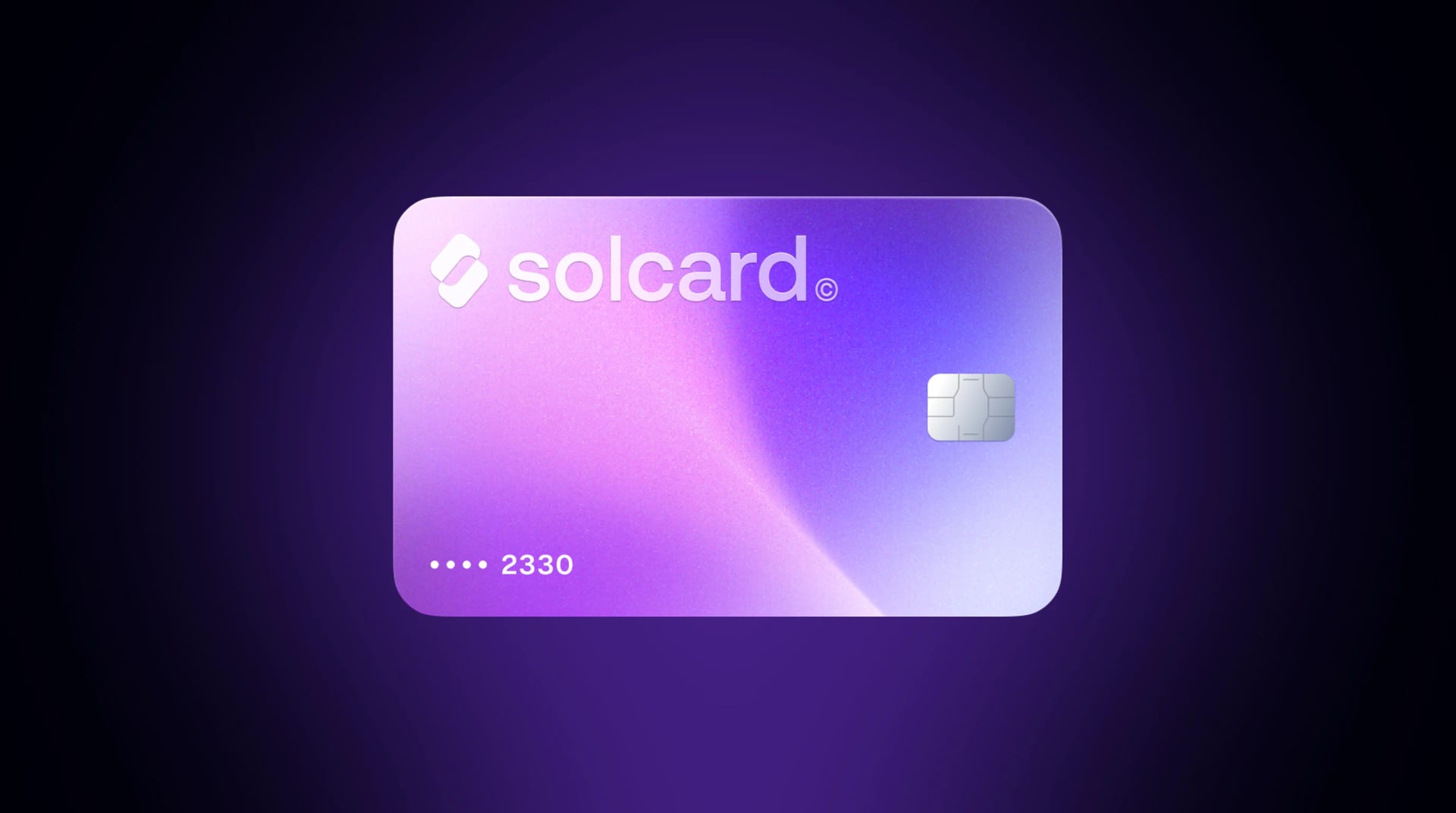
This is the primary method and the only one that renews on its own. A crypto debit card holds a stablecoin balance and converts to fiat at authorization, so Patreon sees a normal Visa or Mastercard charge.
- Open an account with a crypto card provider and get a card number
- Fund it with a stablecoin. SolCard accepts SOL, USDC, USDT and SOLC across nine networks: Solana, Ethereum, Polygon, BSC, HyperEVM, Arbitrum, Optimism, Avalanche and Base
- Go to patreon.com in a browser, not the iOS app, and pick a creator's tier
- Enter the card details, with a billing country and postal code that match the card
- Patreon charges immediately, then re-charges on your billing model's schedule
Once it's in, it behaves like a normal card: renewals run without you, annual plans and Shop items work the same way, and nobody sits between you and the creator. The catch is acceptance. Patreon's checkout rejects some card profiles outright, so this is the one method where you want a backup ready before you need it, and a card with no balance on renewal day fails exactly like an empty bank account.
| Card | Top-up fee | Cost of a $10 pledge | Recurring billing |
|---|---|---|---|
| SolCard Platinum | 0% | $10.00 | Yes |
| SolCard Virtual | 5% | $10.50 | Yes |
| Bybit Card | ~0.9% conversion | ~$10.09 | Yes |
| RedotPay | See RedotPay's fees | Not published | Yes |
| Moon | 1%, $1.00 minimum | $11.00 | Limited (some numbers are single-use) |
SolCard's Virtual tier also carries a $10 one-time issuance fee and a $5,000/month limit, with a 1-2% FX spread on non-USD charges. Platinum is the physical card: no monthly limit, 0% top-up, 0-1.5% FX, Apple Pay and Google Pay, and identity verification is required. Both run on Visa and Mastercard rails in 200+ countries. SolCard is not available in Hong Kong.
Read the fee structure, not just the headline rate. Moon's published fee schedule is 1% with a $1.00 minimum per charge, so a $10 pledge costs $11.00 -- a 10% effective fee, because the flat floor swallows the small ticket. Among the percentage-only providers the spread at $10 really is cents, and it only becomes material at scale: on a $500 annual charge, 5% is $25 and 0% is nothing. Our crypto debit card comparison covers the wider field.
Patreon accepts PayPal natively. Sell crypto on an exchange, withdraw to your bank, link that bank to PayPal, and you have a payment method Patreon treats as first-class.
- Sell crypto on an exchange and withdraw fiat to your bank account
- Link the bank account or a bank-issued debit card to PayPal
- Choose PayPal at Patreon checkout and authorize the recurring billing agreement
Pros: the highest acceptance available, because PayPal is a supported Patreon method rather than a workaround. Full recurring billing. The right answer when a card range is rejected outright.
Cons: slow, at 1-5 business days for the bank leg. Exchange and withdrawal fees stack. You need a bank account in a supported country, and selling crypto for fiat is a disposal in most tax jurisdictions.
Native gifting is the one route that bypasses card screening entirely, because the charge lands on the gifter's payment method rather than yours. Anyone with a Patreon account can gift 1 to 12 months of a creator's membership, and a 12-month gift is priced at the annual rate where the creator offers one.
The conditions are real, though, and they're why this isn't a universal fallback:
- Only creators using subscription billing can have their memberships gifted. If your creator is still on a legacy model, gifting is not available until they migrate
- Tiers with limited spots can't be gifted
- The gifter needs a Patreon account. Guest checkout is not available, and for 18+ creators the gifter must be 18 or over
- Redemption works on desktop or mobile web only. The mobile app can't redeem gifts
- Gifts expire if they aren't redeemed within 90 days, and nothing auto-renews
Resellers such as Rewarble and Coinsbee advertise Patreon products you can buy with crypto. These aren't vouchers Patreon redeems, because Patreon has no gift-code redemption surface at all. What you receive is a third-party prepaid virtual card number that you type into Patreon checkout like any other card, which puts you back on exactly the prepaid profile this post has been warning about, plus a reseller premium over face value. We don't recommend it.
- Fund the card with stablecoins. Load the tier price plus a buffer of at least $5 to absorb any authorization hold. On per-creation billing, load to your monthly maximum instead.
- Check out on the web, never in the iOS app. On an iPhone, use Safari or Chrome. This avoids the roughly 43% App Store uplift.
- Select your currency deliberately. The currency code sits at the bottom of the checkout page, and subscription billing locks it in.
- Match the billing details to the card. Use the billing country and postal code your card provider has on file. A country mismatch is one of the most common decline triggers at any card checkout.
- Confirm the charge landed. Patreon may run a small authorization first. If you see the authorization but not the capture, wait a few minutes before retrying.
- Keep a balance for renewals. A failed charge cuts your access immediately, even though Patreon keeps retrying in the background.
Patreon's card rules are stricter than most subscription checkouts by policy, and that's a real limitation rather than a setting you can talk your way around. About three quarters of Patreon authorizations on SolCard cards are approved on eligible card types. Plan for the possibility that the first attempt fails.
What to do, in order:
- Read the error before you retry. "Payment method not supported" means the card range itself is rejected, and the same card will fail again. "Declined" or "insufficient funds" is a different, usually fixable problem.
- Check the balance and the buffer. An authorization hold slightly above the tier price is normal, so a balance that exactly matches your pledge can fail on the hold alone.
- Verify the billing country and postal code, then retry once. Set them to match the card's issuing country.
- Try your other card. Different tiers are issued on different ranges, so a physical card may clear where a virtual number didn't.
- Space out the attempts. Repeated failures in a short window look like card testing to a risk engine.
- Fall back to PayPal. If the range is rejected, no amount of retrying fixes it, and PayPal is a method Patreon supports natively.
- Ask about a gifted membership. If the creator uses subscription billing and the tier isn't limited, someone with a working payment method can gift you 1 to 12 months.
- Ask the creator. Many run a second membership channel or accept direct support. Not what you searched for, but it solves the actual problem.
A handful of creators at $3-$25/mo: a crypto-funded card. Avoid any provider that charges a flat per-charge minimum, since that floor is what hurts on small pledges. Between percentage-only providers the difference is pennies, so choose on acceptance and keep PayPal in reserve.
Many creators, high tiers, or annual plans: a 0% top-up card matters. On a $500 annual charge, a 5% top-up fee is $25 and a 0% tier is $0. The trade is identity verification.
Weak card acceptance in your country: a gifted membership, if your creator qualifies for gifting.
You already move between crypto and a bank: use PayPal, since you already absorb the off-ramp friction.
If you're consolidating recurring payments onto one funding method, our guide to paying subscriptions with crypto covers how to structure that, how to pay with crypto is the general primer, and the OnlyFans payment guide covers the same quirks on another creator platform.
In most jurisdictions, spending crypto is a disposal of an asset, and a disposal is a taxable event even when the thing you bought is a $5 membership. That holds whether you sold on an exchange first or let a card convert at the point of sale.
Stablecoins keep it simple: a USDC balance held at roughly $1.00 and spent at roughly $1.00 produces a gain of approximately zero. Paying from a volatile asset turns twelve monthly pledges into twelve separate disposals, each at that day's price. Your card provider's transaction history is the record trail. For the fuller picture, see our guide on spending crypto without tax headaches. This is general information, not tax advice; rules differ by country and change often.
No. There's no direct crypto option for memberships, annual plans, gifts or Shop purchases. Accepted methods are cards on the Visa, Mastercard, Discover, JCB and Diners Club networks, plus PayPal, Apple Pay and Venmo. Paying with crypto requires an intermediary, most commonly a crypto-funded card.
Patreon takes a closed list of card networks, and many virtual cards are issued on prepaid BIN ranges that its checkout doesn't clear. When the range is the problem, checkout rejects the number before any balance check runs, which is why the error appears instantly and why retrying the same card doesn't help. Try a card on a different range, or use PayPal.
Often, but not always. Load a buffer, check out on the web, match your billing address, and keep PayPal available as a backup.
Not directly. You load USDC or USDT onto a crypto card and pay Patreon with the card. SolCard accepts SOL, USDC, USDT and SOLC across nine networks including Solana, Ethereum, Base, Arbitrum and Polygon. Stablecoins are the better choice because the amount you load is the amount you can spend.
The web, clearly. Purchases made inside the Patreon iOS app carry Apple's 30% App Store fee, and by default creators raise their in-app prices to absorb it, which works out to roughly 43% above web pricing. Buying the same tier from a mobile browser avoids that.
Patreon cuts your access to member-only content straight away, then retries the charge automatically up to six times inside that month and emails you each time. If the retries keep failing for around 30 days, you're converted to a free member rather than removed. Keep the tier price plus a small buffer loaded ahead of your renewal date.
Sometimes. Gifting only works if your creator uses subscription billing and the tier you want doesn't have limited spots. The gifter needs their own Patreon account, since guest checkout isn't offered, and for 18+ creators both of you must be 18 or over. Redeem on desktop or mobile web, because the app can't do it. Gifts run 1 to 12 months and don't auto-renew.
You choose your currency at checkout using the currency code at the bottom of the page. Under Patreon's subscription billing model you can't edit it afterward, so changing currency means cancelling and signing up again. Pick deliberately at signup.