
Apple Pay Crypto Card: Add a Crypto Visa to Apple Wallet (2026)
Which crypto cards work with Apple Pay in 2026, how to add one to Apple Wallet, real fees, why virtual-only tiers get rejected, and prepaid hold tips.

In this article
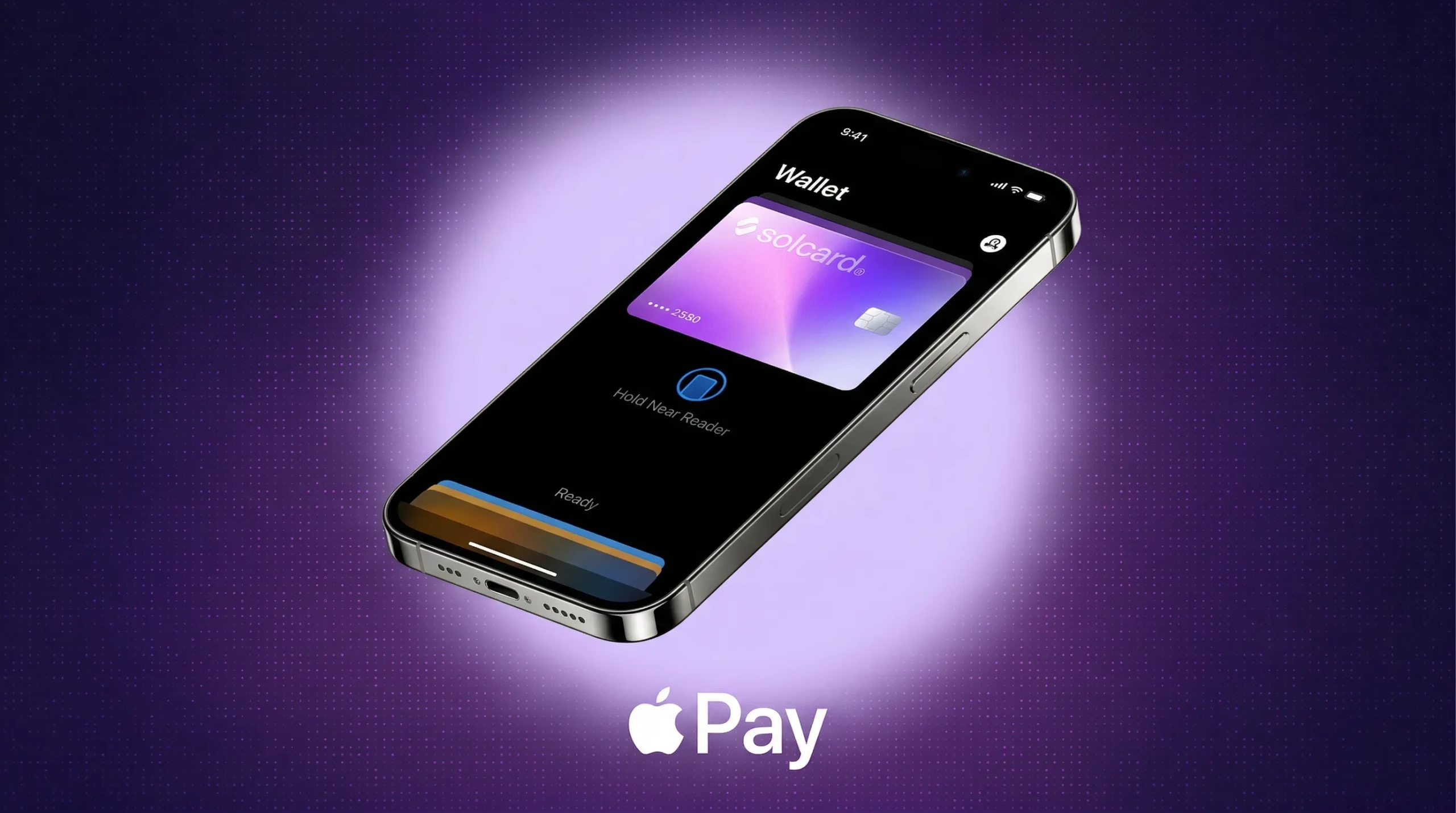
Apple Pay does not accept cryptocurrency directly, but you can tap to pay with crypto anywhere contactless cards work by adding a supported Visa or Mastercard crypto debit card to Apple Wallet. Apple charges $0 for Apple Pay; the only costs come from your card provider's top-up, FX, or conversion fees.
Here is which crypto cards actually provision to Apple Wallet in 2026, why virtual-only and unverified tiers get declined during setup, how to add your card step by step, and the prepaid hold quirks to expect at restaurants and gas pumps.
Apple Pay runs strictly on Visa, Mastercard, and American Express rails. No blockchain transaction happens when you tap your iPhone at a terminal.
Instead, two separate rails do two different jobs:
- The funding rail (crypto): You send USDC, USDT, SOL, or another supported coin from your wallet to your card account (or keep it in self-custody on MetaMask Card). On Solana or an Ethereum L2, that top-up settles for under a cent.
- The payment rail (Visa/Mastercard): Apple Pay transmits a tokenized Device Account Number via NFC, and the merchant receives normal fiat currency.
This is also why "buying crypto with Apple Pay" (using Apple Pay at an on-ramp to buy tokens) is the opposite of spending crypto with Apple Pay (using a crypto-funded card inside Apple Wallet). For the basics of how these cards convert balances, see what a crypto debit card is.
Not every card from a given provider supports Apple Wallet. Many companies enable mobile wallet provisioning only on their identity-verified tier.
| Card | Apple Pay | Google Pay | Top-up / conversion fee | KYC required | Key limitation |
|---|---|---|---|---|---|
| SolCard Platinum | Yes | Yes | 0% | Yes | Not available in the US; no cashback |
| Crypto.com Visa | Yes | Yes | 0% fiat / 1% debit (US) | Yes | Rewards require CRO stake or subscription |
| MetaMask Card | Yes | Yes | 0% matching stablecoin; 0.5-0.875% other | Yes | New US/UK signups paused; $199/yr Metal |
| Coinbase Card | Yes | Yes | 0% USD/USDC; spread on other crypto | Yes | US only (excl. Hawaii) |
| Bybit Card | Yes | Yes | Varies | Yes | Regional restrictions |
| KuCard (KuCoin) | Yes | Yes | Varies | Yes | EUR-denominated |
| Oobit | Yes | Yes | Varies | Yes | Regional availability |
| SolCard Virtual | No | No | 5% | No | Online payments only |
Check both your tier and your country before signing up
Apple Pay provisioning depends on the exact card tier and region. On SolCard, only Platinum supports Apple Pay and Google Pay, and Platinum is available outside the United States only (US residents can use the online-only Virtual tier). Nearly every Apple Pay-enabled crypto card across the industry requires identity verification.
Adding a card to Apple Wallet is a provisioning request, not a simple form. Apple sends your card details to the issuing bank, and the bank decides whether that specific BIN and tier is enrolled before Visa or Mastercard mints the Device Account Number. Apple states that Apple Pay requires a supported card from a participating issuer.
Three factors decide whether provisioning succeeds: whether the partner bank enrolled that card program, whether your specific tier requires KYC (unverified tiers are almost always excluded), and whether provisioning is enabled in your country.
You need an iPhone 8 or later running iOS 16+ (iOS 18+ for Tap to Provision), Face ID or Touch ID with a device passcode, and an iCloud-signed Apple Account.
- Open your crypto card app and open your card management screen.
- Tap Add to Apple Wallet and follow the prompts.
- Confirm with Face ID or passcode and accept the issuer terms.
- Open the Wallet app on your iPhone and tap +.
- Choose Debit or Credit Card and tap Continue.
- Scan the card or enter the card number, expiration date, and CVV manually.
- Complete issuer verification (SMS code, email code, or in-app approval).
On iOS 18 or later with a physical NFC crypto card, you can also tap the card to the back of your iPhone and enter the CVV. To add the same card to an Apple Watch, open the Watch app on your iPhone, go to Wallet & Apple Pay, and tap Add Card.
Apple charges consumers $0 to use Apple Pay. Your real cost is the card's own fee stack:
| Fee type | What it covers | Typical range |
|---|---|---|
| Top-up / conversion fee | Turning crypto into fiat balance | 0% to 5% |
| FX fee | Paying in a currency other than your card's base | 0% to 2% |
| Exchange spread | Hidden gap between spot price and card rate | 0% to 2.5% |
| Card issuance | One-time card creation | $0 to $10 (up to $199/yr for metal) |
On SolCard Platinum (the tier that supports Apple Pay, outside the US):
- Top-up fee: 0%
- FX spread: 0-1.5%
- Per-transaction fee: $0.30 (per the SolCard fee breakdown)
- Card issuance: $10 per card
- Monthly fee: $0
For a broader look at card costs across eight providers, see our 2026 best crypto debit cards comparison or our Google Pay crypto card guide if you use Android.
When you add a card to Apple Wallet, your real card number is never stored on your iPhone or shared with merchants. Apple and your issuer generate a tokenized Device Account Number stored in the iPhone's hardware Secure Element, and every tap generates a one-time dynamic security code.
That matters extra for prepaid crypto cards, where replacing a skimmed card number is more disruptive than calling a local bank. Every tap requires Face ID or Touch ID, NFC prevents magnetic skimming, and you can suspend Apple Pay remotely through Find My iPhone if you lose your phone.
Update iOS, confirm your specific card tier supports Apple Pay in your country, verify your card is active in the provider's app, and check that you have not hit Apple Wallet's 16-card limit per device.
Prepaid crypto cards only spend what you have loaded. Merchants that do not know the final bill upfront (fuel pumps, restaurants adding tips, hotels, car rentals) place a temporary authorization hold higher than the initial subtotal.
Keep a 20% buffer on your card for restaurants and travel
If your dinner bill is $80, the restaurant may pre-authorize $100 to cover a tip. If your prepaid balance is $85, the tap declines even though you have enough for the meal. Avoid using prepaid crypto cards for large hotel or rental-car security deposits, which can tie up funds for several days.
In the US and most other countries, converting crypto to fiat is a taxable disposal. Loading USDC or USDT instead of volatile coins like SOL or BTC keeps capital gains near zero on everyday coffee and grocery taps. See our crypto spending and taxes guide for details.
If you live outside the US (and outside restricted countries), setting up SolCard Platinum takes a few minutes:
- Sign up on SolCard with your email and one-time login code.
- Complete identity verification (government photo ID and liveness check) to activate Platinum.
- Open your Platinum card details in the dashboard and add the card to Apple Wallet.
- Deposit SOL, USDC, USDT, or other supported tokens across 9+ networks including Solana, Ethereum, Base, and Polygon at 0% top-up fee.
- Tap to pay at any contactless terminal worldwide.
For other ways to spend crypto in daily life, see how to pay with crypto.
SolCard Platinum (outside the US), Crypto.com Visa, MetaMask Card (where signups are open), Coinbase Card (US only), Bybit Card, KuCard, and Oobit support Apple Pay. Every one of them requires identity verification.
Usually no. Card networks and Apple's compliance rules generally require an identity-verified card program for wallet provisioning. For example, SolCard Virtual works online without ID up to $10,000/month, but only SolCard Platinum provisions to Apple Wallet and Google Pay.
No. Apple charges consumers $0. Any cost comes from your card provider's top-up fee, FX spread, or conversion markup.
No. In the United States, SolCard offers its online-only Virtual tier, which does not support Apple Pay or Google Pay. US residents looking for Apple Pay with crypto should look at Coinbase Card or Crypto.com Card.
Yes. Apple Pay works at any contactless Visa or Mastercard terminal worldwide. Your card's FX fee applies on non-base-currency purchases (0-1.5% on SolCard Platinum).
In the US and most major jurisdictions, yes, if you are converting a volatile asset like BTC, ETH, or SOL into fiat. Funding your card with USDC or USDT keeps capital gains near zero.
Yes. Add the card through the Apple Watch app under Wallet & Apple Pay, then double-click the side button to pay at any contactless terminal.
Apple Pay turns a crypto card from an online checkout tool into an everyday wallet. Pick a verified tier that explicitly supports Apple Wallet in your country (Coinbase Card or Crypto.com in the US; SolCard Platinum or MetaMask Card in supported international markets), fund it with stablecoins to avoid volatility and tax noise, and keep a small balance buffer for restaurant and transit holds.



