
Patreon Payment Methods: Accepted Cards, PayPal, Gift Cards
Patreon accepts Visa, Mastercard, Discover, JCB, Diners Club, PayPal, Apple Pay, and US Venmo. No Amex, no prepaid gift cards, and how to skip the 30% iOS fee.

In this article
Patreon accepts Visa, Mastercard, Discover, JCB, and Diners Club credit and debit cards, plus PayPal, Apple Pay (USD), and Venmo (US only). American Express, Sofort, direct cryptocurrency, and prepaid gift cards are not supported, and subscribing inside the Patreon iOS app adds Apple's 30% in-app fee unless you check out on the web.
Per Patreon's member payment options:
| Method | Accepted? | Notes |
|---|---|---|
| Visa / Mastercard / Discover / JCB / Diners Club | Yes | Credit and debit |
| PayPal | Yes | Supported wallet option |
| Apple Pay | Yes (USD) | Supported devices only |
| Venmo | Yes (US only) | Cannot pay directly from a Venmo cash balance |
| American Express | No | Not on Patreon's accepted network list |
| Prepaid gift cards | No | Explicitly unsupported by Patreon |
| Sofort | No | Discontinued by Patreon |
| Cryptocurrency (direct) | No | Requires a crypto-funded card on an accepted network |
Patreon's payment history documentation explicitly states that prepaid "gift" cards are not supported. Because Patreon bills on a recurring schedule, fixed-balance rack gift cards are guaranteed to fail at renewal and are blocked up front. Any card you use on Patreon needs to be reloadable.
Patreon moved creators away from legacy 1st-of-the-month and per-creation billing onto subscription billing (with legacy creators required to transition by November 1, 2026 per Patreon's billing documentation). Under subscription billing, you are charged when you join and on the same calendar date each following month.
Per Patreon's iOS in-app purchase guide, new memberships and Shop purchases inside the iOS app are subject to Apple's 30% App Store fee, and Patreon raises iOS prices by default so creators keep their full payout.
Subscribe in Safari or Chrome instead of the iOS app
Open patreon.com in your phone's mobile browser and check out on the web. You avoid the iOS markup completely and still get full access inside the Patreon iOS app afterward.
Per Patreon's failed-payment policy, Patreon retries a declined charge up to six times within the month while restricting member-only access until paid. After roughly 30 days of failed retries, the membership downgrades to free.
Most declines trace to an unsupported network (Amex), a blocked prepaid gift-card BIN, an address verification (AVS) mismatch, or insufficient balance for a temporary authorization hold.
Because Patreon does not accept crypto directly, crypto holders fund a reloadable prepaid crypto card on Visa or Mastercard and check out on the web.
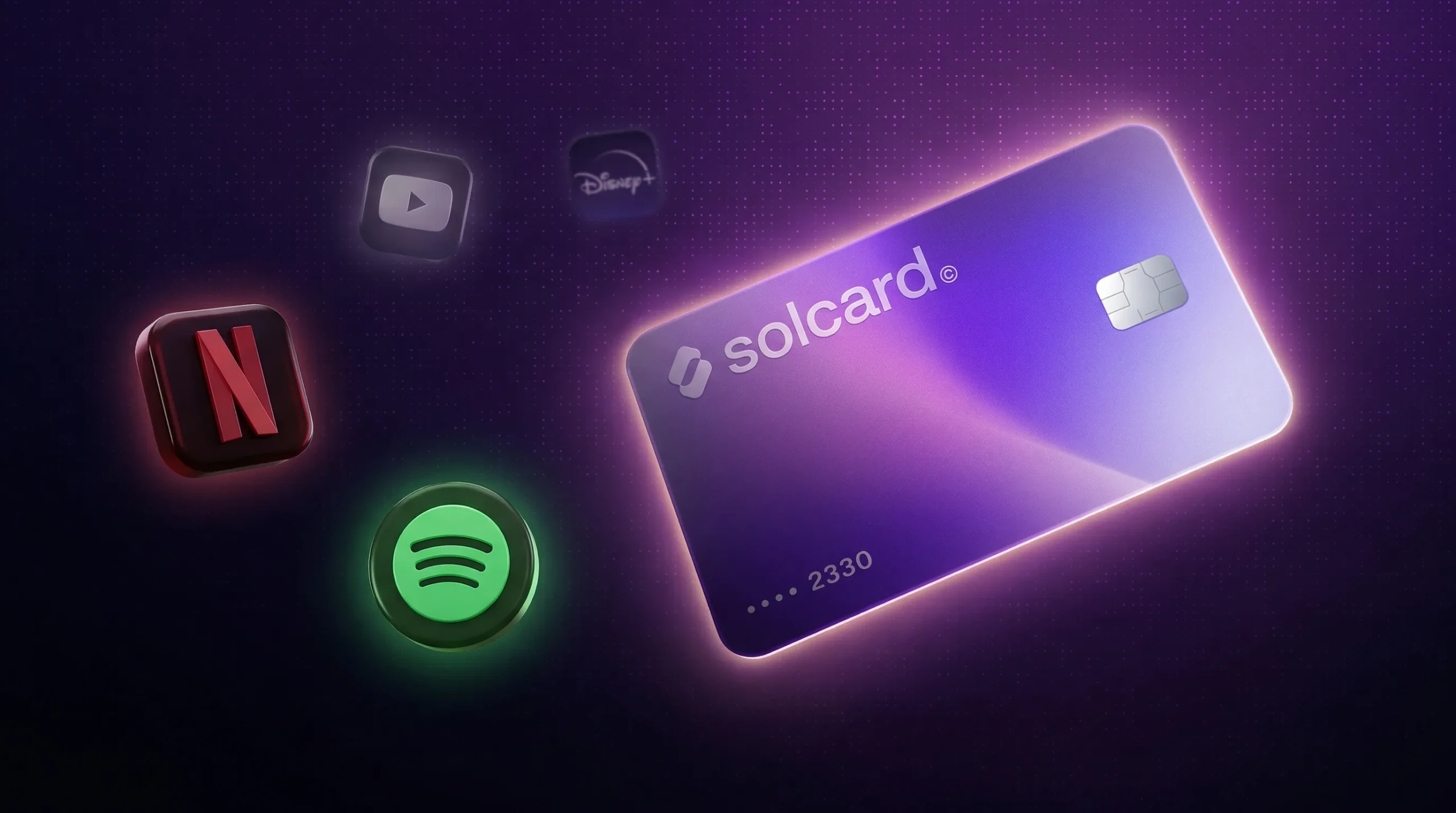
SolCard issues reloadable Visa and Mastercard cards funded with SOL, USDC, USDT, BTC, ETH, and other tokens across 9+ networks (Solana, Ethereum, Base, Polygon, and more). Both tiers carry a $10 one-time issuance fee, $0.30 per transaction, $0 monthly fee, and no cashback program:
- Platinum (outside the US): 0% top-up fee, 0-1.5% FX spread, no monthly limit, physical and virtual cards, Apple Pay and Google Pay, identity verification required.
- Virtual (including the US): 5% top-up fee, 1-2% FX spread, $10,000 monthly limit, online-only, no identity verification required.
Keep your card funded above the tier price so authorization holds and renewals clear cleanly, and note that merchant-side BIN decisions always rest with Patreon's processor. For a full walkthrough, see how to pay for Patreon with crypto, paying for subscriptions with crypto, virtual cards explained, and OnlyFans or Fansly payment guides.
Visa, Mastercard, Discover, JCB, and Diners Club credit and debit cards, plus PayPal, Apple Pay (USD), and Venmo (US only). American Express, Sofort, prepaid gift cards, and direct crypto are not accepted.
No. Patreon explicitly states that prepaid gift cards are not supported because they cannot reliably support recurring monthly memberships.
No. American Express is not on Patreon's accepted network list.
Not directly. You can pay indirectly by funding a reloadable Visa or Mastercard crypto card and entering it at Patreon's web checkout.
Apple charges a 30% fee on iOS in-app purchases, and Patreon increases in-app prices by default to cover it. Subscribing through patreon.com in a mobile or desktop browser avoids the markup.
Patreon retries up to six times over the month, restricts paid perks until collected, and converts the membership to free after roughly 30 days of unresolved failures.
Check out on patreon.com in a browser (never the iOS app) to skip Apple's 30% fee, avoid Amex and non-reloadable gift cards, and keep a small balance cushion on a reloadable Visa or Mastercard. If you pay from crypto outside the US, SolCard Platinum keeps ongoing card cost to $0.30 per monthly renewal.



