How to Buy Steam Games with Crypto: 4 Methods That Work in 2026

Steam does not accept Bitcoin, Ethereum, USDT, or any cryptocurrency directly. Valve dropped Bitcoin support back in December 2017, citing volatility and high transaction fees, and has shown no signs of bringing it back. You can still buy Steam games with crypto in 2026 using a few proven workarounds. Steam has over 130 million monthly active users and remains the largest PC gaming marketplace in the world, and plenty of them already spend crypto on games.
That does not mean you are stuck. Over 644 SolCard users regularly spend crypto on Steam, and thousands more gamers use other workarounds every day. This guide covers four practical methods to buy Steam games with crypto in 2026, with real fee comparisons so you can pick the one that costs you the least.
Steam briefly accepted Bitcoin through BitPay from April 2016 to December 2017. The experiment ended for three reasons:
- Volatility. Bitcoin's price swings meant a $60 game could cost $65 or $55 by the time the transaction confirmed. Steam had to issue refunds when prices dropped mid-checkout.
- High fees. Bitcoin network fees averaged $20+ during the 2017 bull run. Paying a $20 fee on a $30 game made no economic sense.
- Fraud. Valve's Gabe Newell said roughly 50% of Bitcoin transactions on Steam were fraudulent.
Since then, Steam has not added any cryptocurrency as a payment method. The platform currently accepts Visa, Mastercard, American Express, PayPal (with regional restrictions as of 2026), and Steam Wallet funds.
Several workarounds let you spend your crypto on Steam without waiting for Valve to change its mind.
This is the most popular method and the one most crypto gamers default to. You purchase a Steam Wallet gift card from a third-party platform using cryptocurrency, then redeem the code on Steam.
- Visit a gift card platform (Bitrefill, Coinsbee, or CryptoRefills)
- Select a Steam gift card in your account's currency
- Choose your cryptocurrency and complete the payment
- Receive the gift card code via email (usually within minutes)
- Open Steam, go to Games > Redeem a Steam Wallet Code, and enter the code
- The balance appears in your Steam Wallet and you can buy any game
| Platform | Cryptos Accepted | Markup/Fees | Delivery Time | KYC Required | Steam Regions |
|---|---|---|---|---|---|
| Bitrefill | BTC, Lightning, ETH, USDT, USDC, LTC, DOGE, Dash | ~2-3% built into price | Instant | No (up to $500/day) | US, EU, UK, others |
| Coinsbee | 200+ cryptos across 150 networks | Varies by crypto | Under 3 minutes | No (under ~$1,000) | 30+ countries |
| CryptoRefills | BTC, ETH, USDT, USDC, SOL, LTC, DOGE | ~1-3% markup | Instant | No | Multiple regions |
Pros:
- No identity verification needed for small purchases
- Works with dozens of cryptocurrencies
- Gift card codes are delivered almost instantly
- You get full access to Steam's entire game library
Cons:
- Gift cards are currency-locked, so a USD card only works on a USD Steam account
- You pay a 2-3% markup on top of the card's face value
- Leftover balances sit in your Steam Wallet (not withdrawable as crypto)
- No refunds once the code is generated
Steam gift cards must match your account's currency. A USD gift card will not redeem on a EUR-denominated account. Always verify your Steam account's currency in Settings > Account Details before purchasing. If you buy from a platform like Coinsbee, make sure to select the correct country/region to avoid getting a code you cannot use.
Steam accepts Visa and Mastercard at checkout. A crypto debit card converts your crypto to fiat at the point of sale, so Steam sees a normal card payment. It is the most flexible method because it works for any Steam purchase, not just games. DLC, in-game items, subscriptions, and Steam Wallet top-ups all run through the same card.
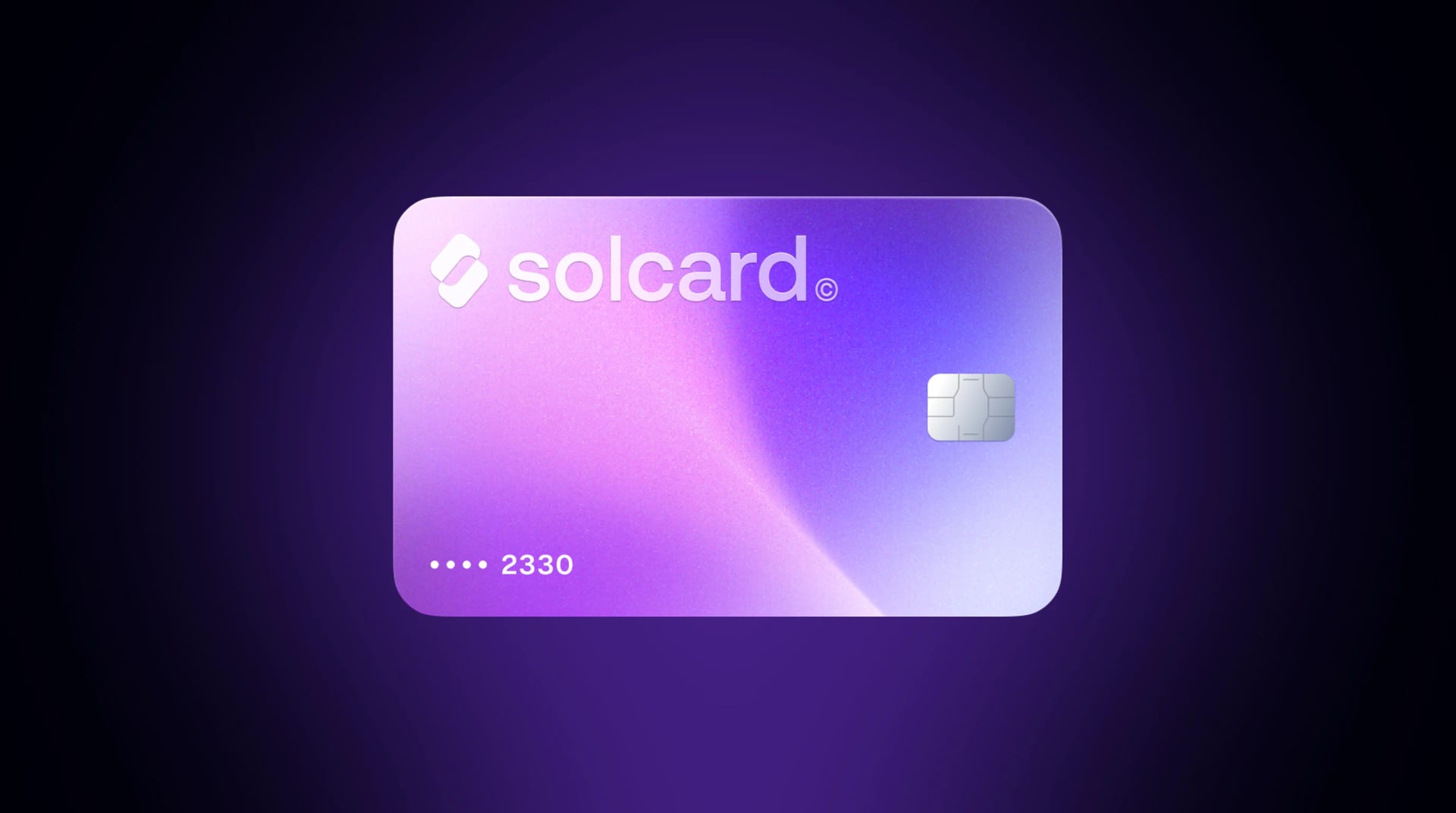
- Get a crypto-funded Visa or Mastercard (like SolCard, Coinbase Card, or BitPay Card)
- Load your card with crypto (SOL, USDC, USDT, etc.)
- Add the card as a payment method in Steam
- Buy games directly at checkout, and the card handles the crypto-to-fiat conversion
Unlike gift cards, a crypto debit card gives you exact-amount payments. If a game costs $29.99, you pay $29.99 worth of crypto (plus any card fees). No leftover balance stuck in a Steam Wallet.
You can also use the card during Steam sales. The Spring Sale runs March 19-26, the Summer Sale June 25-July 9, and the Winter Sale starts December 17. A crypto card ready to go means you can jump on deals without first buying gift cards in specific denominations.
| Card | Top-Up Fee | Per-Transaction Fee | FX Fee | KYC Required |
|---|---|---|---|---|
| SolCard Virtual | 5% | $0 | 1-2% | No |
| SolCard Platinum | 0% | $0 | 0-1.5% | Yes |
| Coinbase Card | Spread (~1.5%) | $0 | Varies | Yes |
| BitPay Card | $0 (US) | $0 | N/A (US only) | Yes |
| MetaMask Card | $0 | ~1% | Varies | Yes |
SolCard's trade-off: One thing to check before topping up: gaming purchases depend on the card type you hold. Card issuers classify Steam under a gaming merchant category that some SolCard card types permit and others block outright. A card without gaming permissions returns an "unauthorized merchant category" style decline, and adding more funds will not clear it — if your SolCard declines at Steam, contact support and ask whether your card type supports gaming merchants before you retry. On fees: the Virtual tier charges a 5% top-up fee, which is higher than gift card markups, while the Platinum tier (which requires KYC) drops it to 0%. SolCard also does not offer cashback, so if rewards matter to you, cards like Coinbase or Crypto.com may be better for high-volume spending. For a broader comparison, see our best crypto debit cards roundup.
To use a crypto debit card on Steam:
- Open Steam and go to Account Details > Add a Payment Method
- Select Visa or Mastercard
- Enter your card number, expiration date, and CVV
- Steam may place a small authorization hold to verify the card
- Once verified, the card appears as a saved payment method for all future purchases
If your SolCard card type supports gaming merchants, Platinum users can also add the card to Apple Pay or Google Pay and use those as payment methods on the Steam mobile app.
Instead of loading your Steam Wallet, you can buy individual game activation keys from crypto-native key shops. You receive a Steam key, activate it directly in your Steam library, and never deal with gift card denominations or wallet balances.
-
Joltfun specializes in Bitcoin and Lightning Network payments, with over 22,000 games across 10 platforms including Steam. CoinJournal ranked it the #1 shop for buying PC games with Bitcoin, and Lightning payments deliver keys within seconds.
-
Keys4Coins accepts BTC, ETH, LTC, XMR, DOGE, and more, with over 19,000 Steam products available. It also sells gift cards and software, and no account is required to buy.
- Open Steam and go to Games > Activate a Product on Steam
- Follow the prompts and enter the key you received
- The game downloads directly to your library
Pros:
- Often cheaper than buying at full price on Steam (especially for older titles)
- Lightning Network payments on Joltfun are near-instant with sub-cent fees
- Good selection of indie and AAA games
- No identity verification
Cons:
- Key availability varies, and new releases may not be listed immediately
- Keys are non-refundable, and Steam's refund policy does not apply to third-party keys
- Some keys may be region-restricted
- You need to verify the seller's reputation to avoid invalid keys
Steam allows users to purchase games as gifts for other accounts. If you know someone willing to accept crypto in exchange for gifting you a game on Steam, this peer-to-peer approach works without any intermediary.
- Find a trusted person willing to buy a Steam game for you
- Send them crypto (agree on the amount and exchange rate)
- They purchase the game on Steam and send it to your account as a gift
- You accept the gift in your Steam library
Subreddits like r/GiftCardExchange and r/GameTrade facilitate these swaps, though they carry inherent trust risks. Escrow services and reputation systems help, but scams exist. This method works best between friends or established community members.
Caution: This is the riskiest method. There is no buyer protection, and once you send crypto, the transaction is irreversible. Only trade with verified, reputable users and use an escrow service when dealing with strangers.
Here is what you would actually pay to buy a $60 game using each method:
| Method | Effective Cost | Total Fees | Time to Play |
|---|---|---|---|
| Gift card (Bitrefill) | ~$61.50-$61.80 | ~$1.50-$1.80 (2-3% markup) | Under 5 minutes |
| SolCard Virtual | ~$63.00 | $3.00 top-up fee | Under 2 minutes |
| SolCard Platinum | ~$60.00 | $0 | Under 2 minutes |
| Game key (Joltfun) | Varies (often under $60) | Network fee only | Under 5 minutes |
| P2P gifting | Negotiated | Network fee | Varies |
For a single purchase, gift card platforms offer a good balance of low fees and convenience. For regular Steam spending, a Platinum-tier crypto card is the most economical option since you avoid per-card markups and can pay exact amounts.
Every method listed above involves spending cryptocurrency, which is a taxable event in most jurisdictions. In the US, when you use crypto to buy a gift card, pay with a crypto debit card, or purchase a game key, the IRS treats it as a disposal of a capital asset.
What this means in practice:
- If your crypto has appreciated since you bought it, you owe capital gains tax on the difference
- Short-term gains (held under 1 year) are taxed at your income tax rate (10-37%)
- Long-term gains (held over 1 year) are taxed at 0-20%
- If your crypto has lost value, you can claim the loss
Stablecoin advantage: If you hold USDC or USDT and spend them at roughly the same price you acquired them, your taxable gain is effectively zero. This is one reason stablecoins are popular for everyday crypto spending, including gaming purchases. SolCard supports USDC, USDT, and other stablecoins across 9+ networks, which makes it practical for gamers who want to avoid capital gains headaches.
As of January 2025, US crypto exchanges report transactions to the IRS via Form 1099-DA. Keep records of your cost basis and every crypto purchase you make, even for a $10 indie game.
Steam runs major sales throughout the year. The biggest ones in 2026:
- Spring Sale: March 19-26
- Summer Sale: June 25 - July 9
- Autumn Sale: October 1-8
- Winter Sale: December 17 - January 4, 2027
Games regularly drop 40-90% during these events. Combining a crypto payment method with a Steam sale maximizes your spending power.
If you are paying with Bitcoin or SOL, price swings between initiating and completing your purchase can change what you actually pay. Stablecoins like USDC and USDT are pegged to the US dollar, so $50 in USDC buys exactly $50 worth of games. This matters most with gift card purchases where you cannot adjust the amount mid-transaction.
Gift card platforms sell cards in fixed denominations ($10, $20, $50, $100). If a game costs $39.99, buying a $50 card leaves $10.01 in your Steam Wallet. That is not necessarily bad, since you will likely spend it eventually, but it does mean more crypto leaves your wallet than you intended. A crypto debit card solves this by charging the exact amount.
If you are using Coinsbee or Bitrefill and paying with Ethereum, you will pay gas fees on top of the gift card markup. Networks like Solana (under $0.01 per transaction), Lightning Network, or Polygon offer dramatically lower fees. SolCard is built on Solana, which means top-ups settle in seconds for fractions of a cent.
The right method depends on how often you buy games and whether privacy matters to you.
For occasional purchases (a few games per year): Gift card platforms like Bitrefill or Coinsbee are the simplest. You pay a small markup, get your code instantly, and do not need to set up a card or create an account.
For regular Steam spending: A crypto debit card makes more sense. The SolCard Platinum tier charges 0% on top-ups, making it cheaper than gift card markups over time. Plus, you can use the same card at other gaming platforms (Epic Games Store, PlayStation Store, Xbox) and at any merchant that accepts Visa or Mastercard. That includes major retailers. See our guide to buying on Amazon with crypto and the broader crypto shopping guide.
For privacy-focused buyers: Gift card platforms (no KYC under $500-$1,000) and game key shops like Keys4Coins work without identity verification. SolCard's Virtual tier also requires no KYC but carries a 5% top-up fee.
For Bitcoin Lightning users: Joltfun is built for exactly this, with sub-second payments, near-zero fees, and instant key delivery.
Not directly. Steam dropped Bitcoin support in December 2017 and has not added any cryptocurrency since. However, you can buy Steam games with crypto indirectly through gift card platforms (Bitrefill, Coinsbee), crypto debit cards that work with Steam's Visa/Mastercard checkout, game key shops (Joltfun, Keys4Coins), or peer-to-peer gifting.
Valve cited three main issues: Bitcoin's price volatility made pricing unpredictable, network fees reached $20+ per transaction during the 2017 bull run, and roughly half of Bitcoin transactions on Steam were fraudulent according to Gabe Newell. These problems made crypto impractical as a payment method for digital game purchases at the time.
No. Steam does not accept Binance Pay or any crypto-native payment method directly. You can use Binance Pay on platforms like Coinsbee to buy Steam gift cards, but you cannot use it at Steam's checkout.
For one-off purchases, buying game keys from Joltfun with Bitcoin Lightning often offers the lowest total cost since Lightning fees are under $0.01. For regular spending, a crypto debit card with no top-up fee (like SolCard Platinum) is cheaper over time than paying gift card markups on every purchase.
Yes. Steam gift cards are currency-locked and must match your account's region/currency. A USD gift card will not work on a EUR account. Always select the correct country when purchasing from platforms like Bitrefill or Coinsbee to avoid getting a code that cannot be redeemed.
Yes, buying gift cards with cryptocurrency is legal in most jurisdictions. However, spending crypto (including on gift cards) is considered a taxable event in the US and many other countries. You may owe capital gains tax if your crypto has appreciated since you acquired it. Consult a tax professional for advice specific to your situation.
Yes. Once a crypto debit card (Visa or Mastercard) is saved as a payment method on your Steam account, it works for anything on Steam: games, DLC, in-game microtransactions, and Steam Wallet top-ups. The card converts crypto to fiat at the point of sale, so Steam processes it like any normal card payment.
Stablecoins like USDC and USDT are the most practical choice. They avoid the price volatility of Bitcoin or Ethereum, minimize capital gains tax exposure, and are supported by most gift card platforms and crypto debit cards. If you value speed and low fees, paying with stablecoins on Solana or using Bitcoin over the Lightning Network gives you the best combination of low cost and fast confirmation.