Facebook Ads Payment Methods in 2026: What Meta Accepts and How to Pay with Crypto
New: a card built for ad platforms
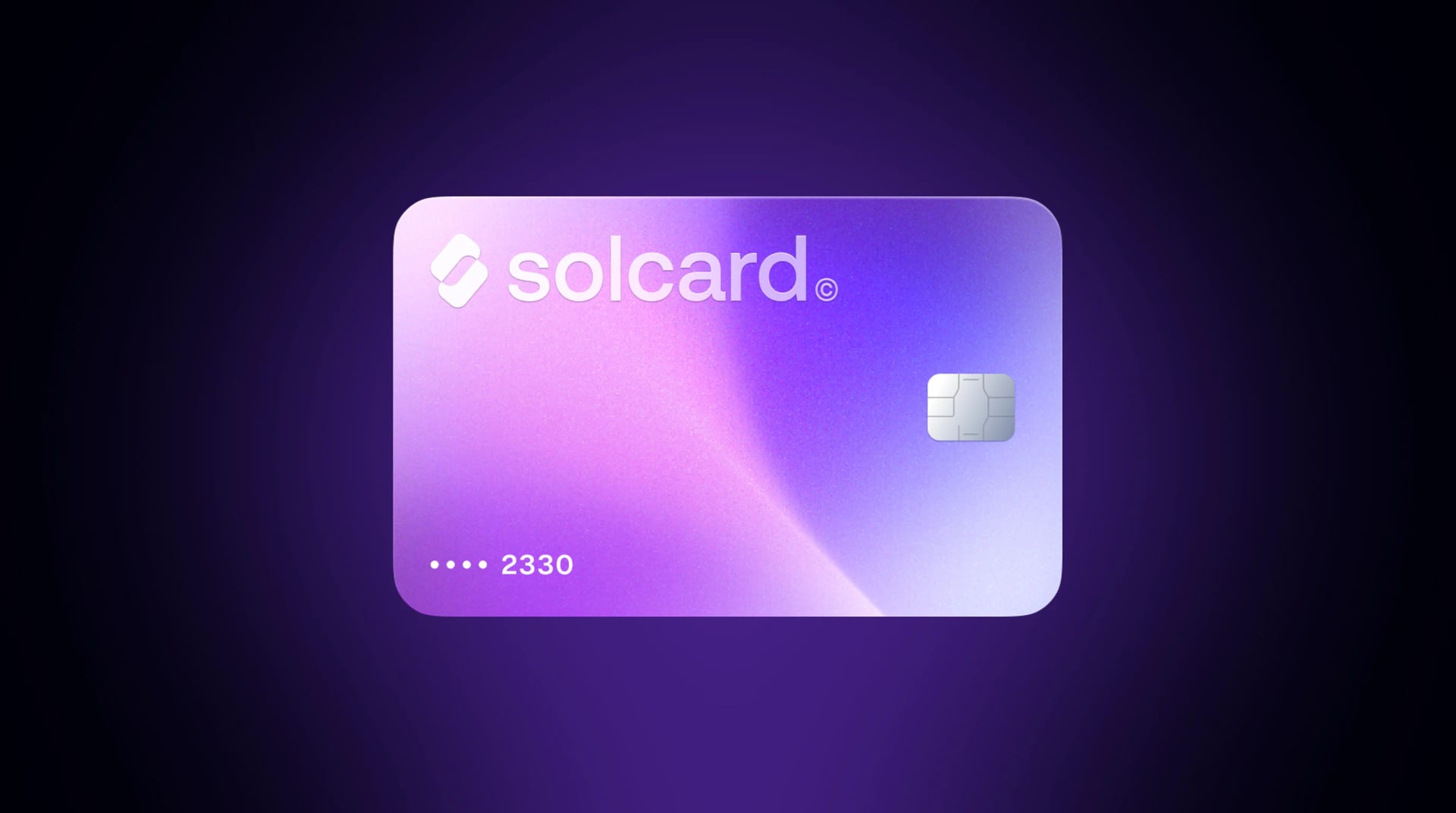
Virtual for AI & Ad Spend is a virtual card made for AI tools and ad platforms, including Meta Ads. Top it up with USDT, USDC, USDG, EURC, ETH, BNB, POL, AVAX, HYPE, wBTC, wETH or SOL: $10 for the card, 5% per top-up. Get Virtual for AI & Ad Spend.
Meta accepts four kinds of payment for Facebook and Instagram ads: credit and debit cards (Visa, Mastercard, American Express, Discover and JCB), PayPal, direct debit from a bank account in supported countries, and local manual payment methods in some countries and currencies. Which of these you see in Ads Manager depends on your ad account's country and currency. There is no option to pay in crypto directly.
This guide covers every method, the one setup decision that is hard to undo, how Meta's billing threshold charges your card, why payments fail, and how to fund ads with crypto through a card.
| Method | Works for Meta ads? | Notes |
|---|---|---|
| Visa, Mastercard, Amex, Discover, JCB | Yes | Credit or debit. Sets the account to automatic payments if your bank supports recurring charges on the card |
| PayPal | Yes | Automatic payments only |
| Direct debit | Some countries | Automatic payments, with no payment threshold |
| Local manual methods (Boleto, PIX, UPI, Alipay, VNPay and others) | Some countries | Sets the account to a prepaid balance ("available funds") |
| Crypto, directly | No | Use a crypto-funded card instead |
| Gift cards | No | Not on Meta's list |
Source: Meta's accepted payment options for Meta ads.
Meta has two payment settings, and the first payment method you add when you create your first ad picks one for you:
- Automatic payments. Chosen when the first method is a card or PayPal. Meta runs your ads first and charges the card afterwards, each time your costs reach a set amount.
- Available funds. Chosen by the other methods, such as Boleto or UPI. You add money to a prepaid balance first and Meta deducts from it, up to once a day, as your ads run.
Meta says you may be locked into whichever setting you start with, although some advertisers get both on the same ad account. If you plan to pay by card, add the card before you publish your first ad.
On automatic payments, Meta doesn't charge per click or per day. It charges when your unpaid ad costs reach your payment threshold, and again on your monthly bill date for whatever is left over.
New ad accounts start with a small threshold. Meta's own example is $25. Every successful payment can raise it, until it reaches a final amount. That's why a single campaign can produce several charges in one month, and why you can still get charged after your ads have stopped.
This matters most for prepaid and crypto-funded cards. The card has to hold enough balance for the next threshold charge, not just today's spend. If the charge fails, Meta pauses your ads until the balance is paid. You can lower the maximum threshold in Billing & payments > Payment settings so each charge stays small.
These are the most common reasons a card fails in Ads Manager. Most come straight from Meta's guidance on preventing payment failures.
- Not enough balance for the threshold charge. This is the most common decline on prepaid cards. Keep the card topped up above your current threshold, especially near your monthly bill date.
- The card has no CVV. Meta accepts only cards with a security code.
- The card is used on too many ad accounts. Meta limits how many accounts a single payment method can be added to.
- A per-transaction limit. If your card caps single charges, lower your payment threshold to that amount.
- The card isn't available in your country, or the issuer blocks international or recurring online charges. Local debit cards often fail this way.
- Address mismatch. If the billing address in Ads Manager doesn't match what the issuer has on file, address verification can fail.
After a decline, fix the cause before retrying. Repeated failed payments can get the ad account restricted, and that is much harder to undo than a paused campaign. Adding a backup payment method, as Meta suggests, keeps ads running if the main card fails.
Meta doesn't take crypto, but it takes cards. A crypto-funded card fills the gap: you top it up with stablecoins or other crypto, the crypto is converted to USD, and Meta sees an ordinary card charge.
In our own payment data from July 21 to October 18, 2026, 269 SolCard users paid for Meta ads. Almost every decline was on the card's side, not Meta's: on the Platinum card, 408 of 412 declined Meta charges were cards without enough balance. Leaving out declines for low balance or a frozen or cancelled card, 99.9% of Meta charges on Platinum and 98.7% on the Virtual card went through. The lesson from the data is the same as Meta's advice: keep enough on the card for the next threshold charge.
- Get a card that works on ad platforms. Virtual for AI & Ad Spend is the SolCard card built for Meta Ads, Google Ads, TikTok Ads and AI tools. It's a prepaid virtual card: $10 to issue, 5% per top-up. If you're happy to verify your identity, the Platinum card has no top-up fee.
- Top it up with USDC or USDT (on Solana, Ethereum, Base, Arbitrum, Optimism, BNB Chain, Polygon, Avalanche or HyperEVM), USDT on Tron, USDG, EURC, or SOL, ETH, BNB, POL, AVAX, HYPE, wBTC or wETH. Stablecoins keep the amount predictable.
- Open Ads Manager > Billing & payments > Payment methods and add the card number, expiry and CVV. On a new ad account, do this before you publish your first ad, so the account is set up for automatic payments.
- Set it as the default payment method and, if you want smaller charges, lower your maximum payment threshold.
- Keep the balance above your next threshold charge. Top up ahead of time and ads don't pause.
Meta charges what your ads cost. Virtual for AI & Ad Spend adds 5% on top, so a $1,000 monthly ad budget costs $1,050 in crypto, plus the one-time $10 card fee. Platinum and a bank card both avoid that fee. The card is worth it when crypto is where your money is, or when your local cards keep getting declined by Meta.
Not directly. Meta's accepted methods are cards, PayPal, direct debit and local manual methods. To pay with crypto, top up a crypto-funded card and add it in Ads Manager like any other card.
Yes, if it has a CVV, supports recurring charges and comes from an issuer Meta accepts. Disposable and single-use virtual cards tend to fail, because Meta charges the same card again every time you reach your threshold.
Meta's help pages list credit and debit cards without singling out prepaid cards. In practice, a prepaid card works when its issuer allows recurring online charges and you keep enough balance on it for each threshold charge.
The usual causes are a balance below the threshold charge, a bank that blocks international or recurring card-not-present payments, a billing address that doesn't match, or a card already used on too many ad accounts. See the full list above.
In Ads Manager, open Billing & payments, add the new payment method, then set it as the default.
Yes, in supported currencies. PayPal works only with automatic payments.
Each time your ad costs reach your payment threshold, Meta charges that amount, and it charges once more on your monthly bill date for anything left over. Several charges in one month are normal, especially while your threshold is still increasing.