How to Pay for DeepSeek API Credits with Crypto (2026)

New: a card built for DeepSeek
Virtual for AI & Ad Spend is a virtual card made for AI tools, cloud and ad platforms, and it is fully compatible with DeepSeek. Top it up with USDT, USDC, USDG, EURC, ETH, BNB, POL, AVAX, HYPE, wBTC, wETH or SOL: $10 for the card, 5% per top-up. Get Virtual for AI & Ad Spend.
DeepSeek does not accept cryptocurrency. Its top-up channels at platform.deepseek.com are bank card, PayPal, Alipay, and WeChat Pay, with availability depending on your account region, and not one of them touches crypto. There is no on-chain payment option, no wallet connect, and no stablecoin invoice.
The workaround is to put your crypto behind a card number. A crypto-funded Visa or Mastercard converts USDC, USDT, or SOL to fiat at the moment DeepSeek charges it, and DeepSeek's billing sees an ordinary card authorization.
DeepSeek is unusual among AI vendors: the chat app at chat.deepseek.com is free and there is no paid consumer tier. The only paid product is API usage, billed against a prepaid balance. Here is the published API pricing, in USD per one million tokens:
| Model | Input (cache miss) | Input (cache hit) | Output |
|---|---|---|---|
| DeepSeek-V4-Flash | $0.14 | $0.0028 | $0.28 |
| DeepSeek-V4-Pro | $0.435 | $0.003625 | $0.87 |
Both models carry a 1M-token context window and a 384K maximum output. The legacy aliases deepseek-chat and deepseek-reasoner were retired on July 24, 2026, so anything still pointing at them needs to move to deepseek-v4-flash or deepseek-v4-pro.
The unit cost is low enough that a moderate workload runs a month on a $10 or $20 top-up, so what matters is less the fee on your funding method than whether the top-up clears at all. Top-ups are one-time charges, not a subscription, so any card that clears once does the job. That makes DeepSeek more forgiving than a subscription product like Cursor.
If DeepSeek's checkout has rejected you three times in a row, the friction is structural, not personal.
The user base is overwhelmingly international. DeepSeek's appeal is price, which draws developers in India, Nigeria, Vietnam, Indonesia, Brazil, Pakistan, and across the Middle East -- exactly the markets where local debit cards are least likely to clear an international USD charge from a Chinese-domiciled merchant. Some issuing banks decline China-originating charges as a blanket rule; others need an international-transaction flag that consumer debit cards do not have on by default. Either way the charge dies at your bank before DeepSeek's systems weigh in.
Ticket sizes are tiny. A $2 or $5 top-up is small enough to look like a card-testing probe to a fraud engine, and low-value first charges on a new card number are a classic decline trigger -- precisely the behavior DeepSeek's price list encourages. Prepaid and virtual card ranges can also be screened out on the BIN before the funds question is asked, which is why a funded card still fails.
Getting money back out is awkward. You are buying credit rather than paying an invoice. DeepSeek's Open Platform terms do allow a refund of an unused balance if you contact support with the materials they ask for, but the refund is lump-sum only, handling fees are deducted from it, and anything already spent on tokens is never returned. Plan the load rather than counting on the exit: at zero balance the API returns Insufficient Balance and stops serving requests, with no grace period.
This is the route most crypto-holding developers use, and the only one that keeps you on DeepSeek's own billing rails. A crypto debit card holds a fiat balance funded from your wallet.
- Open an account with a crypto card provider and get a virtual card number issued
- Top up the card from your wallet with USDC, USDT, or SOL
- Sign in at platform.deepseek.com and open the Top up / Billing panel
- Enter the card number, expiry, and CVV, and choose your top-up amount
- The credit lands on your DeepSeek balance and your API key starts working immediately
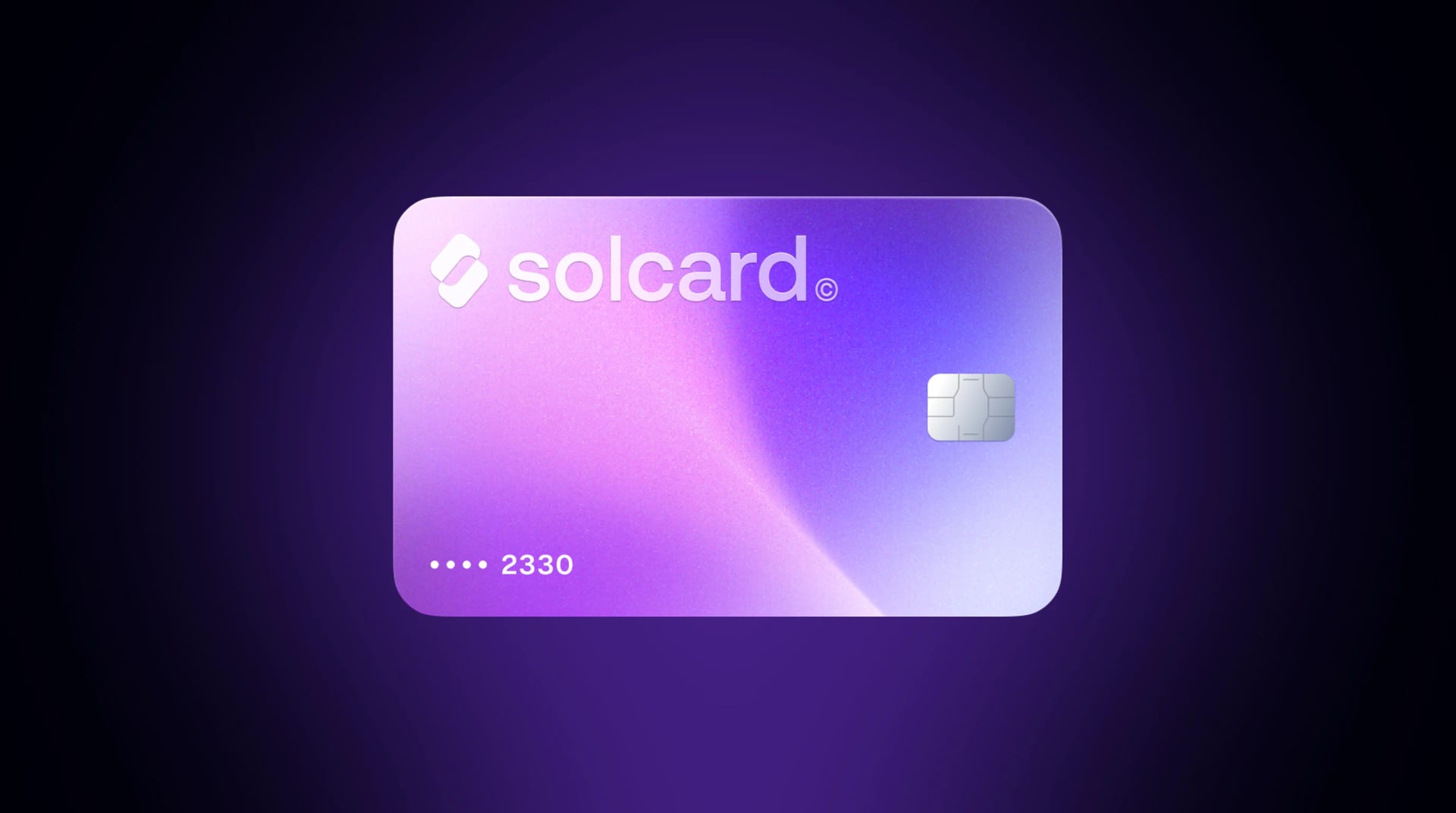
SolCard accepts SOL, USDC, USDT, and SOLC across nine networks: Solana, Ethereum, Polygon, BSC, HyperEVM, Arbitrum, Optimism, Avalanche, and Base. The cards run on Visa and Mastercard rails in 200+ countries, and are not available in Hong Kong.
Around 96% of DeepSeek authorizations on SolCard cards are approved.
Pros:
- Pays DeepSeek directly, so you keep your own account, API keys, and usage dashboard
- Works from any supported country, whatever your local bank thinks of cross-border charges
- The same card handles your other AI tools, so there is no balance to manage per vendor
- Reusable indefinitely, so re-topping next month takes two minutes
Cons:
- A top-up fee applies to get fiat onto the card, varying by provider and tier
- A one-time $10 issuance fee applies on both SolCard tiers
- Some providers still get filtered at certain merchants, so BIN quality matters
Fees are what separate these providers, and on DeepSeek's ticket sizes they are worth reading closely.
| Feature | SolCard | Bybit Card | Cwallet Cozy Card | RedotPay | Moon |
|---|---|---|---|---|---|
| Network | Visa/Mastercard | Mastercard | Visa | Visa | Visa |
| Top-up fee | 0% (Platinum) / 5% (Virtual) | 0.9% conversion | 1.8% | See RedotPay's fees | 1%, $1.00 minimum |
| Issuance fee | $10 one-time, both tiers | None published | None published | Not published | First card free, then $2.99 each |
| Funding crypto | SOL, USDC, USDT, SOLC | USDT, USDC, BTC, ETH | USDT, BTC, ETH | USDT | BTC, Lightning, USDT, USDC |
| Issuance speed | ~30 seconds | 1-3 days | Instant | Instant | Instant |
| Cashback | None | None | Up to 1% | None | None |
| Reusable card number | Yes | Yes | Yes | Yes | Sometimes single-use |
| Identity verification | Required for Platinum | Required | Required (Pro) | Required | Required |
What a $20 DeepSeek top-up actually costs:
- SolCard Platinum: $20.00 (0% top-up fee), plus a one-time $10 issuance fee
- Bybit Card: $20.18 (0.9% conversion)
- RedotPay: not quoted -- see RedotPay's fee page for current figures
- Cwallet Cozy: $20.36 (1.8% top-up)
- Moon: $21.00 (1% fee with a $1.00 minimum; the floor exceeds 1% of $20)
- SolCard Virtual: $21.05 (5% top-up fee), plus a one-time $10 issuance fee
The honest read: on a single $20 top-up the recurring spread between cheapest and dearest is about a dollar, and both SolCard tiers carry the same one-time $10 issuance fee, so that part is a wash between them. What separates them is the running cost -- 5% per top-up on Virtual against 0% on Platinum, about a dollar per $20 loaded.
That makes the tier choice a volume question. If DeepSeek is the only thing you fund, pick whichever card clears and stop optimizing. Push $200 to $500 of API usage a month, or run several tools off one card, and Platinum is worth the identity verification. Virtual is capped at $5,000 a month with 1-2% FX where settlement and billing currencies differ; Platinum has no cap and 0-1.5% FX. DeepSeek bills in USD, so a USD-settling card avoids that line entirely.
You do not strictly need a DeepSeek account to use DeepSeek models. Aggregators host V4-Flash and V4-Pro behind their own API and sell credits directly, some taking stablecoins natively. OpenRouter is the most established: one OpenAI-compatible endpoint routing to DeepSeek and dozens of other providers, with USDC accepted alongside cards and AliPay.
- Create an account at openrouter.ai and open the Credits page
- Choose the crypto payment option and pay in USDC from your wallet
- Point your client at OpenRouter's endpoint and select a DeepSeek model
- Usage draws down your credit balance
Pros:
- No card in the transaction, so BIN filtering and cross-border declines cannot reach you
- One balance covers DeepSeek plus every other model on the platform
- Failover routing between providers when one is down
Cons:
- A 5% fee applies to every USDC credit purchase, on top of the token cost
- Crypto payments are non-refundable
- You are trusting a middleman with your prompts and your balance
- You lose DeepSeek-native dashboards, and version rollout can lag the first-party API
| Route | Crypto accepted | What $50 of usage costs | Direct DeepSeek account |
|---|---|---|---|
| DeepSeek + SolCard Platinum | SOL, USDC, USDT, SOLC | $50.00, plus a one-time $10 issuance fee | Yes |
| DeepSeek + Bybit Card | USDT, USDC, BTC, ETH | $50.45 | Yes |
| DeepSeek + Moon virtual card | BTC, Lightning, USDT, USDC | $51.00 (1% fee, $1 min) | Yes |
| OpenRouter credits | USDC | $52.50 | No |
| DeepSeek + SolCard Virtual | SOL, USDC, USDT, SOLC | $52.63, plus a one-time $10 issuance fee | Yes |
Sell crypto on an exchange, withdraw fiat to your bank, and pay DeepSeek with your bank's own card.
Pros: the highest raw acceptance rate, since a mainstream bank BIN is what fraud engines trust.
Cons: one to five business days, fees at both ends, a bank account in a supported country, and a full disposal of the asset. For a $10 API top-up the effort is absurd unless you already move between crypto and banking regularly.
Sign up at SolCard and issue a card. Virtual covers online-only use like DeepSeek; Platinum adds a physical card, Apple Pay and Google Pay, and the 0% top-up tier, after identity verification. The $10 issuance fee is charged once on either tier.
Send USDC or USDT on whichever of the nine supported networks is cheapest for you. Stablecoins make the fiat value that lands predictable. Load a little more than you intend to spend, so an authorization hold cannot push you short.
Sign in at platform.deepseek.com, open Top up in the billing area, enter the card details, and confirm. Start with a modest first top-up to check the card clears, then load the rest.
There is no renewal date. What breaks your integration is hitting zero mid-job, so check the console balance against your burn rate or add a balance check to your deploy script.
Bump the amount. A $2 top-up looks more like card testing than a $20 one, so a larger charge often clears where a small one failed.
Wait before retrying. Repeated attempts inside a few minutes escalate the risk score against you. Give it an hour.
Match the billing address to the card's issuing country. An AVS mismatch is a routine decline trigger.
Keep headroom above the charge. Checkouts often authorize slightly more than the amount, so a card funded to the exact dollar can fail.
Check the card is actually funded. If your wallet transfer is still confirming, the decline is a funding problem, not an acceptance one.
Solo developer or hobbyist: a crypto card, Virtual tier if you would rather not verify your identity. Be clear-eyed about the arithmetic: at under $100 of annual DeepSeek spend, the $10 issuance fee plus 5% top-ups is around 15% of your first-year spend. Platinum charges the same $10 once and nothing on top-ups, so if you will verify, it is cheaper even at hobbyist volume.
Team paying for several AI tools: Platinum. The 0% top-up fee compounds once DeepSeek sits alongside other vendors on the same card, and there is no monthly cap to work around.
Developer in a market where cards are the whole problem: try the crypto card first, since it sidesteps your local bank. If DeepSeek's checkout still refuses, the USDC aggregator route removes cards from the equation completely.
Anyone evaluating models across vendors: an aggregator as primary, with a direct DeepSeek account funded by card as fallback. Our roundup of the best AI subscriptions to pay with crypto covers the rest of the stack, best crypto debit cards covers the card side, and how to pay with crypto covers the wallet-to-checkout basics.
In most jurisdictions, spending crypto is a disposal, which makes it a taxable event even through a card rather than an exchange. Funding a card with an appreciated asset like SOL realizes the gain or loss at conversion. Funding with USDC or USDT is effectively neutral while the peg holds, which is why stablecoins are the cleaner choice for API funding.
Our guide on spending crypto without tax headaches covers the record-keeping. None of this is tax advice; rules differ by country and change often.
No. Top-ups at platform.deepseek.com run through bank card, PayPal, Alipay, or WeChat Pay depending on your account region, with no wallet connect or stablecoin invoice in the console. To fund a balance with crypto you need either a crypto-funded card or an aggregator that resells DeepSeek models and takes stablecoins.
Not directly. You load USDT or USDC onto a crypto card and use that card at DeepSeek's checkout, which is the most common route. SolCard accepts USDC and USDT across nine networks including Solana, Ethereum, Base, Arbitrum, and Polygon.
No. The chat app is free and there is no consumer subscription tier. The only paid product is API usage, billed against a prepaid balance, so you never have a renewal date that can fail, unlike ChatGPT Plus or Claude Pro.
Most often a bank blocking cross-border charges to a Chinese-domiciled merchant, or a prepaid BIN caught by merchant-side filtering. The full list of causes and fixes is in the declines section above.
Your expected usage plus a small buffer. Unit costs are low, so $10 to $20 covers a lot of V4-Flash traffic, while heavy V4-Pro reasoning burns faster. Getting an unused balance back is awkward, as described above, so topping up twice beats overfunding once.
SolCard's Platinum tier requires identity verification, which is what unlocks the 0% top-up fee, no monthly limit, Apple Pay, Google Pay, and a physical card. The Virtual tier is the lighter option, with a $5,000 monthly limit and a 5% top-up fee. Both tiers carry the same one-time $10 issuance fee.
Yes, and that is usually the point. The 0% top-up tier pays for itself faster once spend is spread across several vendors. Our Cursor guide covers the same pattern for subscription tools.
The API returns an Insufficient Balance error and stops serving requests, with no grace period. Topping up from the console restores service immediately.