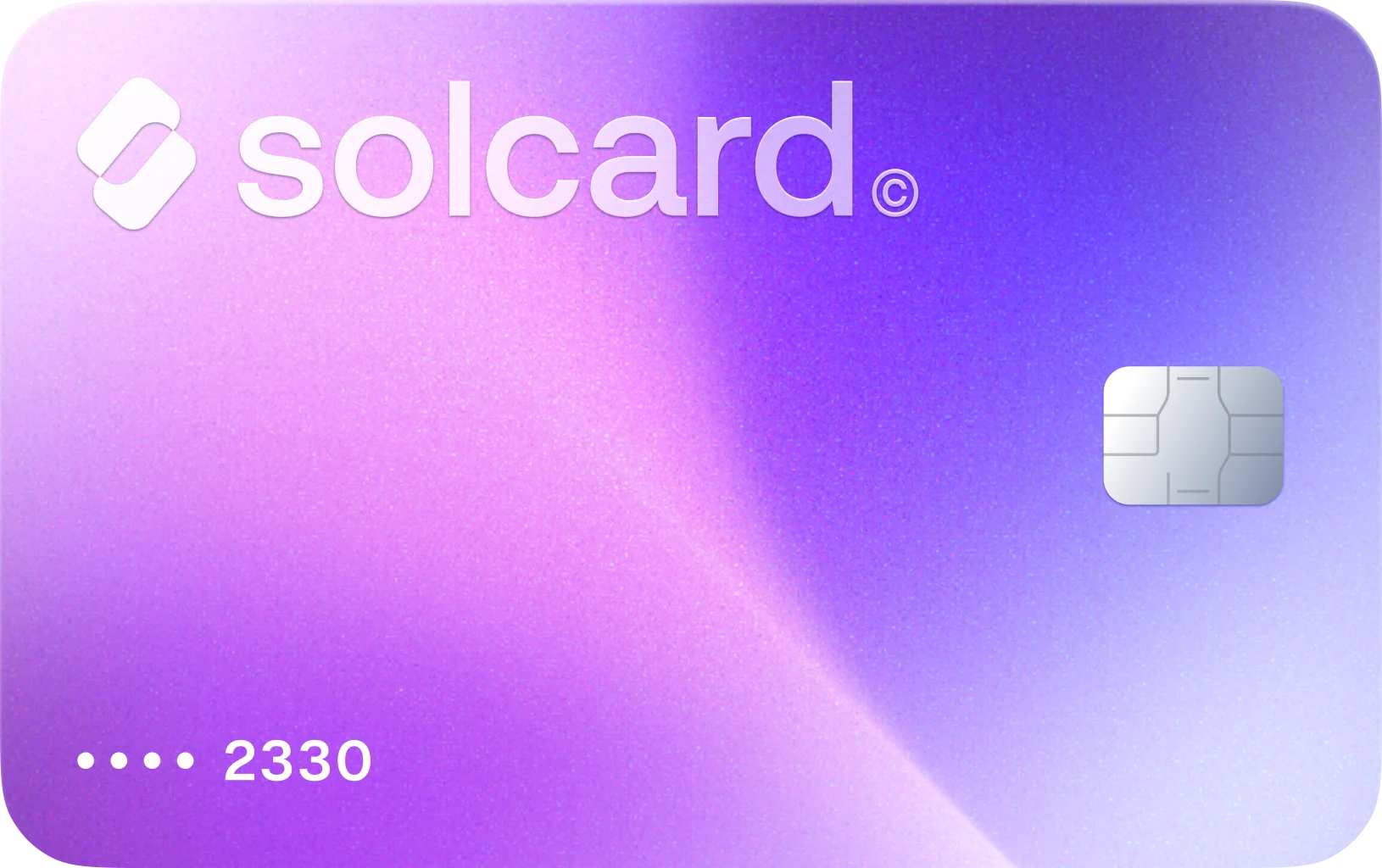
Pay for Pakke Shipping Labels with Crypto
Use SolCard to top up Pakke for guides, returns, insurance, and later weight adjustments, even though Pakke only advertises standard payment methods such as cards, PayPal, OXXO, and SPEI.
97.0% success rate at Pakke · Based on real card transactions
How to fund Pakke shipping with crypto
Get Your SolCard
Sign up for SolCard in minutes. Get your virtual card instantly or order a physical card delivered to your door.
Load Your Crypto
Deposit SOL, USDC, USDT, or SOLC directly from your crypto wallet across 9 supported blockchain networks.
Top up balance in Pakke and generate your guides
Log in to the Pakke seller portal, open the Saldo y pagos area, load the amount you need with SolCard, and then use that balance for guide fees, return labels, or later extraweight charges.
Why SolCard fits Pakke's shipping ledger
Pakke's help center says you need enough balance in your account before you can generate a guide. SolCard lets you fund that prepaid balance with crypto without changing how Pakke expects you to buy shipping.
Pakke's onboarding guide says you can top up only the amount required for shipments you already quoted and that there is no minimum amount. That makes SolCard workable for both one-off labels and steady daily batches.
Pakke explicitly warns that too many card transactions in a short period can trigger its payment processor's antifraud checks. One larger SolCard top-up is a cleaner fit than many tiny balance loads.
Pakke's account statement breaks out Payment, Shipment Fee, Extraweight Fee, Return, Expire Refund, and Overweight Refund. That matters because your Pakke balance may need to absorb returns or later corrections, not just the initial label price.
Pakke lets you insure a shipment during quoting by declaring the merchandise value. Its Mexico help article says the insurance cost is around 1.2% of value, with courier-specific deductibles and claim rules if something goes wrong.
Pakke says every balance top-up creates an advance CFDI, then weekly invoices and credit notes cover services such as shipments, overweight charges, returns, and reimbursements. SolCard works with that existing billing rhythm instead of forcing a separate payment flow.
Pay Pakke with 4 supported tokens across 9 blockchain networks
About Pakke
Pakke is a shipping platform for merchants that need to quote domestic deliveries in Mexico, compare couriers, generate guides, manage order logistics, and request pickups from one seller portal. In practice, Pakke users usually fund a prepaid balance first and then spend it on guide fees, return labels, extraweight adjustments, and optional shipment insurance. Pakke does not advertise native cryptocurrency payments on its Mexico site or help center, so SolCard gives you a way to cover those Pakke shipping costs with crypto while staying inside Pakke's normal balance-and-billing workflow.
Pakke balance, overweights, and refund questions
Pakke's Mexico site shows standard payment methods such as Visa, Mastercard, Amex, PayPal, OXXO, and SPEI, and its help center describes balance top-ups through cards, transfers, bank deposits, and convenience-store cash payments. Pakke does not advertise a native cryptocurrency checkout, so SolCard is the crypto route while Pakke still receives a normal payment.
What users say about paying Pakke with SolCard
No reviews yet. Be the first to try SolCard at Pakke.
Supporting guides related to Pakke
Use these guides to branch from Pakke into adjacent merchant workflows, category-level comparisons, and broader SolCard payment explainers.
How to Spend Cryptocurrency: 5 Ways That Work
How to spend cryptocurrency in 2026: pay with crypto using debit cards, direct payments, Lightning, or gift cards — with real fees, speed, and coverage.
Read guideBest Crypto Debit & Credit Cards 2026: No-KYC & No-Fee Picks
Our 2026 picks: SolCard for Solana, MetaMask for self-custody, Coinbase for US users, Nexo in Europe. Real top-up, FX and ATM fees on eight cards.
Read guideWhat Is a Crypto Debit (or Credit) Card and How It Works
Learn what a crypto debit or credit card is, how it converts cryptocurrency to fiat at checkout, what fees and KYC to expect, and how to pick the right card for your needs.
Read guideMore in Shipping & Logistics

Buy on FedEx with Crypto
Use SolCard to pay FedEx with SOL, USDC, USDT, and SOLC across 9 blockchain networks. Cover FedEx shipping labels, eligible invoices, and import duties or taxes anywhere FedEx accepts a standard card payment.
Learn more
Buy on Pirate Ship with Crypto
Use SolCard to pay Pirate Ship for USPS and UPS labels, account-balance top-ups, and other U.S.-origin shipping charges with SOL, USDC, USDT, and SOLC across 9 blockchain networks.
Learn more
Buy on Royal Mail with Crypto
Use SolCard to pay Royal Mail for online postage, Parcel Collect, and eligible card-based Royal Mail services with SOL, USDC, USDT, and SOLC across 9 blockchain networks.
Learn more
Buy on ShipStation with Crypto
Use SolCard to pay for ShipStation plans, label funding, and shipping protection with SOL, USDC, USDT, and SOLC across 9 blockchain networks.
Learn more
Buy on UPS with Crypto
Use SolCard to pay UPS shipping labels, eligible invoices, and import-related charges with SOL, USDC, USDT, and SOLC across 9 blockchain networks. Fund UPS's regular payment flows with crypto.
Learn more
Buy on Australia Post with Crypto
Use SolCard to pay Australia Post with SOL, USDC, USDT, and SOLC across 9 blockchain networks. Cover postage labels, satchels, PO Box renewals, and mail redirection fees through Australia Post's usual payment channels.
Learn more