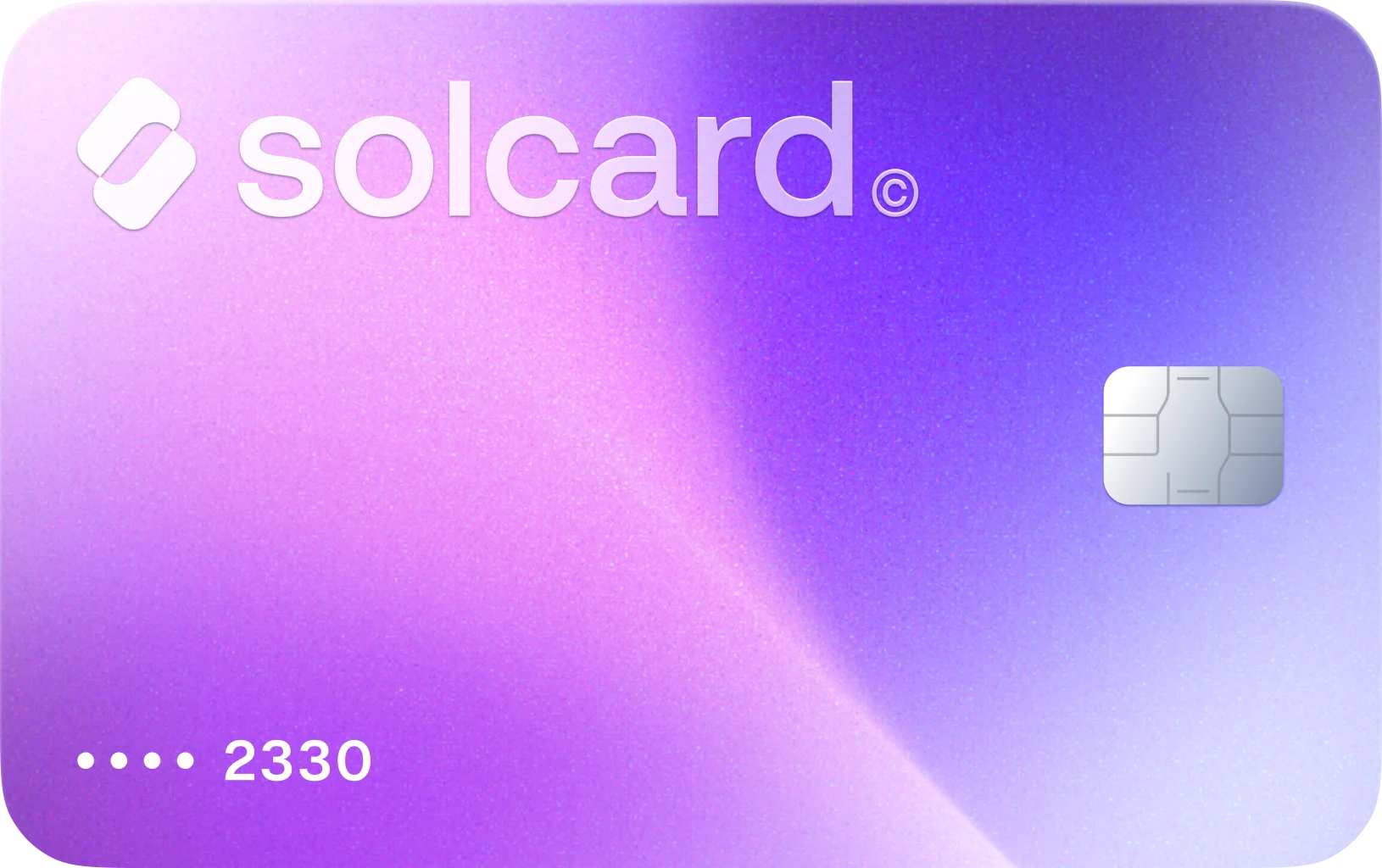
Pay Sendcloud with Crypto
Use SolCard for Sendcloud charges only where Sendcloud offers card billing, especially its recurring credit card flow for Italian accounts.
104 successful transactions at SendCloud · Based on real card transactions
How to Use Crypto on Eligible Sendcloud Billing Flows
Get Your SolCard
Sign up for SolCard in minutes. Get your virtual card instantly or order a physical card delivered to your door.
Load Your Crypto
Deposit SOL, USDC, USDT, or SOLC directly from your crypto wallet across 9 supported blockchain networks.
Use SolCard only on card-enabled Sendcloud billing
Open Sendcloud Billing and confirm how your account is charged before relying on SolCard. Sendcloud documents SEPA direct debit as the default route, while customers with an Italian invoice address use recurring credit card instead.
Where SolCard Actually Fits in Sendcloud's Billing Model
Sendcloud separates spending across subscription fees, monthly label fees, and shipment invoices for shipping costs, insurance, and surcharges. That matters more than a generic SaaS renewal because different Sendcloud charges can land on different invoice cadences.
Paid Sendcloud plans let you connect your own carrier contracts, but its billing docs say the shipment cost can show as 0.00 while a Sendcloud label fee is still charged. SolCard is aimed at that Sendcloud-collected portion when a card payment path is available.
Lite, Growth, and Premium plans include monthly label allowances, and Sendcloud says extra labels are billed once you pass the limit. Its help center also documents warning emails at 80% and 100% of plan usage, which makes high-volume months easier to anticipate.
Sendcloud's help center says SEPA direct debit is the standard billing method, while customers with an Italian invoice address use recurring credit card. Its terms also tie the contracting entity to your billing address, so payment setup is not identical across every market.
Upgrades take effect immediately with a prorated charge, but downgrades wait until renewal and yearly plans cannot be changed before the contract ends. That billing behavior matters when shipping volume spikes temporarily or a new warehouse goes live.
Sendcloud charges shipment costs when a label is created, not when the parcel is handed to the carrier. If a label is never used, you need to cancel it inside the supported carrier window so the cost can be corrected on a later invoice.
Cryptocurrencies You Can Use for Eligible Sendcloud Payments
About Sendcloud
Sendcloud sells shipping automation software for ecommerce merchants that need carrier connections, label creation, tracking, returns, and checkout delivery options. Real Sendcloud charges can include free or paid platform plans, monthly label-processing fees, shipment invoices for Sendcloud rates, insurance, surcharges, and platform-side label fees even when you ship on your own carrier contracts. SolCard only fits the Sendcloud billing routes that actually accept cards, because Sendcloud documents SEPA direct debit as its standard setup and recurring credit card specifically for customers with an Italian invoice address.
Sendcloud Billing FAQ
Sendcloud's pricing, billing, and help-center documentation describes direct debit, recurring credit card for customers with an Italian invoice address, invoice payment, and Mollie-powered return-fee collection, but it does not document a native crypto checkout. SolCard is only relevant as a crypto-funded payment option where Sendcloud itself offers a card-enabled billing route.
What Users Say About SolCard for Sendcloud
No reviews yet. Be the first to try SolCard at Sendcloud.
Supporting guides related to Sendcloud
Use these guides to branch from Sendcloud into adjacent merchant workflows, category-level comparisons, and broader SolCard payment explainers.
How to Spend Cryptocurrency: 5 Ways That Work
How to spend cryptocurrency in 2026: pay with crypto using debit cards, direct payments, Lightning, or gift cards — with real fees, speed, and coverage.
Read guideBest Crypto Debit & Credit Cards 2026: No-KYC & No-Fee Picks
Our 2026 picks: SolCard for Solana, MetaMask for self-custody, Coinbase for US users, Nexo in Europe. Real top-up, FX and ATM fees on eight cards.
Read guideWhat Is a Crypto Debit (or Credit) Card and How It Works
Learn what a crypto debit or credit card is, how it converts cryptocurrency to fiat at checkout, what fees and KYC to expect, and how to pick the right card for your needs.
Read guideMore in Shipping & Logistics
Buy on FedEx with Crypto
Use SolCard to pay FedEx with SOL, USDC, USDT, and SOLC across 9 blockchain networks. Cover FedEx shipping labels, eligible invoices, and import duties or taxes anywhere FedEx accepts a standard card payment.
Learn more
Buy on Pirate Ship with Crypto
Use SolCard to pay Pirate Ship for USPS and UPS labels, account-balance top-ups, and other U.S.-origin shipping charges with SOL, USDC, USDT, and SOLC across 9 blockchain networks.
Learn more
Buy on Royal Mail with Crypto
Use SolCard to pay Royal Mail for online postage, Parcel Collect, and eligible card-based Royal Mail services with SOL, USDC, USDT, and SOLC across 9 blockchain networks.
Learn more
Buy on ShipStation with Crypto
Use SolCard to pay for ShipStation plans, label funding, and shipping protection with SOL, USDC, USDT, and SOLC across 9 blockchain networks.
Learn more
Buy on UPS with Crypto
Use SolCard to pay UPS shipping labels, eligible invoices, and import-related charges with SOL, USDC, USDT, and SOLC across 9 blockchain networks. Fund UPS's regular payment flows with crypto.
Learn more
Buy on Australia Post with Crypto
Use SolCard to pay Australia Post with SOL, USDC, USDT, and SOLC across 9 blockchain networks. Cover postage labels, satchels, PO Box renewals, and mail redirection fees through Australia Post's usual payment channels.
Learn more