
How to Buy on Amazon with Crypto: 4 Methods That Work (2026)
Amazon does not accept crypto directly. Compare the four working methods in 2026: crypto debit cards, Bitrefill gift cards, Moon, and crypto-friendly retailers.

In this article
Amazon does not accept Bitcoin, Ethereum, SOL, or stablecoins directly at checkout, so buying on Amazon with crypto requires either a Visa/Mastercard crypto debit card, a crypto-funded Amazon gift card, or a checkout extension like Moon. Amazon's accepted payment methods remain cards, gift cards, and bank transfers.
Here is how the four working workarounds compare on actual cost, speed, refund handling, and account safety.
Amazon has built AWS blockchain services and filed supply-chain patents such as US20220084026A1, yet checkout remains fiat-only. The reasons are operational: retail margins do not absorb 5% to 10% daily price swings, tax reporting rules differ across 200+ countries, and card rails already convert buyers globally without friction.
Until Amazon adds stablecoin settlement, the four options below are what actually work.
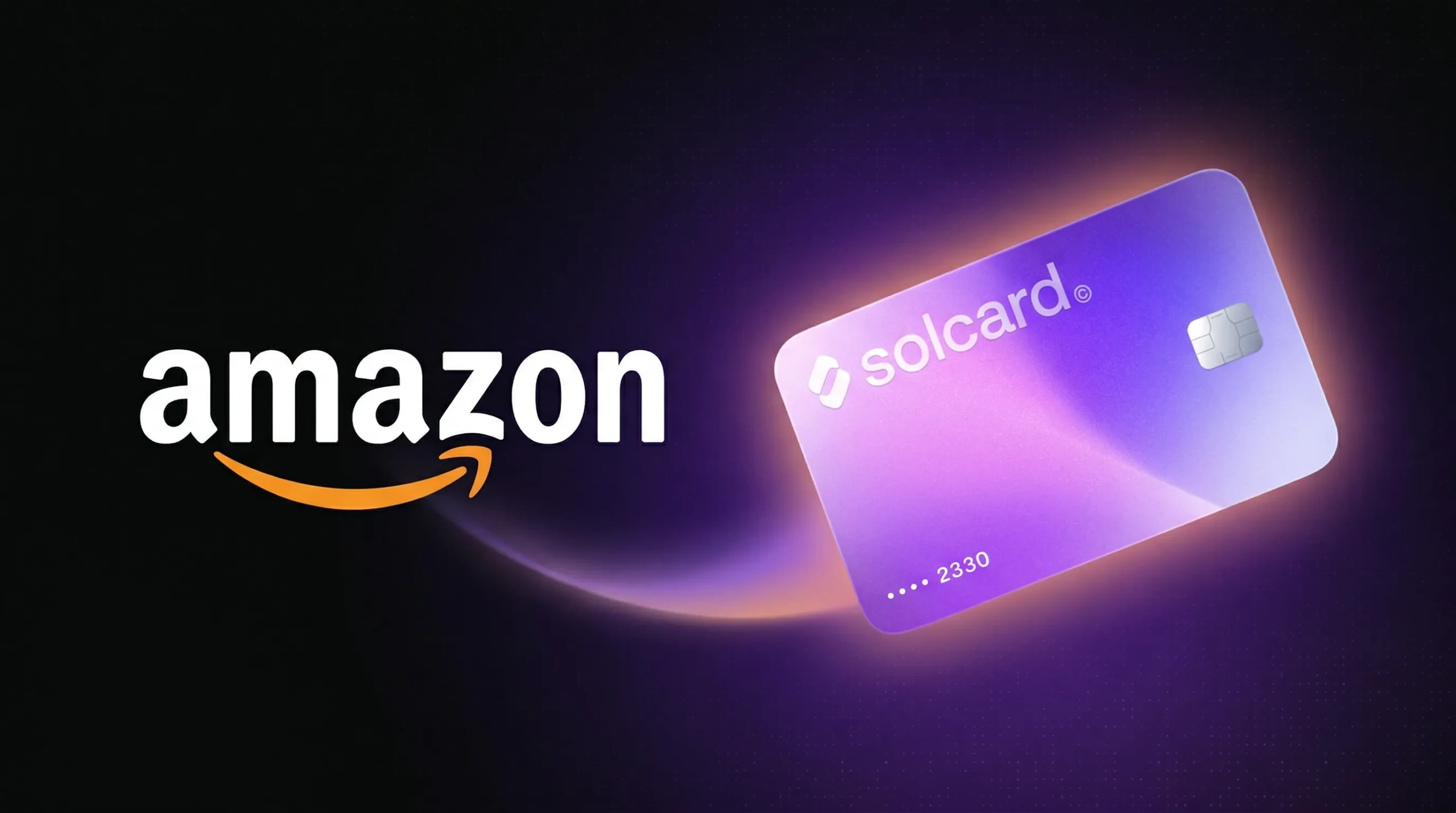
A crypto debit card runs on Visa or Mastercard rails. You fund the card from your crypto wallet, it converts to fiat, and you add it to Amazon like any ordinary debit card. Amazon never sees cryptocurrency, which means Prime benefits, returns, and standard card refunds work normally.
The same card works at other major retailers that do not take crypto directly, including SHEIN and AliExpress.
| Feature | SolCard | Crypto.com Card | MetaMask Card |
|---|---|---|---|
| Top-up / conversion fee | 0% (Platinum) / 5% (Virtual) | 1% debit top-up (US) / 0% fiat transfer | 0% matching stablecoin; 0.5-0.875% other |
| FX fee | 0-1.5% (Platinum) / 1-2% (Virtual) | 0% (top tiers) to 3% (US lower tiers) | 1% cross-border (free tier) |
| KYC required | Optional (Virtual up to $10k/mo) / Yes (Platinum) | Yes | Yes |
| Apple Pay / Google Pay | Yes (Platinum, outside US) | Yes | Yes |
| Cashback | None | 0% to 4.5% (CRO stake or subscription) | 1% (free) / 3% up to $10k/yr ($199/yr Metal) |
| US availability | Virtual tier only | Yes | New US signups paused |
On a $100 USD Amazon order (see the SolCard fee breakdown for the $0.30 per-transaction fee and $10 one-time card issuance):
- SolCard Platinum (outside the US, KYC verified): $100.30 total (0% top-up, $0.30 per transaction, $0 FX on USD).
- SolCard Virtual (no ID required, available in the US): $105.30 on a USD order (5% top-up fee plus $0.30 per transaction).
For a full comparison of eight active cards, see our 2026 best crypto debit cards guide.
If you prefer not to save a card on Amazon, you can buy an Amazon gift card code with crypto and redeem it to your Amazon balance in a few minutes.
| Platform | Cryptos accepted | Typical markup | KYC required | Delivery |
|---|---|---|---|---|
| Bitrefill | BTC, Lightning, ETH, USDT, USDC, LTC, DOGE | 0% to 3% | No | Instant to 5 min |
| Coinsbee | 200+ coins, Binance Pay, Crypto.com Pay | 2% to 5% | No | 1 to 5 min |
| Cryptorefills | BTC, ETH, USDT, USDC, SOL, DOGE | 1% to 3% | No | Instant to 5 min |
Bitrefill is the widest-used option and pays 1% sats-back on gift cards; Cryptorefills supports SOL natively; Coinsbee covers the longest list of altcoins.
On a $100 Amazon purchase via Bitrefill, expect $100.01 to $108 total once you include any markup and blockchain network fees (fractions of a cent on Solana or Lightning; $2 to $5 on busy Ethereum mainnet).
The downsides are real: gift card codes are non-refundable once issued, returns go back to Amazon store credit rather than crypto, and loading large gift card balances quickly can trigger an Amazon account hold.
Do not load large gift card balances on a new Amazon account
Amazon's fraud filters routinely lock accounts that redeem $500 to $1,000+ in gift cards in one session, especially brand-new accounts with no backup card on file. Add $100 to $200 at a time and keep a secondary payment method attached.
Moon offers a browser extension and virtual Visa cards funded with Bitcoin, Lightning Network, USDT, or USDC. At Amazon checkout, Moon converts your crypto and applies a prepaid balance.
Moon charges a 1% fee ($1 minimum), so a $100 purchase costs around $101.00 before any exchange spread. Coverage focuses on Amazon.com (US and Canada), and you are granting a third-party extension access to your checkout page. We track Moon's current limits and country rules on our Moon comparison page.
If you are buying electronics, home goods, or digital products that are not exclusive to Amazon, skipping Amazon avoids gift card markups altogether:
- Newegg accepts BTC, ETH, and other coins via BitPay for PC hardware and electronics.
- Beyond (formerly Overstock) accepts crypto for furniture and home goods.
- Independent Shopify stores accept crypto through processors like NOWPayments and BitPay.
Selection is narrower than Amazon, but direct checkout keeps fees minimal. For more places that take crypto directly, see our crypto shopping guide and how to pay with crypto.
| Method | Total cost on $100 | Speed | Verification needed | Best for |
|---|---|---|---|---|
| SolCard Platinum | $100.00 | Instant | Yes (outside US) | Regular Amazon shoppers outside the US |
| Moon extension | ~$101.00 | Instant | Varies | US shoppers using Lightning |
| Gift card (Bitrefill) | $100.01 to $108.00 | 1 to 5 min | No | Occasional buys without linking a card |
| SolCard Virtual | $105.00 (+ $10 one-time card issuance) | Instant | No (up to $10k/mo) | Quick card checkout without a bank account |
| Alt retailers (Newegg) | $100 + network fee | Varies | Depends on store | Electronics and non-Amazon exclusives |
Amazon's payment screening is strict on prepaid and gift-card-heavy accounts. Five habits keep orders going through cleanly:
- Match your billing details to your card. Keep your shipping address completely real so the package arrives, and make sure the billing address matches your card profile.
- Test with a $10 to $20 order first on a new virtual card before placing a large electronics order.
- Keep a backup payment method on file if you primarily pay with gift cards.
- Do not open a brand-new Amazon account solely to redeem high-value gift cards.
- Log disposals for taxes. In the US, the IRS treats crypto as property, and Form 1099-DA broker reporting applies starting with the 2026 tax year.
Use USDC or USDT to simplify Amazon tax tracking
Every crypto-to-fiat purchase is a taxable disposal in the US and most other countries. Funding your card or buying gift cards with USDC or USDT keeps capital gains near zero because the asset stays pegged to $1.00. See our crypto spending and taxes guide for details.
SolCard is a prepaid Visa and Mastercard card funded directly from your crypto wallet across 9+ networks (Solana, Ethereum, Base, Polygon, and more), with no bank account and no credit check.
- Virtual tier: $10 one-time issuance fee per card, 5% top-up fee, 1-2% FX spread, $10,000 monthly limit, no ID required, available in the US and most countries worldwide.
- Platinum tier: 0% top-up fee, 0-1.5% FX spread, no monthly limit, multiple virtual cards, Apple Pay and Google Pay, KYC required, available outside the US.
Add your SolCard details under Amazon > Account > Payment Methods, and every future order checks out like a standard debit card.
Yes. Any Visa or Mastercard crypto debit card works on Amazon as a normal payment method. The card issuer converts your crypto deposit to fiat before settlement, so Amazon processes a standard card transaction with full return and Prime eligibility.
Amazon has cited no launch timeline for direct crypto checkout. Operating across 200+ countries on thin retail margins makes price volatility, local tax reporting, and fragmented regulation expensive to support when Visa, Mastercard, and gift cards already cover global checkout.
Outside the US, a 0% top-up crypto card like SolCard Platinum keeps a $100 USD Amazon purchase at $100.00. Inside the US, a Coinbase Card funded with USDC ($0 fee) or a low-markup Bitrefill gift card (0% to 3%) is typically cheapest.
Yes, if you stick to established sellers such as Bitrefill, Coinsbee, or Cryptorefills. Remember that gift card codes are non-refundable once delivered, and you must select the exact Amazon country store (Amazon.com, Amazon.co.uk, Amazon.de) that matches your account.
In most jurisdictions, yes. Converting BTC, ETH, or SOL into a card balance or gift card is a taxable disposal. Paying with stablecoins like USDC or USDT keeps gains or losses close to zero.
Not directly at Amazon checkout. You can deposit SOL, USDC, or USDT onto a multi-chain prepaid card like SolCard (or buy Amazon gift cards on Cryptorefills or Bitrefill) and spend the resulting balance on Amazon.
If you shop on Amazon once or twice a year, grab a Bitrefill gift card with USDC or Lightning and move on. If you order from Amazon every week and want normal refunds back to your card instead of store credit, add a 0% top-up crypto debit card funded with stablecoins.




