How to Pay for ChatGPT Plus with Crypto: 4 Methods That Work in 2026

New: a card built for ChatGPT
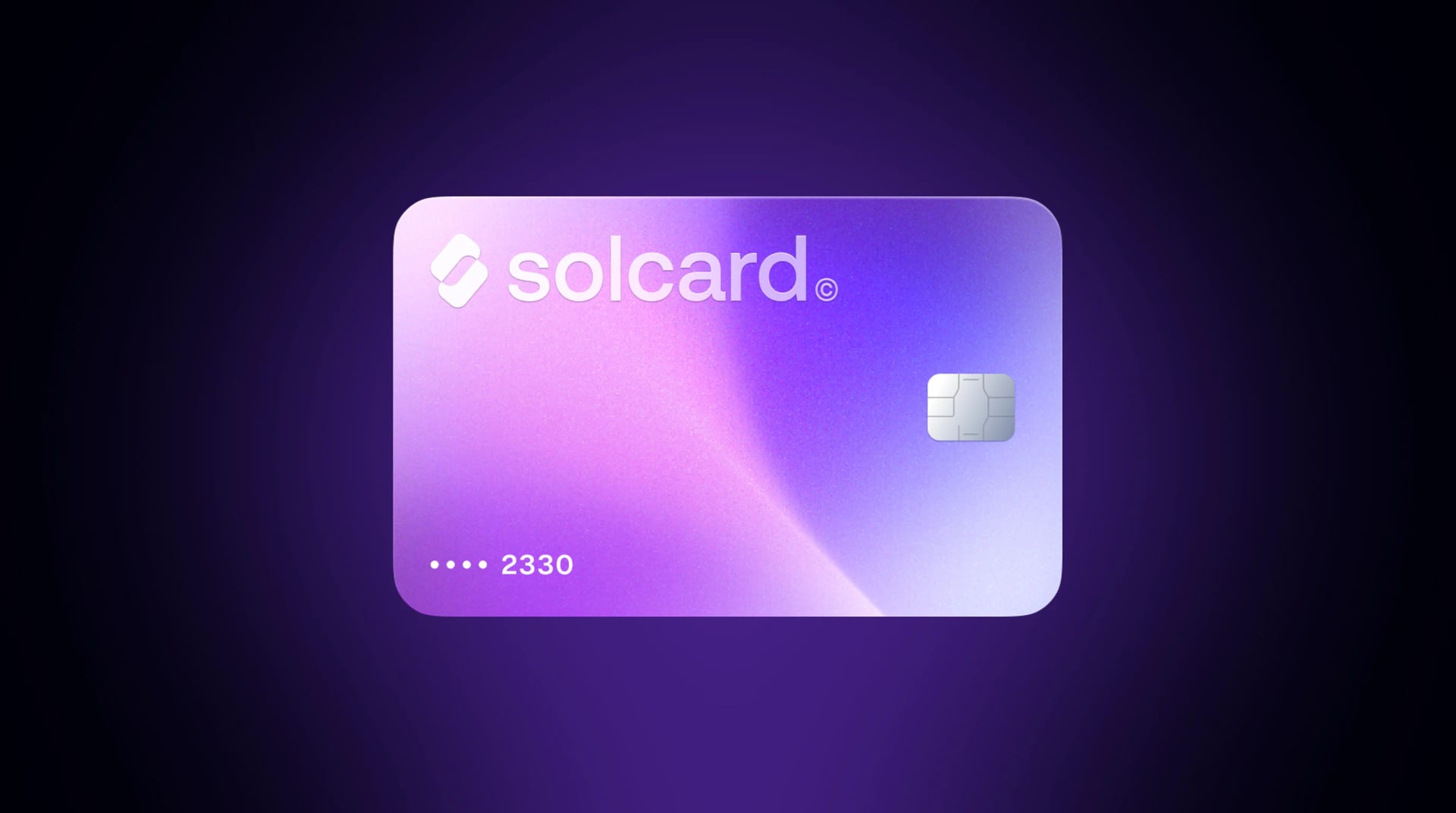
Virtual for AI & Ad Spend is a virtual card made for AI tools, cloud and ad platforms, and it is fully compatible with ChatGPT. Top it up with USDT, USDC, USDG, EURC, ETH, BNB, POL, AVAX, HYPE, wBTC, wETH or SOL: $10 for the card, 5% per top-up. Get Virtual for AI & Ad Spend.
OpenAI does not accept cryptocurrency directly. Not for ChatGPT Plus, not for Pro, not for API credits. Every payment goes through Stripe, which only processes credit cards, debit cards, and mobile app store billing. If your financial life runs on crypto, that is a problem, especially if you live in a country where international card payments are restricted or your bank blocks charges to "OPENAI."
The workaround is straightforward: use a crypto-funded card that OpenAI's payment system treats as a normal Visa or Mastercard. You cannot buy ChatGPT with crypto in a single click, but you can fund a card with crypto and use it to buy any ChatGPT plan. Over 2,600 SolCard users already pay their OpenAI bills this way, and they are far from the only ones. This guide covers every working method to buy and pay for ChatGPT with crypto in 2026, what each one actually costs, and how to avoid the payment declines that plague this process.
Before choosing a payment method, it helps to know exactly what you are funding. OpenAI restructured its plans in early 2026, and there are now four individual tiers:
| Plan | Price | Key Features |
|---|---|---|
| Free | $0/mo | Unlimited text chats with GPT-5.6 Luna, limited deep research |
| Go | $8/mo | Expanded messages, uploads, and image creation |
| Plus | $20/mo | Advanced reasoning with GPT-6 Astra and GPT-5.6, expanded deep research, Projects and scheduled tasks |
| Pro | From $100/mo | 5x or 20x more usage, Pro reasoning powered by GPT-6 Astra, max deep research |
ChatGPT Plus at $20/month remains the most popular paid tier. It is also the plan most crypto users are trying to pay for: enough features to be genuinely useful, at a price point that is easy to fund with stablecoins. The Pro plan now comes in two tiers, $100/month and $200/month, and works the same way but requires a larger card balance to cover recurring charges. OpenAI paused new sign-ups to the $200 tier on September 10, 2026, so the $100 tier is the one most new subscribers can buy.
All plans bill monthly through Stripe. That means OpenAI charges your card automatically every 30 days. Your payment method needs to support recurring billing, since one-time-use virtual cards or single-load gift cards can cause renewal failures.
This is the most reliable method and the one used by the overwhelming majority of crypto holders paying for ChatGPT. A crypto debit card works like any Visa or Mastercard: you load it with crypto, and it converts to fiat when you make a purchase. OpenAI's payment system cannot distinguish it from a regular bank card.
- Sign up for a crypto card provider and get a virtual card number
- Top up the card with USDT, USDC, SOL, BTC, or whatever the provider supports
- Go to chatgpt.com, click "Upgrade to Plus," and enter your card number, expiration date, and CVV
- OpenAI charges the card through Stripe like any normal transaction
The entire process takes under five minutes if you already have crypto in a wallet.
Unlike gift cards or one-time virtual card numbers, a crypto debit card stays active and can be recharged. That means OpenAI can bill you on the next renewal date without you doing anything, as long as you keep a sufficient balance loaded.
This is critical. Failed renewal payments can trigger OpenAI's risk detection. Multiple failed charges may lock your account from upgrading for days or weeks.
Not all crypto cards are equally reliable for OpenAI payments. Here is how the major options compare for this specific use case:
| Feature | SolCard | Bybit Card | Cwallet Cozy Card | RedotPay | Moon |
|---|---|---|---|---|---|
| Network | Visa/Mastercard | Mastercard | Visa | Visa | Visa |
| Top-up fee | 0% (Platinum) / 5% (Virtual) | 0.9% crypto conversion | 1.8% | Not published | 1%, $1.00 minimum |
| KYC required | Optional (Virtual: no KYC) | Yes | No (Basic) / Yes (Pro) | Yes | Yes (Verified) |
| Top-up crypto | USDC, USDT, SOL, SOLC | USDT, USDC, BTC, ETH | USDT, BTC, ETH | USDT | BTC, Lightning, USDT, USDC |
| Apple/Google Pay | Yes (Platinum) | Yes | Yes (Pro) | Yes | No |
| Recurring billing | Yes | Yes | Yes | Yes | Yes |
| Card issuance | ~30 seconds | Minutes | Minutes | Minutes | Minutes |
Real cost to pay for ChatGPT Plus ($20/month):
- SolCard Platinum (KYC verified): $20.00/month
- SolCard Virtual (no KYC): $20.00 + 5% top-up fee = $21.00/month
- Bybit Card: $20.00 + 0.9% conversion = $20.18/month
- Cwallet Cozy Card: $20.00 + 1.8% top-up fee = $20.36/month
- RedotPay: not quoted -- RedotPay publishes its card fees only as an image on its fee page, so check it directly
SolCard's Platinum tier is the cheapest option here because it has zero top-up fees. The Virtual tier's 5% fee makes it pricier, but it is one of the few cards in 2026 that does not require KYC. If privacy matters more than saving $1/month, that trade-off may be worth it.
For a broader breakdown of crypto cards beyond this use case, see our best crypto debit cards comparison. If Moon is the name you are weighing us against, we also set out SolCard against Moon, claim by claim.
- Get a card. Visit SolCard and choose Virtual (no KYC, issued in ~30 seconds) or Platinum (KYC, 0% top-up fee). The $10 issuance fee is a one-time cost.
- Top up. Send USDC or USDT to your SolCard wallet. For ChatGPT Plus, load at least $25 to cover the $20 subscription and leave a buffer for FX markup if your billing is in a non-USD currency.
- Add the card to ChatGPT. Go to chatgpt.com/settings, navigate to your subscription settings, and enter your SolCard details (card number, expiration, CVV).
- Verify the charge. OpenAI may place a small authorization hold (usually $1) before processing the full $20. Make sure your balance covers this.
- Set a recurring top-up reminder. Your card needs enough balance when the next monthly charge hits. Some users keep $50-$100 loaded to avoid missed renewals.
Tip: If you use a Platinum SolCard with Apple Pay, you can add the card to your Apple Wallet and subscribe through the ChatGPT iOS app. This bypasses Stripe's web checkout entirely and routes through Apple's payment system, which has a higher acceptance rate for international cards.
If you do not want a reusable card, you can buy ChatGPT gift cards (via Rewarble) with crypto on platforms like CoinsBee or CryptoRefills.
- Visit a gift card marketplace that accepts crypto (CoinsBee, Bitrefill, CryptoRefills)
- Purchase a "ChatGPT by Rewarble" gift card in the denomination you need ($20, $50, etc.)
- Pay with BTC, ETH, USDT, or 200+ other cryptocurrencies
- Receive a digital gift card code
- Redeem the code through Rewarble to get a virtual prepaid Visa
- Use that Visa number to subscribe to ChatGPT Plus
Pros:
- No KYC required on most platforms
- Supports a huge variety of cryptocurrencies (CoinsBee accepts 200+)
- One-time purchase, with no recurring relationship with a card provider
Cons:
- More steps than a crypto debit card
- Gift cards often carry a 3-8% markup over face value
- Single-use cards may fail on renewal, so you will need to buy a new card every month
- If the card gets declined, you have already spent the crypto with no easy refund
Real cost: A $20 ChatGPT gift card on CoinsBee costs roughly $21-$22 depending on the crypto you pay with and current exchange rates. That is a 5-10% premium over paying directly with a card.
Gift cards are best for users who want a one-time payment without signing up for any card platform. They are also useful if you hold altcoins that are not supported by major crypto cards, since CoinsBee accepts Monero, Litecoin, Dogecoin, and dozens of others.
But for an ongoing ChatGPT subscription, the monthly hassle of buying new gift cards and re-entering payment details makes this impractical compared to a reloadable crypto card.
If you already have a crypto debit card linked to Apple Pay or Google Pay, subscribing through the ChatGPT mobile app is often the smoothest path, especially if you have hit card declines on the web.
- Add your crypto-funded card (SolCard Platinum, Bybit, or any Apple Pay/Google Pay-compatible card) to your device's wallet
- Download the ChatGPT app from the App Store or Google Play
- Open the app, go to Settings, and tap "Upgrade to Plus"
- Complete the purchase using Apple Pay or Google Pay
When you subscribe through the mobile app, the payment routes through Apple or Google's payment infrastructure instead of directly through Stripe. This means:
- No direct Stripe fraud checks on your card
- Apple/Google handle the recurring billing (they charge your wallet, then pay OpenAI)
- 3D Secure authentication is not required
- Community reports suggest an ~83% success rate versus ~60% for direct web payments with virtual cards
Apple and Google both take a 15-30% cut from in-app purchases. As of early 2026, OpenAI absorbs this cost for ChatGPT subscriptions, so the price is $20/month whether you subscribe on the web or through the app. This could change, so verify the price shown in the app before confirming.
This is not a ChatGPT Plus subscription, but it is worth mentioning for technical users. Several third-party platforms offer access to OpenAI's API models and accept crypto payments directly:
- AI/ML API accepts BTC and 300+ cryptocurrencies for API access to GPT-5 models
- LISA integrates USDT and USDC payments via NOWPayments for AI model access
The pay-per-use model means you only pay for what you consume, and payments are in crypto without needing a card at all. The trade-off is that you lose ChatGPT's web interface, conversation history, plugins, and other consumer features. This approach is for developers who want model access, not a ChatGPT account.
Payment declines are the most common frustration when paying for ChatGPT with a crypto-funded card. According to community data, bank-initiated blocks account for over 60% of all ChatGPT Plus payment failures. Here is what actually causes declines and how to prevent them.
- Geographic mismatch. Your card's billing address country does not match your IP address location. This is a major trigger for Stripe's fraud detection.
- IP and card country out of sync. If your card uses a US BIN but you check out from a non-US IP, that mismatch works against you. Connecting through a US VPN with a US billing address lines the two up.
- Insufficient balance. OpenAI may place a $1 authorization hold before the full charge. If your balance is exactly $20, the hold can cause a decline.
- Card does not support 3D Secure. Some basic virtual cards lack 3DS2 support, which Stripe may require for certain transactions.
- Too many failed attempts. After 3-5 failed payment attempts, OpenAI temporarily blocks the account from upgrading. Wait 24-48 hours before trying again.
- Load at least $25-30 on your card, even though ChatGPT Plus is $20. The buffer covers authorization holds and any FX fees.
- Connect through a US VPN before checkout, so your IP matches your card's US BIN.
- Use a US billing address at checkout. A US VPN and a US address together increase acceptance rates for most online merchants, and work best with AI products like ChatGPT.
- Use a card that supports 3D Secure. SolCard, Bybit, and most major crypto cards support 3DS2.
- Try the mobile app if web checkout fails. Apple Pay and Google Pay have higher success rates.
- Do not retry more than twice in a row. Each failed attempt increases the fraud score. Wait and try a different method instead.
If your card keeps getting declined, switch to the mobile app method. Adding your crypto card to Apple Pay or Google Pay and subscribing through the ChatGPT app bypasses Stripe's direct card verification entirely.
The same crypto card that pays for ChatGPT works for any AI subscription that accepts Visa or Mastercard. Here are the most common ones crypto users are paying for in 2026:
| Service | Price | Works with Crypto Card? |
|---|---|---|
| ChatGPT Plus | $20/mo | Yes |
| ChatGPT Pro | $100-200/mo | Yes |
| Claude Pro (Anthropic) | $20/mo | Yes |
| Claude Max | $100/mo | Yes |
| Midjourney | $10-$60/mo | Yes |
| GitHub Copilot | $10-$19/mo | Yes |
| Cursor Pro | $20/mo | Yes |
| Perplexity Pro | $20/mo | Yes |
A single crypto debit card handles all of these. If you are spending on multiple AI tools, a card like SolCard with zero top-up fees costs less than the percentage-based fees most other cards charge. For the full rundown, see our guide to the best AI subscriptions to pay for with crypto.
For a deeper look at how crypto payments work across different services and platforms, see our guide to paying with crypto.
The right approach depends on your priorities:
Best for most people: crypto debit card (Method 1). A reloadable card like SolCard handles recurring billing automatically, works on the web and in the app, and costs the least per month. If you are paying with stablecoins like USDC or USDT, this is the most efficient path.
Best for privacy: no-KYC virtual card. SolCard's Virtual tier and Cwallet's Basic card both let you get started without identity verification. You pay a higher fee (5% for SolCard Virtual, 1.8% for Cwallet Basic), but you keep your identity off the platform. For more on spending crypto without extensive verification, we have a separate guide.
Best for one-time use: gift cards (Method 2). If you just want to try ChatGPT Plus for a month without committing to a card platform, buying a Rewarble gift card with crypto is the simplest one-off solution. Just remember to cancel before renewal if you do not plan to buy another card.
Best for avoiding declines: mobile app (Method 3). If you have already tried and failed on the web, subscribe through the ChatGPT iOS or Android app using Apple Pay or Google Pay linked to your crypto card.
Best for developers: API access (Method 4). If you want GPT-5 model access for code or automation and do not need the ChatGPT interface, API platforms that accept crypto directly give you the cleanest payment experience.
No method is perfect. Here is what to keep in mind:
- Crypto cards are not free. Even the cheapest option (SolCard Platinum) has a one-time issuance fee, and other tiers charge top-up fees that add cost over time.
- SolCard's Virtual tier charges 5% on top-ups. That turns a $240/year subscription into $252. The Platinum tier eliminates this, but requires KYC.
- No cashback on SolCard. Cards like Bybit offer cashback that can offset fees. SolCard does not have a rewards program.
- Spending crypto is a taxable event in most jurisdictions. Converting USDC to fiat to pay for ChatGPT may trigger capital gains reporting obligations. See our guide on crypto tax implications when spending.
- Card declines happen. Even with the right setup, Stripe's fraud detection is aggressive. Having a backup payment method is always smart.
Yes, indirectly. OpenAI does not accept crypto at checkout, so you cannot buy ChatGPT with Bitcoin, USDT, or any token directly. The working method is to load crypto onto a card (or buy a crypto gift card) and use that to purchase your ChatGPT plan. The fastest route is a crypto debit card like SolCard: fund it with USDC or USDT, then buy ChatGPT Plus, Go, or Pro at chatgpt.com as you would with any Visa or Mastercard.
No. OpenAI does not accept any cryptocurrency directly. All payments go through Stripe, which only processes credit cards, debit cards, and mobile app store billing. To pay with crypto, you need a crypto-funded Visa or Mastercard that Stripe treats as a regular card, or a gift card purchased with crypto.
A crypto debit card with zero top-up fees is the cheapest route. SolCard's Platinum tier has no conversion fee, making ChatGPT Plus cost just $20.00/month. Bybit Card is close at $20.18/month with its 0.9% crypto conversion fee. Gift cards are the most expensive option at 5-10% above face value.
It can happen. Stripe's fraud detection is stricter than most payment processors. To minimize decline risk: connect through a US VPN and use a US billing address so both match your card's US BIN, load a buffer amount above $20, and use a card that supports 3D Secure. If the web checkout fails, subscribe through the ChatGPT mobile app using Apple Pay or Google Pay instead.
In most countries, yes. When your crypto card converts USDT or USDC to fiat to process the payment, that is technically a disposal of a crypto asset. For stablecoins pegged to USD, the gain is usually negligible or zero, but the reporting obligation may still apply depending on your jurisdiction. Consult a tax professional for your specific situation.
Yes. The same methods that work for ChatGPT Plus work for Pro. Just make sure your card has enough balance: load at least $110 for the $100 tier, or $210-$220 for the $200 tier, to account for the authorization hold. With SolCard Platinum there is no top-up fee, so Pro costs exactly its list price.
Not necessarily. SolCard's Virtual tier issues a card in about 30 seconds with no identity verification. The trade-off is a 5% top-up fee and a $5,000/month spending limit. For a no-fee card, the Platinum tier requires KYC. Other no-KYC options include Cwallet's Basic card and BingCard.
OpenAI will attempt to charge your card on the renewal date. If the payment fails, they typically retry within 3-7 days. If multiple retries fail, your subscription will be downgraded to the Free tier. You will not lose your conversation history, but you will lose access to Plus features until you successfully re-subscribe. To avoid this, keep a buffer of $5-$10 above your subscription cost on the card at all times.
Yes. A crypto-funded Visa or Mastercard works anywhere those networks are accepted. ChatGPT, Claude, Midjourney, GitHub Copilot, Cursor, Perplexity: they all process payments through standard card networks. One card covers all of them, and the same card even works for non-AI subscriptions like X / Twitter Premium. For context on how web3 payments connect to traditional payment rails, we have a detailed explainer.