
How to Pay for Apple Subscriptions with Crypto (2026 Guide)
Pay for Apple One, iCloud+, Apple Music, and Apple TV with crypto in 2026. Compare crypto debit cards, Apple Pay, and Apple Gift Cards with real monthly costs.

In this article
Apple does not accept cryptocurrency directly for iCloud+, Apple Music, Apple TV, or Apple One, so the reliable way to pay with crypto is adding a crypto-funded Visa or Mastercard to your Apple Account (or redeeming crypto-bought Apple Gift Cards for one-off top-ups).
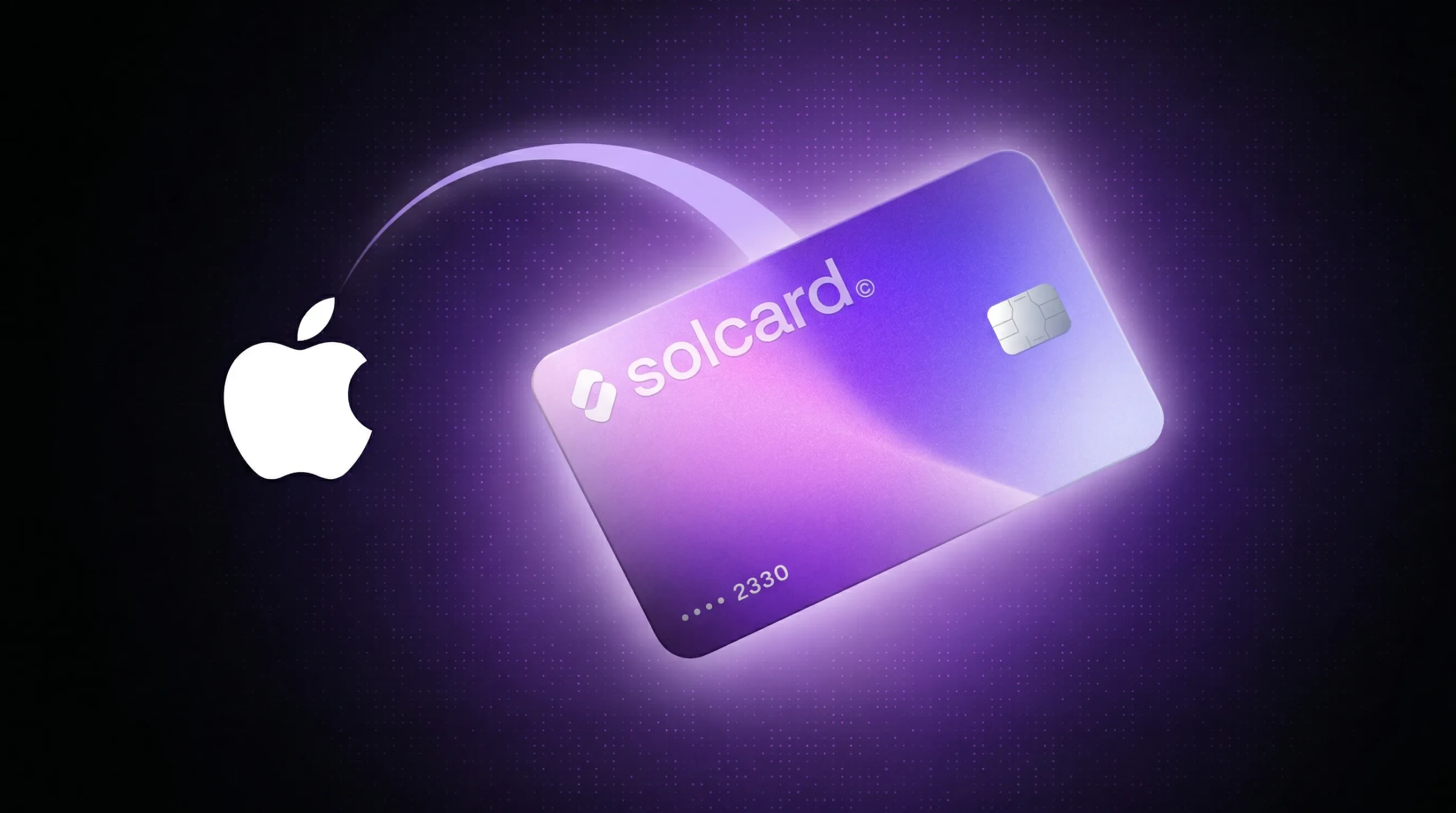
Roughly 27% of SolCard transactions flow through Apple Pay, and once a crypto card is saved under Settings > [Your Name] > Payment & Shipping, Apple bills every recurring subscription automatically just like a bank card.
| Service / bundle | Monthly price | Included |
|---|---|---|
| iCloud+ (50 GB / 200 GB / 2 TB) | $0.99 / $2.99 / $9.99 | Cloud storage, Private Relay, Hide My Email |
| Apple Music | $11.99 | 100M+ songs, lossless and Spatial Audio |
| Apple TV | $14.99 | Apple Originals streaming |
| Apple Arcade / News+ / Fitness+ | $6.99 / $12.99 / $9.99 | Games, magazines, workouts |
| Apple One Individual | $21.95 | Music, TV, Arcade, 50 GB iCloud+ |
| Apple One Family | $27.95 | Family Music, TV, Arcade, 200 GB iCloud+ |
| Apple One Premier | $39.95 | Family services + News+, Fitness+, 2 TB iCloud+ |
Adding a crypto debit card to your Apple Account is the cleanest setup because Apple charges it automatically every month with no manual voucher hunting.
| Card | Top-up / conversion fee | Per-tx fee | KYC required | Apple Pay | Availability |
|---|---|---|---|---|---|
| SolCard Platinum | 0% | $0.30 | Yes | Yes | Global (not US) |
| SolCard Virtual | 5% | $0.30 | No (up to $10k/mo) | No | Global incl. US |
| Coinbase Card | 0% USD/USDC (spread other) | $0 | Yes | Yes | US only (excl. Hawaii) |
| Crypto.com Card | 0% fiat / 1% debit | $0 | Yes | Yes | US, UK, EU, global |
| Bybit Card | 0.9% | $0 | Yes | Yes | Regional (not US) |
On Apple One Premier ($39.95/month):
- SolCard Platinum (outside US): $40.25/month ($0 top-up + $0.30/tx, per the SolCard fee breakdown).
- Bybit Card: $40.31/month (0.9% conversion).
- SolCard Virtual (US & global, no ID): $42.25/month (5% top-up + $0.30/tx).
On iPhone, open Settings > [Your Name] > Payment & Shipping > Add Payment Method, enter your card details, and keep at least $10 to $15 above your renewal total loaded so monthly charges never bounce. If you want to tap-to-pay in stores too, see our Apple Pay crypto card setup guide.
Do not let an iCloud+ renewal lapse
If your prepaid card balance runs dry on renewal day, Apple retries for a few days and then pauses iCloud+ syncing above the free 5 GB tier. Keep a $10 to $15 buffer loaded and add a backup payment method in Apple Account settings.
You can buy digital Apple Gift Cards ($2 to $500) on Bitrefill, CoinsBee, or CryptoRefills using BTC, Lightning, SOL, USDC, or USDT and redeem them under Media & Purchases > Redeem Gift Card.
Gift cards need no ID on small orders, but they carry a 3% to 8% markup ($140+ extra per year on Apple One Premier compared to a 0% top-up card), are strictly region-locked, and force manual top-ups before every renewal. Use them for one-off purchases, not permanent subscriptions.
Once saved, the same crypto card can cover Google services (YouTube Premium $15.99), Spotify Premium ($12.99), Netflix ($19.99), PlayStation Plus ($10.99), and AI subscriptions. See our paying subscriptions with crypto guide and 2026 best crypto debit cards comparison.
Fund subscriptions with USDC or USDT for cleaner tax records
The IRS treats cryptocurrency as property with no small-transaction exemption, so spending appreciated SOL or BTC on monthly Apple bills creates 12 taxable disposals a year. Loading USDC or USDT keeps gains near zero. See crypto spending and taxes.
SolCard is a multi-chain prepaid Visa and Mastercard funded from your wallet across 9+ networks (Solana, Ethereum, Base, Polygon, and more), with $0 monthly fees and a $10 one-time issuance fee per card. Outside the US, verified Platinum gives you 0% top-up fees and Apple Pay provisioning. Inside the US, only the online-only Virtual tier is available (5% top-up, no Apple Pay, no ID up to $10k/month); US users wanting 0% fees and Apple Pay should compare against Coinbase Card.
No. Apple accepts cards, PayPal, carrier billing, and Apple Gift Cards only. Add a crypto debit card to your Apple Account or redeem a crypto-bought Apple Gift Card.
Outside the US, a 0% top-up crypto card like SolCard Platinum ($0.30/tx) keeps Apple One Premier at $40.25/month. In the US, Coinbase Card funded with USDC costs $0 in fees. Apple Gift Cards on Bitrefill typically cost 3% to 8% more.
Only SolCard Platinum (KYC verified, available outside the US) provisions to Apple Wallet. SolCard Virtual works for Apple Account billing when entered as a debit card number, but cannot be added to Apple Pay.
Yes, as long as your card holds enough balance on the renewal date.
Apple retries 2 to 3 times over about a week. If all attempts fail, subscriptions pause and iCloud+ stops syncing new photos and backups above 5 GB until you restore payment.
Skip the 4% to 8% gift card markup on recurring Apple bills. Save a stablecoin-funded 0% top-up crypto card in your Apple Account (SolCard Platinum outside the US, Coinbase Card in the US), keep a $15 buffer loaded, and let iCloud+ and Apple One renew on autopilot.


