Roblox Ads Payment Methods: Cards, Ad Credits and Crypto
Roblox Ads Manager takes a card or Robux ad credits. How billing works, why cards decline and how to pay for Roblox ads in crypto via Virtual for AI & Ad Spend.
In this article
New: a card built for ad platforms
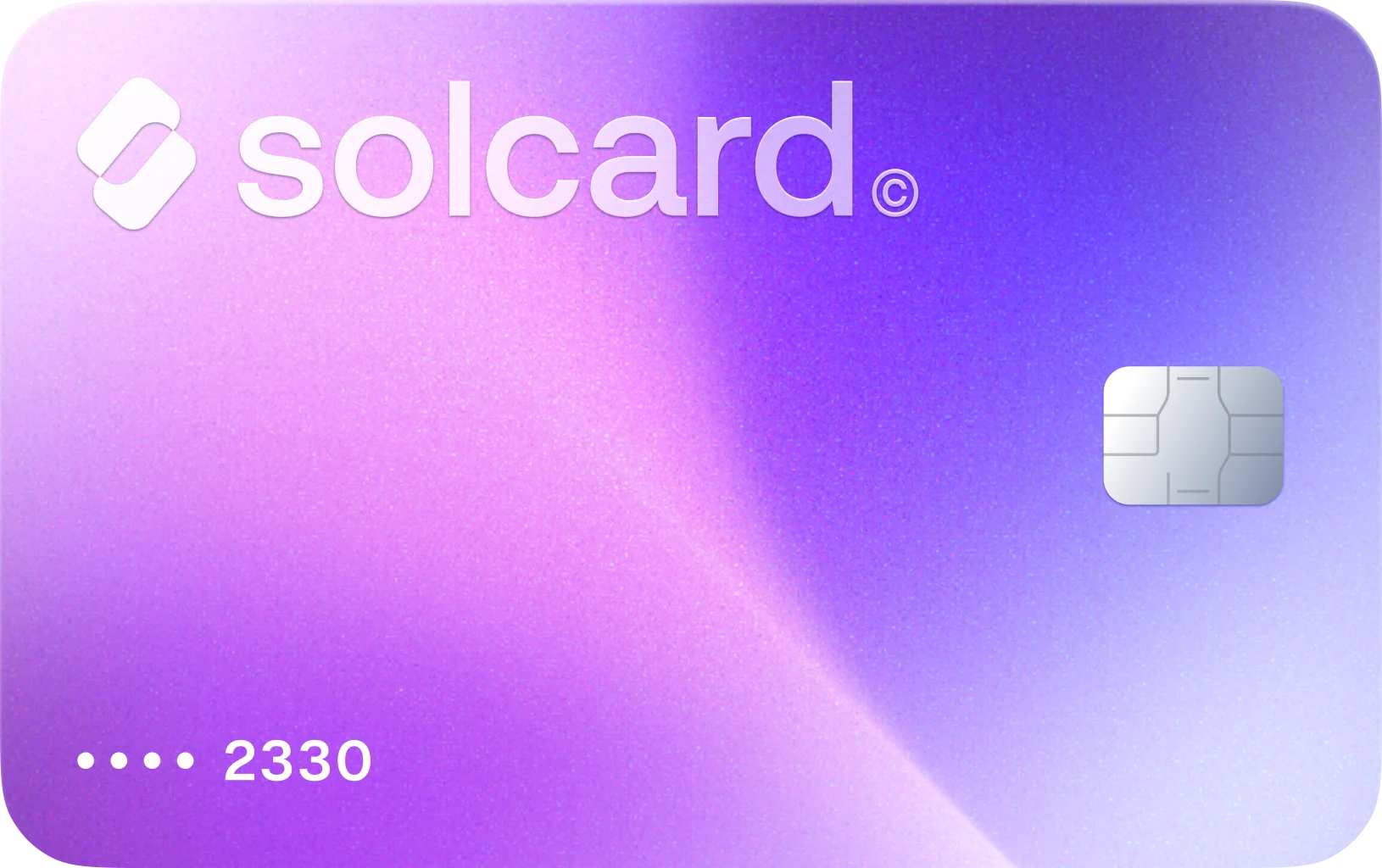
Virtual for AI & Ad Spend is a virtual card made for AI tools and ad platforms, including Roblox Ads Manager. Top it up with USDT, USDC, USDG, EURC, ETH, BNB, POL, AVAX, HYPE, wBTC, wETH or SOL: $10 for the card, 5% per top-up. Get Virtual for AI & Ad Spend.
Roblox Ads Manager accepts exactly two payment methods, according to Roblox's own Ads Manager documentation: a credit or debit card, or ad credits converted from Robux. There is no crypto option. To pay for Roblox ads with crypto, you top up a crypto-funded card and add it as the card on file.
This guide is about advertising on Roblox: sponsoring your game on the Home page and in search results through Ads Manager. It covers who can use which method, how Roblox charges a card, the one setting you can't change after launch, and why cards get declined. If you want to buy Robux instead, that's a different checkout, covered in how to buy Robux with crypto.
- Get a card that works on ad platforms and top it up. Get Virtual for AI & Ad Spend and fund it with stablecoins or another supported coin. Leave room for Roblox's $1 verification hold and the $5 first charge.
- Add the card in Ads Manager. Go to Billing & payments > Payment settings, click Add Payment Method, choose the Card tab, enter the details and click Save and Authenticate. You must be 18 or older.
- Pick the card when you create the campaign. Under Budget & Duration, select the card as the payment method. Roblox won't let you switch it once the campaign is published.
| Method | Works for Roblox ads? | Notes |
|---|---|---|
| Credit or debit card | Yes, 18+ only | $1.00 temporary hold to verify the card, refunded within 7 business days |
| Robux ad credits | Yes, 13+ | Converted from Robux, permanent and irreversible, minimum 1 credit, spendable only in Ads Manager |
| Group ad credits | Yes, for group-owned games | Needs the group revenue permission to convert group Robux |
| PayPal | No | Not listed by Roblox for ads |
| Crypto, directly | No | Use a crypto-funded card |
| Roblox gift cards | Not directly | They add Robux, which you would then convert to ad credits |
Source: Roblox Creator Hub, Ads Manager.
Ads Manager itself is open to anyone 13 or older with a verified email address. The card route is not. If you're between 13 and 17, ad credits from Robux are your only option, and a card of any kind won't help.
Ad credits make sense when you already hold Robux, usually from your game's own earnings. Roblox converts Robux earned at the U.S. 18+ exchange rate first and shows you a preview of the exact conversion before you confirm. The conversion is one-way. Credits can't go back to Robux and can't be spent anywhere except Ads Manager.
A card makes sense when your budget sits outside Roblox, in a bank account or in crypto. You don't have to convert anything or guess how many credits a campaign will need. Roblox bills the card after the ads run.
One detail that trips people up: you can't buy ad credits with a card. The Robux Ad Credit tab converts Robux you already own. So a crypto-funded card pays for ads through the card route only.
Roblox's billing for cards works in three stages, per the billing section of the Ads Manager docs:
- Verification. Adding the card places a temporary $1.00 hold.
- First campaign. First-time card users are charged $5 when they submit a campaign. That $5 goes toward the first bill, and any unused part is refunded.
- Threshold and month-end charges. Your account has a payment threshold that rises as you spend more. When accrued ad spend reaches it, Roblox charges the card automatically. If you don't reach it in a month, Roblox charges the remaining balance at the close of the monthly billing cycle.
Roblox's own example: with a $100 threshold, if your campaigns reach $100 on May 7, the card is charged $100 on May 7.
For a prepaid card, this means the balance has to cover the next threshold charge, not just today's spend. Roblox doesn't publish the starting threshold or how fast it rises, so check your current figure under Billing & payments > Payment activity and keep at least that much on the card.
Credits are deducted in real time as campaigns spend. Once a day, Roblox combines the day's credit spend into a single daily charge, which shows as Pending until it's finalized. Credits a campaign didn't use come back to your account on the campaign end date. If you turn on auto-reload, Roblox buys one day's worth of credits each time the balance runs out.
Fourteen days after a campaign ends, Roblox checks it for bot and invalid traffic. If it finds any, it refunds the affected amount 16 days after the end date. Those refunds stay locked to that campaign rather than returning to your account balance.
Roblox states it plainly: "The payment method cannot be changed after a campaign is published." If the card on a running campaign declines at a threshold charge, you can't swap in another card for that campaign. Roblox also says it may suspend campaigns or advertiser accounts for non-payment.
So pick the card you plan to keep funded before you publish. With a prepaid card, top it up ahead of the next threshold rather than after a decline.
Roblox's docs don't list decline reasons. These come from the docs' rules and from advertisers' reports on the Roblox Developer Forum.
- Not enough balance. The card needs $1 for the verification hold, $5 at first campaign submission, and later the full threshold amount.
- You're under 18. The card tab is only for adult accounts.
- The issuer rejects the $1 authorization. Several forum threads end with the bank flagging the Roblox ad charge as fraud. One advertiser said payments went through about two days after their card company lifted the block. Roblox staff in these threads point people to their bank first, then Roblox Support.
- The card type isn't accepted. Advertisers report prepaid cards and outbound-only virtual cards failing in Ads Manager, sometimes while the same card works for Robux.
- Silent failures. Some advertisers see the page reload with no card added, or an "Invalid payment profile" error. Trying a different card is the usual fix.
Prepaid cards are where the forum complaints cluster, so we checked our own numbers. In our early data, every Roblox Ads charge on the Virtual for AI & Ad Spend card has gone through. The sample is small, and we'll update this page as it grows.
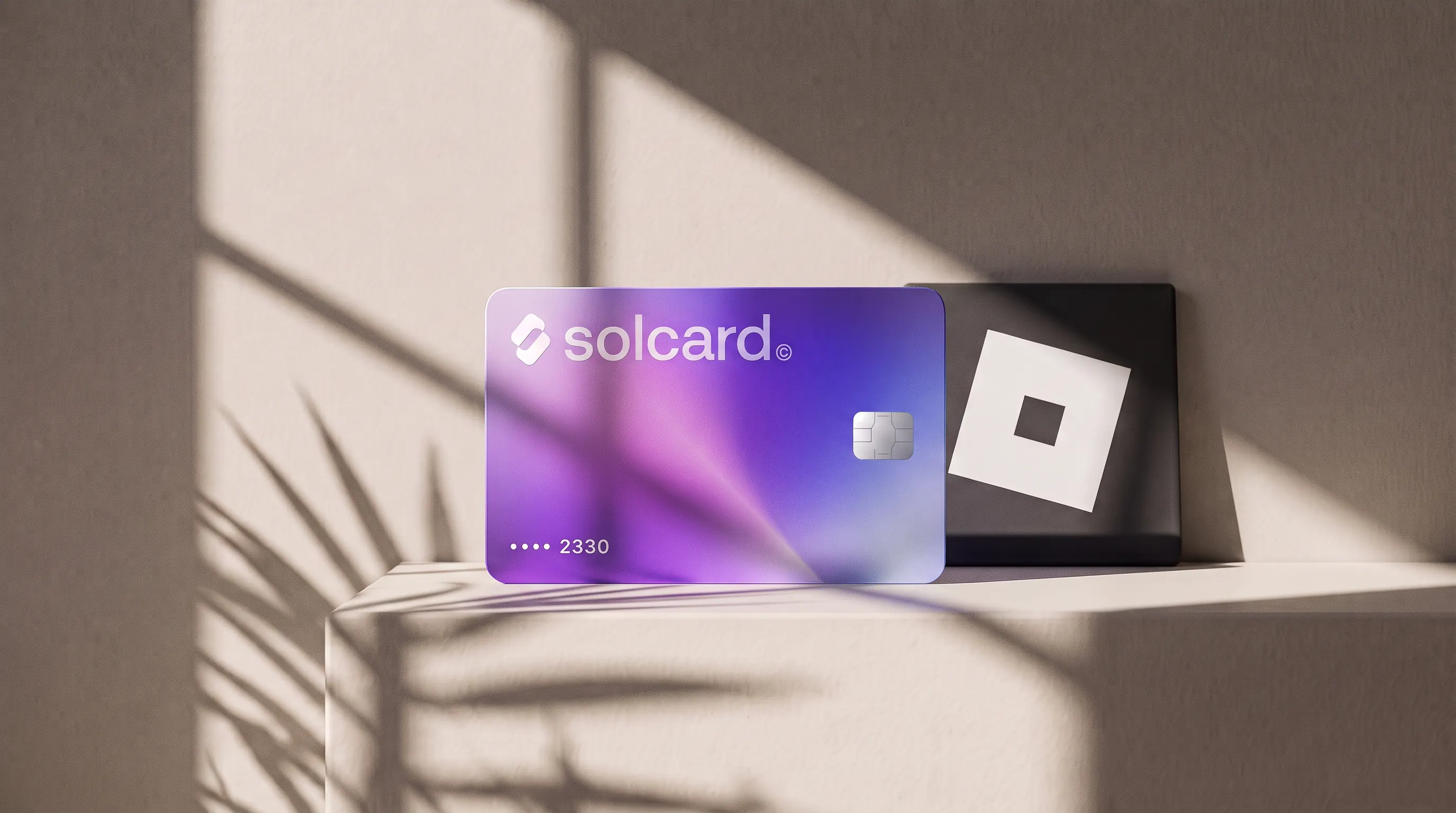
Roblox doesn't take crypto, but it takes cards. Virtual for AI & Ad Spend is a prepaid virtual SolCard card built for AI tools and ad platforms. You top it up with USDT, USDC, USDG, EURC, ETH, BNB, POL, AVAX, HYPE, wBTC, wETH or SOL, and Roblox sees an ordinary card charge.
Be clear on its limits. It works only on AI and advertising merchants. That makes it a card for Roblox advertising, not Robux: it won't buy Robux, Roblox Premium or gift cards. If that's what you're after, read our Robux guide instead.
Roblox charges what your campaigns spend. The card adds 5% on each top-up. A $500 lifetime budget costs $525 in crypto, plus the one-time $10 card fee. A bank card avoids that 5%, so the card is worth it when your ad budget is in crypto or when your local cards keep failing Roblox's $1 authorization.
The same card covers other ad platforms too. If you also run campaigns on Facebook and Instagram, the billing works much like Roblox's: see Facebook ads payment methods.
Not directly. Roblox Ads Manager accepts a credit or debit card, or ad credits converted from Robux. To use crypto, top up a crypto-funded card such as Virtual for AI & Ad Spend and add it as your card in Billing & payments.
No. Ad credits come only from converting Robux you already own, under the Robux Ad Credit tab. With a card, you skip credits and Roblox bills the card directly as your campaigns spend.
- Ads Manager is open from age 13, but the card option is only for users 18 and older. Younger creators can fund campaigns with Robux ad credits.
That is a temporary verification hold placed when you add the card. Roblox refunds it within 7 business days. First-time card users also see a $5 charge when they submit their first campaign, which counts toward the first bill.
No. Roblox says the payment method can't be changed after a campaign is published. Choose the card you'll keep funded before you launch, or create a new campaign with a different payment method.
Credits allocated to a campaign but not spent are returned to your account on the campaign end date. Cancelling a campaign (allowed up to 6 hours before its start time) also returns spent credits and stops any card charge. Converting Robux to credits, though, can't be undone.
No. It works only on AI and advertising merchants, so it covers Roblox Ads Manager but not Robux purchases. For Robux, see how to buy Robux with crypto.
The decision that matters on Roblox is made before the campaign goes live, because the payment method is locked at publish. If you're paying with a prepaid or crypto-funded card, fund it for the next threshold charge, not for today's spend, and the campaign won't stall halfway.
For creators under 18 none of this applies: Robux ad credits are the only route, and the conversion is final, so convert only what you're sure you'll spend on ads.
- Roblox Creator Hub, Ads Manager (payment methods, ad credits, budgets, billing, fraud refunds)
- Roblox Developer Forum, Roblox Ads manager refuse to take my new payment method (Payment Declined)
- Roblox Developer Forum, Ads Manager declining my payment method
- Roblox Developer Forum, Payment method error on Ads Manager
- Roblox Developer Forum, Cannot add payment method to advertise.roblox.com
- SolCard payment data, July to October 2026 (Virtual for AI & Ad Spend card)