TikTok Ads Payment Methods: How to Pay with Crypto in 2026
TikTok Ads payment methods by billing option, why prepaid cards need Manual Payment, how to fix a failed payment, and crypto via Virtual for AI & Ad Spend.
In this article
New: a card built for ad platforms
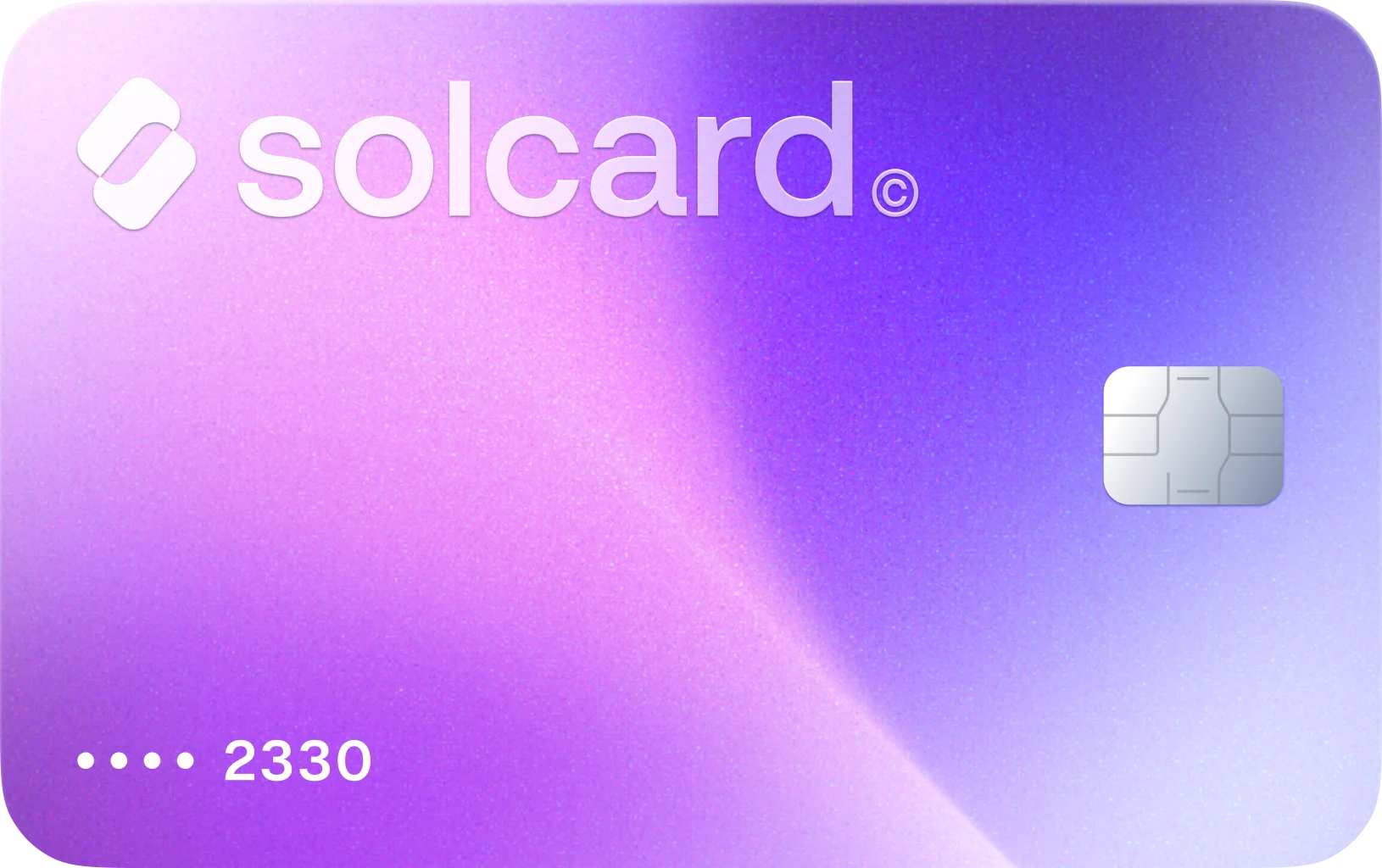
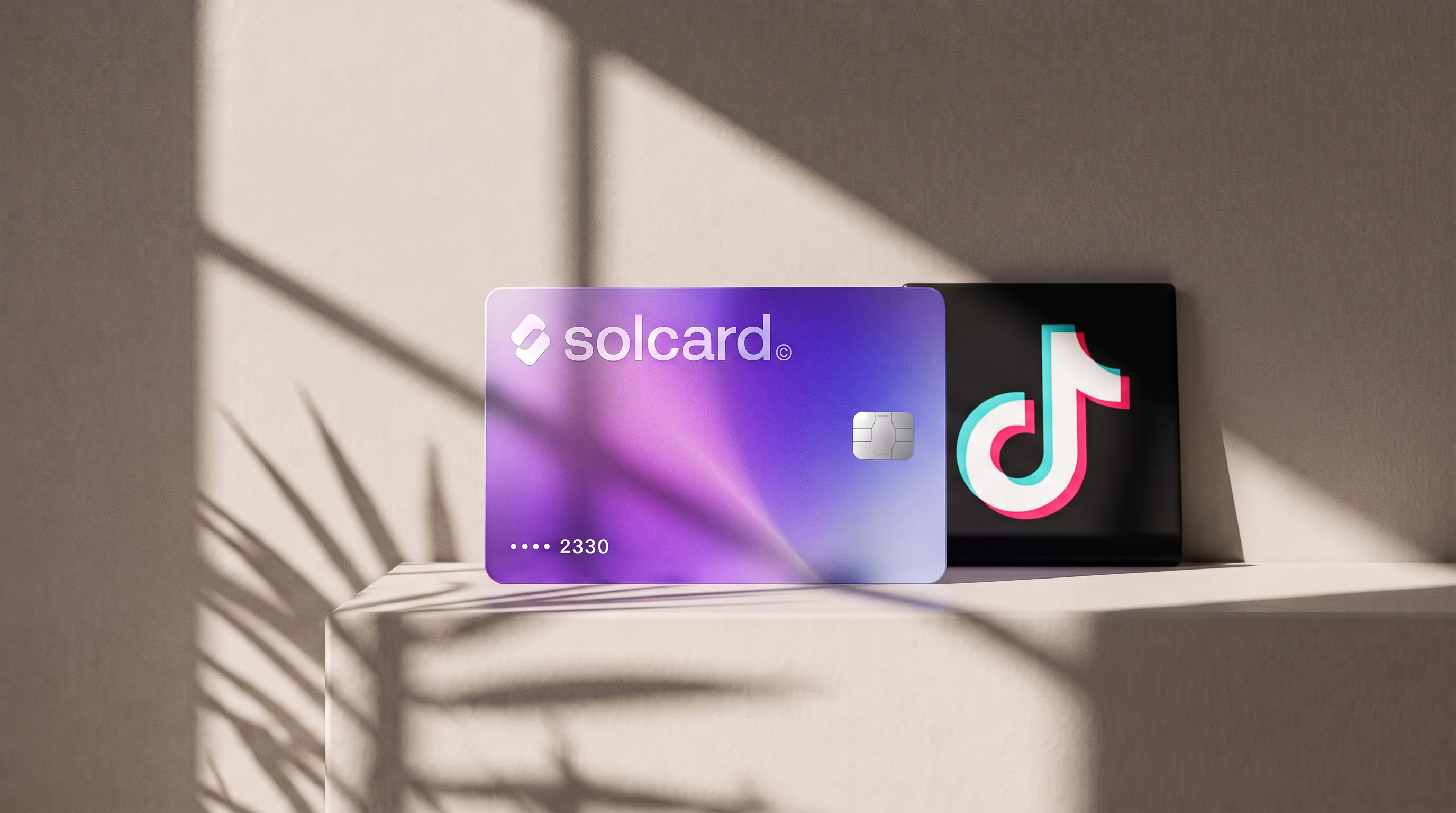
Virtual for AI & Ad Spend is a prepaid virtual card made for AI tools and ad platforms, including TikTok Ads. Top it up with USDT, USDC, USDG, EURC, ETH, BNB, POL, AVAX, HYPE, wBTC, wETH or SOL: $10 for the card, 5% per top-up. Get Virtual for AI & Ad Spend.
TikTok Ads Manager takes bank cards and PayPal everywhere it sells self-serve ads, plus Venmo and direct debit in some US setups, and it does not take crypto directly. Which methods you see depends on your billing country, your currency and your billing option, per TikTok's supported payment methods page.
The billing option matters more than the method. TikTok says a prepaid card can't be used for Automatic Payment, and once you switch to Automatic Payment you can't switch back. If you plan to pay with a prepaid or crypto-funded card, this post shows the one setup that works and how to keep it working.
- Get a card and top it up with crypto. Virtual for AI & Ad Spend is a prepaid virtual card that you fund with stablecoins or other crypto.
- Keep your ad account on Manual Payment. Choose Manual Payment when you set up the account, and don't switch to Automatic Payment.
- Add balance with the card. In Ads Manager go to Tools > Settings > Billing, then click Add balance on the Payment page. Your ads spend that balance and stop when it runs out.
TikTok publishes its accepted methods per region. This is the North America table, from TikTok's North America supported payment methods page:
| Country | Billing option | Currencies | Payment methods |
|---|---|---|---|
| United States | Manual Payment (prepay) | USD | Venmo, PayPal, credit or debit card |
| United States | Manual Payment (prepay) | CAD, EUR, GBP | Bank cards, PayPal |
| United States | Automatic Payment | USD, CAD, EUR, GBP | Bank cards, PayPal |
| United States | Monthly Invoicing | USD | Venmo, PayPal, direct debit, credit or debit card |
| Canada | Manual or Automatic Payment | USD, CAD | Bank cards, PayPal |
| Canada | Monthly Invoicing | USD, CAD | Bank cards, PayPal, direct debit |
Two rows matter if you pay with crypto:
| Method | Works? | Source |
|---|---|---|
| Crypto, directly | No | Not listed in any of TikTok's regional tables |
| Prepaid card on Automatic Payment | No | "You can't use a prepaid card for automatic payment", per Set up Automatic Payment |
| Prepaid card on Manual Payment | Yes, as a card | TikTok's prepay rows accept cards; the prepaid ban is specific to Automatic Payment |
Outside North America the list changes a lot. Asia-Pacific accounts see local wallets and bank transfers, for example. To see yours, open Tools > Settings > Billing and click + Add Payment Method. Agency-managed accounts get their methods from their sales representative instead.
TikTok gives self-serve advertisers two billing options, and big accounts can get a third. From TikTok's billing options page:
| Manual Payment | Automatic Payment | Monthly Invoicing | |
|---|---|---|---|
| When you pay | Before ads run | After ads run | After ads run, invoice due in 30 days |
| How it charges | You add balance; ads draw it down | Card charged at your billing threshold or bill date, whichever comes first | Monthly invoice |
| Prepaid cards | Accepted as a card | Not allowed | Not stated |
| Who gets it | Self-serve advertisers | Self-serve advertisers | Eligible businesses only |
The rule that catches people is the one-way switch. TikTok allows Manual to Automatic, Manual to Invoicing and Automatic to Invoicing, and nothing in the other direction. If you move a Manual account to Automatic Payment and your only card is prepaid, you have no way back. Leave the setting alone.
On Automatic Payment, TikTok charges your card when your spend reaches the account's billing threshold or its bill date, whichever comes first, according to TikTok's Automatic Payment page. Billing can run weekly or monthly, and the bill date is set from when you registered and how much you've spent before. TikTok doesn't publish the threshold amounts. When you add a card, TikTok takes at least $10 to check it and refunds it within 15 days.
Manual Payment is simpler. You add money to the ad account's balance, TikTok deducts charges as the ads run, and the ads stop when the balance hits zero, per TikTok's Manual Payment page. Leftover balance carries over to the next campaign.
For a prepaid card that's the better fit anyway. TikTok charges your card once per top-up, at an amount you choose, so you never meet a surprise threshold charge on a card that's running low. TikTok's help pages don't list a minimum top-up amount. If a Business Center owns the ad account, you can only add balance from Finance > Payment management in the Business Center.
TikTok's payment failure checklist puts most failures down to wrong details, a poor connection, or the bank refusing authorization. In order of how often we'd check them:
- Not enough on the card. Top up the card to cover the amount you're adding to TikTok before you click Add balance.
- A prepaid card on Automatic Payment. TikTok doesn't allow it. A Manual Payment account is the only route.
- 3D Secure didn't load or failed. TikTok asks for a card that supports 3D Secure verification. A VPN, pop-up blocker or browser extension can stop the verification page from loading, so turn them off and try again. Our 3D Secure explainer covers what the check does.
- Expired card or wrong details. Check the number, expiry date, CVV and billing address you entered.
- Browser cache. TikTok suggests clearing cookies, trying an incognito window or another browser, or adding
&reset_cache=1to the end of the Ads Manager URL. - Too many attempts. If TikTok blocks further transactions, it says to wait at least 24 hours before trying again, per its unsuccessful payment guide. Retrying in a loop only extends the block.
If none of that works, ask your card issuer why the charge was declined, then contact TikTok Business Support.
TikTok won't take USDC, but it will take a card, and on Manual Payment a prepaid card is fine. A crypto-funded card converts your crypto to USD when you top it up, and TikTok sees an ordinary card payment.
Virtual for AI & Ad Spend is the SolCard card for this. It's prepaid and virtual, and it works only at AI tools and ad platforms: it will decline at a supermarket or an airline. That's the trade-off for a card tuned to merchants like TikTok Ads and Meta Ads. In our early data, every TikTok Ads charge on the card has gone through so far. The sample is still small, so treat that as a good sign and not a guarantee.
TikTok charges what you add to your balance. The card adds 5% when you top it up, plus $10 once to issue it.
| Monthly TikTok budget | Crypto you top up (5%) | First month incl. $10 card |
|---|---|---|
| $200 | $210 | $220 |
| $1,000 | $1,050 | $1,060 |
| $5,000 | $5,250 | $5,260 |
A bank card with no fees is cheaper if you have one TikTok accepts. The 5% buys you a way to pay from a crypto balance, and a card that doesn't depend on your local bank approving a foreign ad charge. If you want a general-purpose card instead, SolCard's Platinum card has no top-up fee but requires identity verification.
Not directly. TikTok accepts bank cards, PayPal and, in some regions, Venmo, direct debit or local methods. To pay with crypto, top up a crypto-funded card and use it to add balance on a Manual Payment account.
Only on Manual Payment. TikTok's help center says "You can't use a prepaid card for automatic payment." On Manual Payment you add balance with the card ahead of time, which suits a prepaid card.
No. TikTok lets you move from Manual to Automatic, from Manual to Monthly Invoicing, or from Automatic to Monthly Invoicing, and never back. Pick Manual Payment at setup if you'll pay with a prepaid card.
The usual causes are a card balance below the amount you're adding, a prepaid card on Automatic Payment, a 3D Secure page blocked by a VPN or extension, or wrong card details. If TikTok blocks further attempts, wait at least 24 hours before retrying.
It's the spend level at which TikTok charges your card on Automatic Payment, or your bill date if that comes first. TikTok doesn't publish the amounts. Manual Payment accounts have no threshold because you pay before the ads run.
On Automatic Payment, TikTok takes at least $10 (or the local equivalent) to verify a new card and refunds it within 15 days.
With TikTok Ads, the billing option you pick at setup decides which cards will work. Automatic Payment is closed to prepaid cards and can't be undone, so anyone paying from crypto should set up Manual Payment, top up the card, then add balance in Ads Manager. It's one extra step per campaign, and in return the charge amounts are always ones you chose.
- TikTok for Business: Supported payment methods
- TikTok for Business: North America supported payment methods
- TikTok for Business: Available TikTok billing options
- TikTok for Business: Automatic Payment
- TikTok for Business: Set up Automatic Payment
- TikTok for Business: About Manual Payment
- TikTok for Business: Troubleshooting payment failure
- TikTok for Business: How to troubleshoot unsuccessful payment