Pay Vast.ai with Crypto: Payment Methods and Autobilling
Vast.ai takes crypto through BitPay and Crypto.com, but autobilling needs a card. Compare paying direct with Virtual for AI & Ad Spend, a crypto-funded card.

In this article
New: a card built for Vast.ai
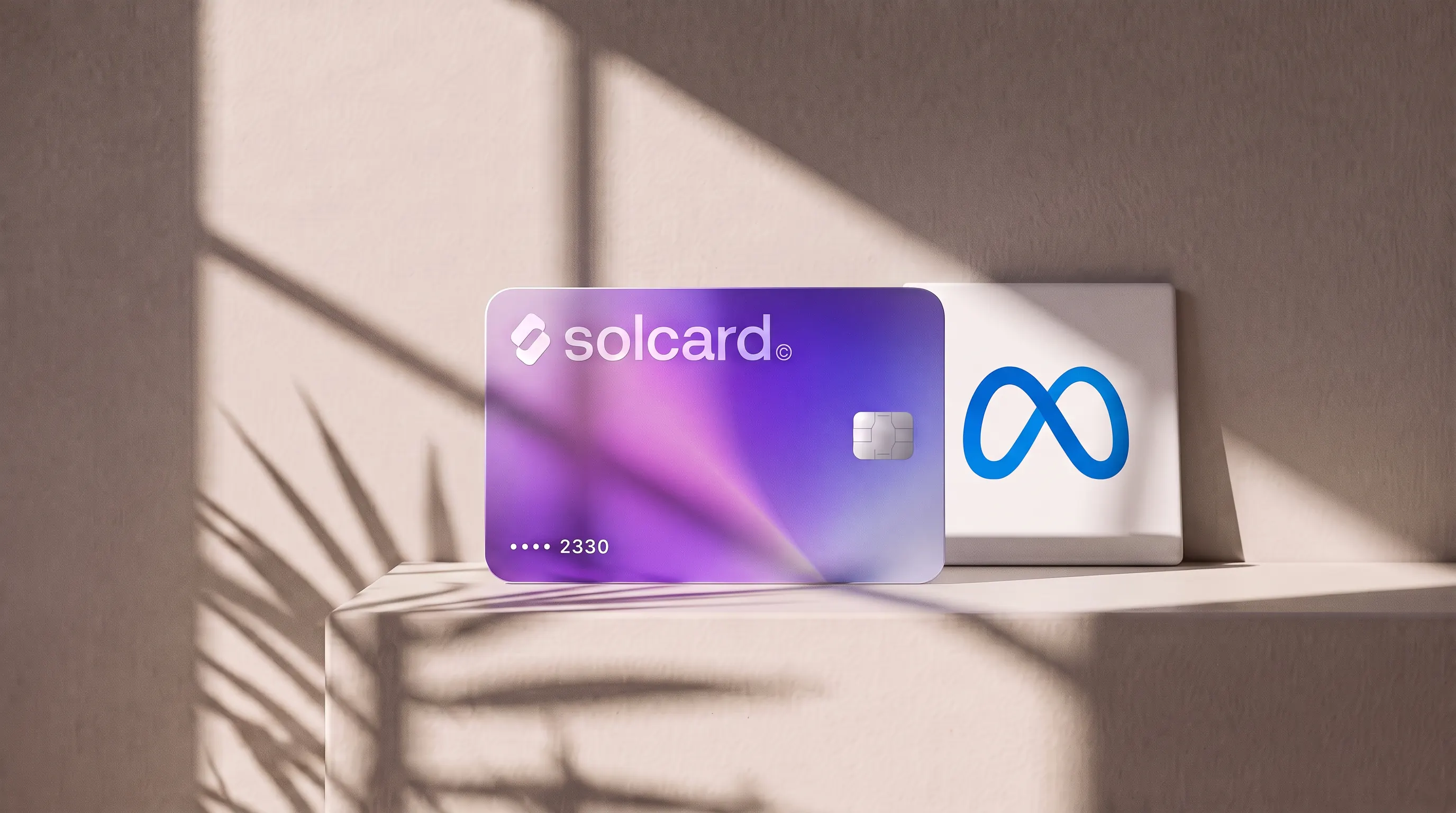
Virtual for AI & Ad Spend is a virtual card made for AI tools and ad platforms, and it works on Vast.ai. Top it up with USDT, USDC, USDG, EURC, ETH, BNB, POL, AVAX, HYPE, wBTC, wETH or SOL: $10 for the card, 5% per top-up. Get Virtual for AI & Ad Spend.
Yes, Vast.ai accepts crypto directly: its billing docs list crypto payments through BitPay and Crypto.com, next to cards through Stripe. What crypto can't do on Vast.ai is pay automatically. Autobilling is card-only, and Vast.ai stops your rentals when the balance runs out.
Vast.ai is a GPU marketplace: independent hosts list machines, and you rent GPUs by the second for training, fine-tuning and inference. This post covers what each payment path costs, how Vast.ai's prepaid credits behave at zero, where its own docs contradict each other, and when a crypto-funded card is worth the 5% top-up fee.
- Load a card from your wallet. Get Virtual for AI & Ad Spend and top it up with USDC, USDT, SOL or any of the other assets listed above.
- Add the card on Vast.ai. Open Billing, add the card (Vast.ai passes the number straight to Stripe), then use Add Credit to buy your first credits. The quickstart sets the minimum deposit at $5.
- Turn on autobilling. Set the threshold to about your average daily or weekly spend, and a low-balance email alert at around 75% of that threshold. Those are Vast.ai's own recommended settings.
If you would rather pay crypto straight to Vast.ai, step 2 becomes Billing → Add Credit → BitPay or Crypto.com, and step 3 isn't available to you.
| Method | Processor | Autobilling | Refund of unspent credits |
|---|---|---|---|
| Credit or debit card | Stripe | Yes | Usually, on request through site chat |
| Crypto via BitPay | BitPay | No | Vast.ai's docs disagree (see below) |
| Crypto via Crypto.com | Crypto.com | No | Vast.ai's docs disagree (see below) |
| Coinbase Commerce | Coinbase | No | No, marked legacy |
| PayPal | n/a | n/a | Not offered |
Vast.ai's marketing page is behind its docs here. The Launch Your GPU page still says "We also accept crypto payments through Coinbase and Crypto.com (and we're adding PayPal soon.)" The billing docs name BitPay instead and call Coinbase Commerce legacy. We'd trust the docs, and check the Billing page in your own account before sending funds.
There is a second wrinkle. Vast.ai's Launch Your GPU page answers "Do I need a credit card to try it?" with "Yes", and its billing FAQ says you can increase your credit balance "once you enter a credit card and an email address and both are verified." Read literally, a card has to be on the account before you can buy credits at all, even if you then pay in crypto. Neither page says outright whether a crypto-only account works.
Vast.ai runs on prepaid credits. You buy credits first, then rentals draw them down. Per the billing docs, the balance updates every few seconds, and charges come in three parts:
| Charge | Unit | Keeps running when |
|---|---|---|
| GPU rental | $/hour, billed per second | The instance is running |
| Storage | $/GB/hour | The instance is running or stopped |
| Bandwidth | $/TB | Data moves in or out |
Hosts set their own prices, so two machines with the same GPU can cost different amounts. Instances in the "Loading" state aren't charged, and a 10-minute rental costs 10 minutes.
This is the part that decides how you should pay. When the balance reaches zero:
- Your instances stop automatically. You can still copy data off the machine.
- Storage keeps billing, even on a negative balance.
- Vast.ai gives you a grace period, sized from your account's average daily spend.
- With a saved card, Vast.ai charges it to cover the negative balance.
- Without a saved card, "your instances and stored data will be destroyed to prevent indefinite unpaid usage."
So a crypto-only payer running a long training job has to watch the balance by hand. Miss a top-up and the job stops. Miss the grace period and the checkpoints on that instance go with it. Vast.ai's own docs suggest that crypto payers keep a card on file as a backup for exactly this reason.
Vast.ai's billing page says "In most cases we can refund unspent credits," and names only Coinbase Commerce (legacy) as the exception. The FAQ on the same page says "We do not refund Vast credits bought with crypto." Spent credits are never refunded on any path. Until Vast.ai reconciles the two, assume credits bought with crypto are final, and don't buy more than you plan to use.
Both paths start in your wallet. The difference is what happens after.
| Pay Vast.ai in crypto | Pay with Virtual for AI & Ad Spend | |
|---|---|---|
| Fee from Vast.ai | None published | None published |
| Your cost on top | Network fee to send | 5% per top-up, $10 once for the card |
| Assets | Whatever BitPay or Crypto.com accept at checkout | USDT, USDC, USDG, EURC, ETH, BNB, POL, AVAX, HYPE, wBTC, wETH, SOL |
| Autobilling | No | Yes |
| Negative balance | Instances stop; data deleted after the grace period | Card is charged automatically |
| Unspent-credit refund | Probably not (see above) | Same as any card purchase |
| Works elsewhere | Vast.ai only | Other AI and ad platforms, such as OpenRouter and Claude |
Our view: paying Vast.ai in crypto is the cheaper choice for short, supervised jobs you can top up by hand. For anything that runs overnight, or for weeks, the card earns its fee because autobilling keeps your instances and data alive.
Vast.ai doesn't publish a payment fee on either path, so the comparison comes down to what you pay before the money reaches Vast.ai.
| Monthly GPU spend | Crypto direct | Virtual for AI & Ad Spend |
|---|---|---|
| $50 | $50 plus network fees | $52.50 (plus $10 once) |
| $300 | $300 plus network fees | $315.00 (plus $10 once) |
| $1,000 | $1,000 plus network fees | $1,050.00 (plus $10 once) |
The card rows apply the 5% top-up fee to the amount you need on the card. On Solana or a layer 2, the network fee for a direct crypto payment is usually small. On Ethereum mainnet it can matter for a $5 deposit. BitPay and Crypto.com may add their own costs at checkout; Vast.ai doesn't document any, so check the amount on the payment screen.
At $300 a month, the card costs you $15 more than paying direct. Weigh that against one job lost to an empty balance at 3 a.m.
In our early data, all but one Vast.ai charge on the Virtual for AI & Ad Spend card went through. The sample is small, so treat it as a first signal, not a guarantee.
Be clear on what the card is. Virtual for AI & Ad Spend is a prepaid virtual card that works only on AI and advertising merchants. It won't pay for groceries or flights. If Vast.ai and your other AI tools are what you need to fund, that limit doesn't cost you anything. If you want one card for everything, it's the wrong card.
- Balance short of the charge. Autobilling charges whatever covers your threshold or negative balance, which can be more than you expect. Keep a buffer on the card above your autobilling amount.
- Billing address mismatch. Enter the billing address that matches the card. A mismatch is a common decline trigger at Stripe checkouts.
- 3D Secure step not completed. Some card checkouts ask for an extra verification step. Our 3D Secure explainer covers how it works on crypto cards.
- Rapid retries. Several declines in a few minutes look like card testing. Wait, fix the cause, then try once.
- Unverified email. Vast.ai won't let you rent a machine until you verify your email address, which can look like a payment problem when it isn't.
Yes. Vast.ai's billing docs list crypto payments through BitPay and Crypto.com, alongside cards through Stripe. Coinbase Commerce, which older Vast.ai pages still mention, is now marked legacy. Crypto payments can't be used for autobilling.
Credit and debit cards through Stripe, and crypto through BitPay and Crypto.com. PayPal isn't offered, though Vast.ai's marketing page has said it is coming. The minimum deposit is $5.
Probably. Vast.ai's Launch Your GPU page says you need a credit card to try it, and its billing FAQ says you can add credit once a card and an email address are both verified. Even if you buy credits in crypto, Vast.ai recommends keeping a card saved so your instances survive a zero balance.
No. Vast.ai's docs label autobilling "credit card only". To automate refills with crypto, load a crypto-funded card such as Virtual for AI & Ad Spend and save it as your Vast.ai payment method. Top-ups cost 5%, plus $10 once for the card.
Your instances stop, but storage keeps billing. If you have a card saved, Vast.ai charges it periodically to cover the negative balance. With no card saved, it destroys your instances and their stored data after a grace period based on your average daily spend.
Assume not. Vast.ai's billing page says unspent credits are usually refundable, but its FAQ says credits bought with crypto are not refunded. Spent credits are never refunded on any payment method.
Yes. In our early data, all but one Vast.ai charge on the card went through, from a small sample. The card works only on AI and advertising merchants, Vast.ai included.
Vast.ai is a GPU platform for AI work that takes crypto at its own checkout, and for a supervised job you top up by hand, that is the cheapest way to pay. The catch is the zero-balance rule. Vast.ai doesn't pause and wait for you. It stops the instance, keeps billing storage, and deletes the data if no card is there to cover it.
That makes the payment choice a question of how long your jobs run. Short jobs you watch: pay in crypto. Long jobs you leave running: put a card on file and turn on autobilling. If you fund it from crypto, Virtual for AI & Ad Spend keeps the money on-chain until you need it, at 5% per top-up. For more AI tools you can fund the same way, see our roundup of AI subscriptions you can pay with crypto.
Renting GPUs on RunPod as well? See how to pay RunPod with crypto; the same card works there.
- Vast.ai docs, Billing: https://docs.vast.ai/guides/reference/billing
- Vast.ai docs, Billing FAQ: https://docs.vast.ai/guides/reference/faq/billing
- Vast.ai docs, Quickstart: https://docs.vast.ai/guides/get-started/quickstart
- Vast.ai, Launch Your GPU: https://vast.ai/launch-your-gpu
- SolCard payment data, Virtual for AI & Ad Spend card, July to October 2026