Pay RunPod with Crypto: Direct Deposits vs a Card in 2026
RunPod takes crypto deposits through Crypto.com, but auto-pay needs a card. Compare both, plus Virtual for AI & Ad Spend, a crypto-funded card for GPU credits.
In this article
New: a card built for RunPod
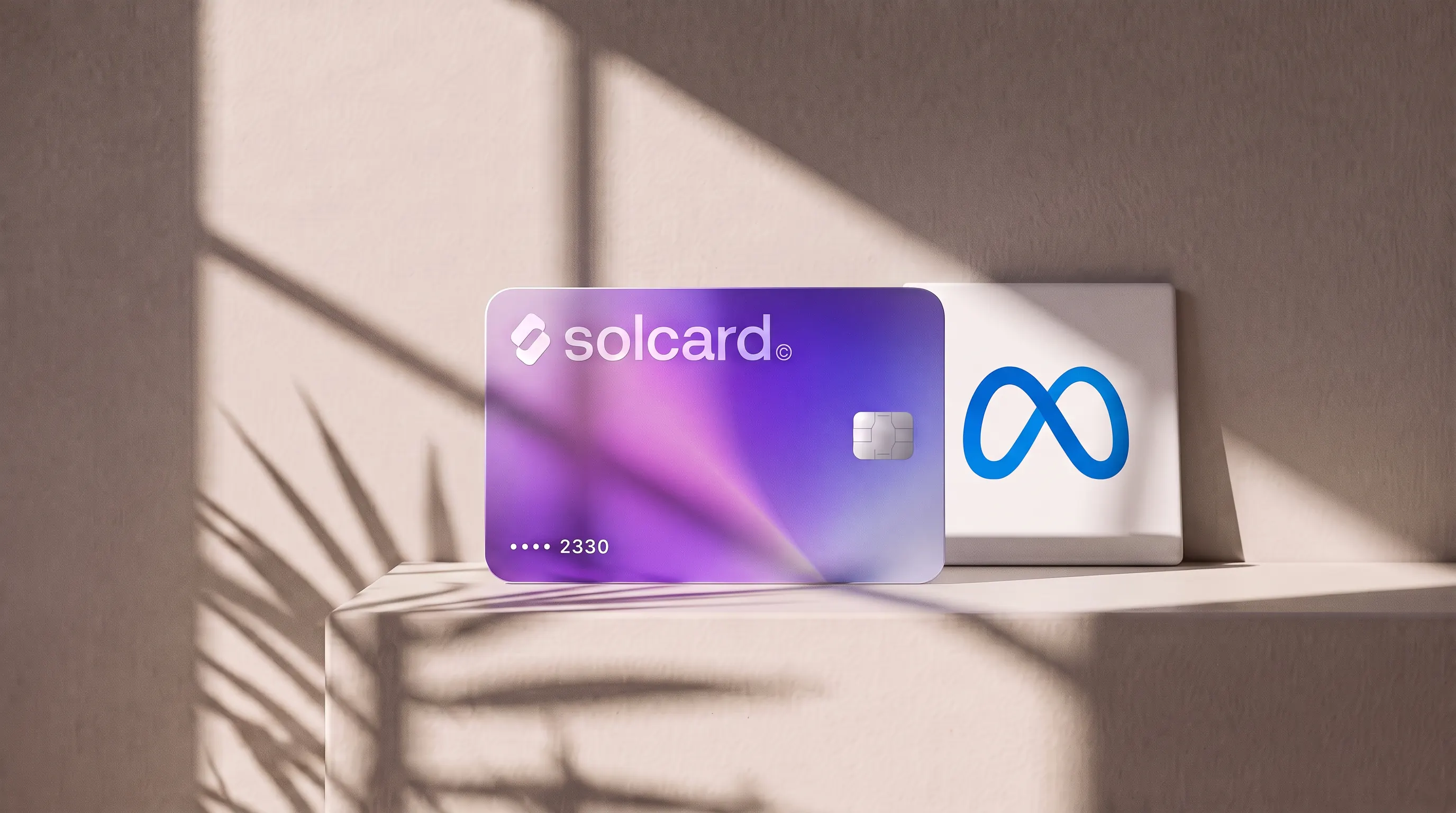
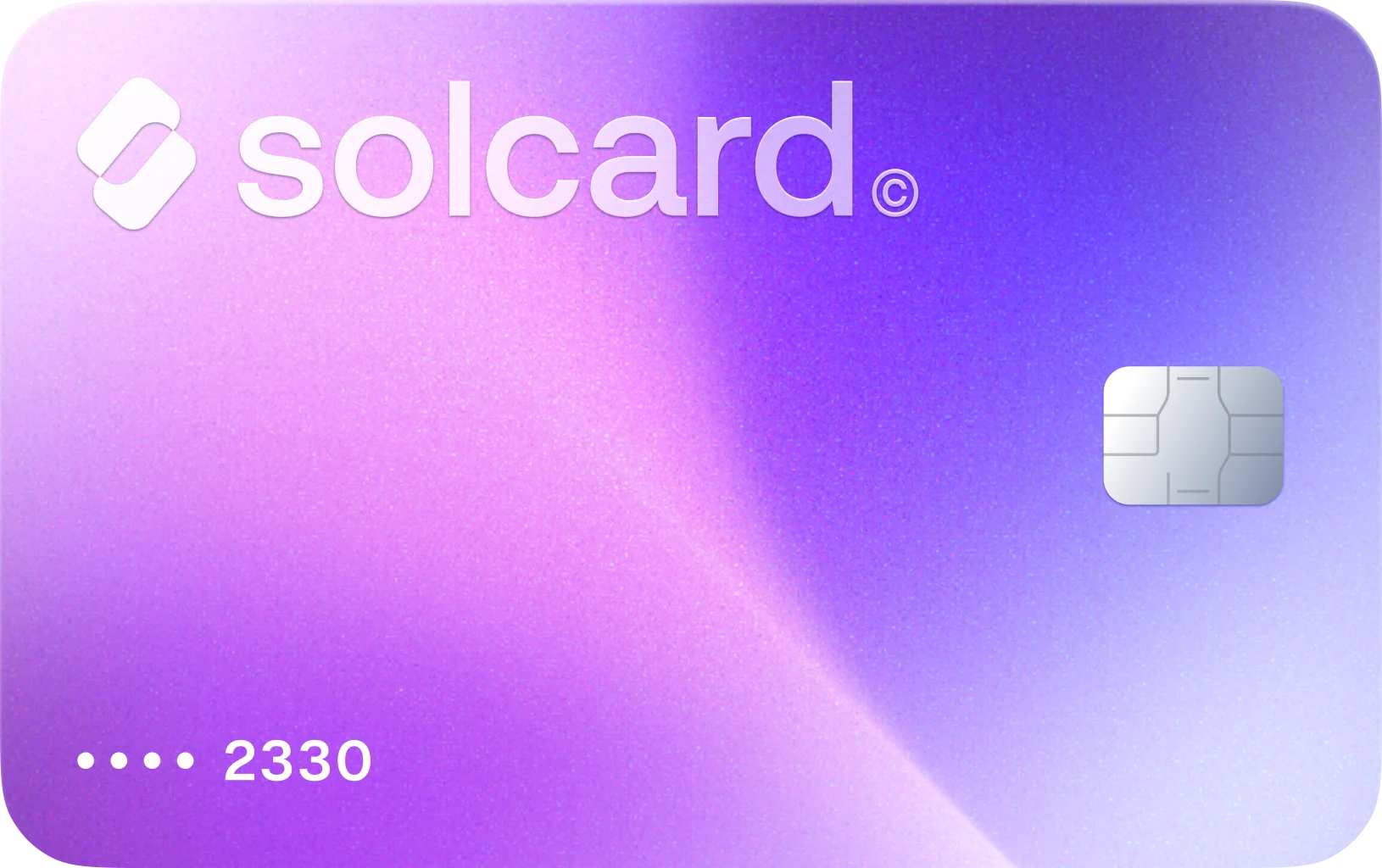
Virtual for AI & Ad Spend is a virtual card made for AI tools and ad platforms, and it works on RunPod. Top it up with USDT, USDC, USDG, EURC, ETH, BNB, POL, AVAX, HYPE, wBTC, wETH or SOL: $10 for the card, 5% per top-up. Get Virtual for AI & Ad Spend.
Yes, RunPod accepts crypto directly: its billing docs list cryptocurrency "via integrated payment processors", and its Terms of Service name Crypto.com alongside Stripe. The catch is automation. RunPod's auto-pay only charges a saved card, so a wallet alone means topping up GPU credits by hand.
RunPod sells GPU compute for AI workloads: training runs, fine-tuning, inference endpoints and notebooks on rented GPUs. You pay from a prepaid balance that drains by the second, and when it hits zero your Pods stop. This guide compares the two crypto routes on what actually matters for that kind of spend: fees, auto-pay, and what happens at $0.
- Pick a route. For a one-off deposit, use RunPod's own crypto checkout. For hands-off refills, get a crypto-funded card such as Virtual for AI & Ad Spend and top it up from your wallet.
- Add funds. In the RunPod console, open Billing, choose an amount, and pay with crypto or the card. With a card, deposit at least $100 per transaction (more on why below).
- Turn on auto-pay (card only). Set a threshold and a refill amount so long jobs don't stop when the balance runs low.
RunPod lists three ways to fund an account. Here they are side by side, using RunPod's own docs.
| Method | Who processes it | Minimum | Auto-pay | Notes |
|---|---|---|---|---|
| Credit or debit card | Stripe | $10 per deposit; $100 advised for prepaid cards | Yes | Visa, Mastercard, American Express and other cards Stripe supports |
| Cryptocurrency | Crypto.com (named in the Terms of Service) | Not published | No | Complete the processor's KYC before your first crypto payment |
| Business invoicing | RunPod sales | Over $5,000 | No | ACH, wire transfer or credit card |
Stripe's RunPod case study also mentions ACH debit and Link, Stripe's saved-payment wallet. PayPal does not appear in any of RunPod's billing pages.
Two gaps in RunPod's documentation are worth knowing before you send funds. The docs don't list which coins or networks the crypto checkout takes, and they don't state a fee for crypto deposits. Both are set by the processor's checkout, so read the payment screen before you confirm. RunPod's funding guide recommends opening a Crypto.com account and finishing its identity checks ahead of time, so the crypto route is ready when you need it.
RunPod is prepaid. You add credits, and charges come off the balance as your Pods and serverless endpoints run.
- Compute and storage are billed per second, and RunPod charges no data transfer fees. Billing runs every 5 minutes. Network volumes are billed hourly.
- To deploy a Pod, your balance needs at least one hour of credits for the GPU configuration you picked.
- New accounts start with a default cap of $80 per hour across all resources, which rises as your account history grows.
- At $0, Pods stop. With a network volume attached, the Pod stops and your data stays on the volume. Without one, the Pod is terminated and its data can't be recovered.
- Per the billing docs, credits "are non-refundable and cannot be withdrawn once deposited."
That last pair is why the payment method matters more here than for a monthly subscription. An empty balance doesn't just pause a plan. It can end a training run and delete the container disk with it.
Auto-pay takes a threshold and an amount. When your balance drops near the threshold, RunPod charges your default saved card for the amount. Attempts are limited to once per hour. RunPod's funding guide adds a condition the docs page leaves out: auto-pay only charges the card if you have an active balance of at least $100.
A crypto deposit can't trigger any of this. If you fund only from a wallet, set the low-balance email alert and plan to top up manually.
Both routes start in your wallet. They differ in cost, automation and who sees your identity.
| RunPod crypto checkout | Virtual for AI & Ad Spend | |
|---|---|---|
| Fee | None published by RunPod; check the processor's checkout | $10 once, plus 5% per top-up |
| Coins | Whatever the processor's checkout lists | USDT, USDC, USDG, EURC, ETH, BNB, POL, AVAX, HYPE, wBTC, wETH, SOL |
| Auto-pay | No | Yes, once the card is saved on RunPod |
| Identity checks | The processor's KYC before the first payment | SolCard account sign-up |
| Refunds | RunPod credits are non-refundable either way | Same |
| Other merchants | RunPod only | Other AI tools and ad platforms |
Our view: if you top up a few times a year and are happy to watch your balance, RunPod's crypto checkout is likely the cheaper route, because no card fee sits on top. If you run long jobs, serverless endpoints, or anything you don't babysit, a card with auto-pay is worth the 5%. A stopped Pod costs more than the fee when it takes unsaved work with it.
The 5% applies to each top-up of the card, not to RunPod usage. RunPod charges the card the deposit amount, and its billing docs list no card surcharge.
| What you do | SolCard fees |
|---|---|
| Get the card | $10, once |
| Top up $100 | $5 |
| Top up $500 | $25 |
| First month: card plus $500 of GPU credits | $35 total |
After the first month, a $500 monthly GPU budget costs $25 a month in top-up fees. The dashboard shows the exact cost before you pay. The card only works on AI and ad merchants, so it is a card for this kind of spend rather than a general wallet. For a wider look at paying AI tools with crypto, see the AI subscriptions you can pay for with crypto.
RunPod's decline troubleshooting page and funding guide point to a few causes. These are the ones that hit crypto-funded cards most.
- Small prepaid deposits. Virtual for AI & Ad Spend is a prepaid card, and RunPod says Stripe recommends deposits of at least $100 for prepaid cards. Small top-ups, especially right after a large one, can trigger a block. Deposit $100 or more each time.
- Not enough balance on the card. Auto-pay charges the full refill amount. If the card holds less, the charge fails and your RunPod balance keeps draining. Keep the card topped up above your auto-pay amount.
- Mismatched details. A card number, expiry, CVV or billing address that doesn't match the issuer's records is declined. RunPod notes that small differences are enough.
- Retrying with several cards. Repeated failed attempts can put a temporary block on all payments for the account. RunPod says these blocks usually clear within 24 hours, sooner if you contact support. Wait, or write to support, instead of cycling cards.
- Fraud checks on first or large purchases. International and first-time charges are flagged more often. A 3D Secure prompt on the first charge is normal; complete it when prompted.
For what it's worth, in our early data every RunPod charge on Virtual for AI & Ad Spend has gone through. The sample is still small, so treat that as a good sign rather than a guarantee.
SolCard built Virtual for AI & Ad Spend for merchants where prepaid crypto cards often struggle: AI tools, API credits and ad platforms. On RunPod it gives you the one thing the crypto checkout can't, which is auto-pay from a balance you fund with crypto.
What it doesn't do: it doesn't make RunPod cheaper than paying in crypto directly, it doesn't make credits refundable, and it won't work at a supermarket or an airline. If you also pay for model APIs, the same card covers OpenRouter and Cursor, so one top-up can fund your GPU credits and your API spend.
Yes. RunPod's billing docs list cryptocurrency as a payment method through integrated processors, and its Terms of Service name Crypto.com as a payment provider next to Stripe. You need to complete the processor's KYC before your first crypto payment.
RunPod's docs don't list them. The coins and networks come from the processor's checkout, so check the payment screen before you send. If you want to fund from a specific asset such as SOL or USDT on Tron, a card you top up with that asset is the more predictable route.
No. Auto-pay only charges a saved card, and RunPod's funding guide says it needs an active balance of at least $100. A crypto-funded card such as Virtual for AI & Ad Spend lets you use auto-pay while still funding from your wallet.
RunPod stops all running Pods. Pods with a network volume keep their data on the volume; Pods without one are terminated and the data can't be recovered. Auto-pay or low-balance alerts are the way to avoid it.
You can deposit as little as $10 by card, and a Pod needs at least one hour of credits for its GPU configuration before it deploys. With a prepaid card, deposit at least $100 per transaction, as RunPod recommends.
No. RunPod's billing docs say credits are non-refundable and can't be withdrawn once deposited, whichever way you paid. Deposit what you expect to use.
The card costs $10 once, and each top-up costs 5%. A $500 top-up for GPU credits carries a $25 fee. RunPod's billing docs list no surcharge on card deposits.
The question for RunPod isn't whether you can pay with crypto. You can, directly. The question is whether your work can survive a balance that hits zero at night. If it can, use the crypto checkout and keep the 5%. If a stopped Pod means lost work, put a crypto-funded card behind auto-pay and keep the card topped up above the refill amount.
Renting GPUs on Vast.ai as well? See how to pay Vast.ai with crypto; the same card works there.