Pay for OpenCode with Crypto: Zen Credits and Go Plans
Pay for OpenCode Zen credits or an OpenCode Go plan with crypto. Current prices, the 4.6% + $0.31 processing fee, auto-recharge, and a card that works.
In this article
Verified on Virtual for AI & Ad Spend
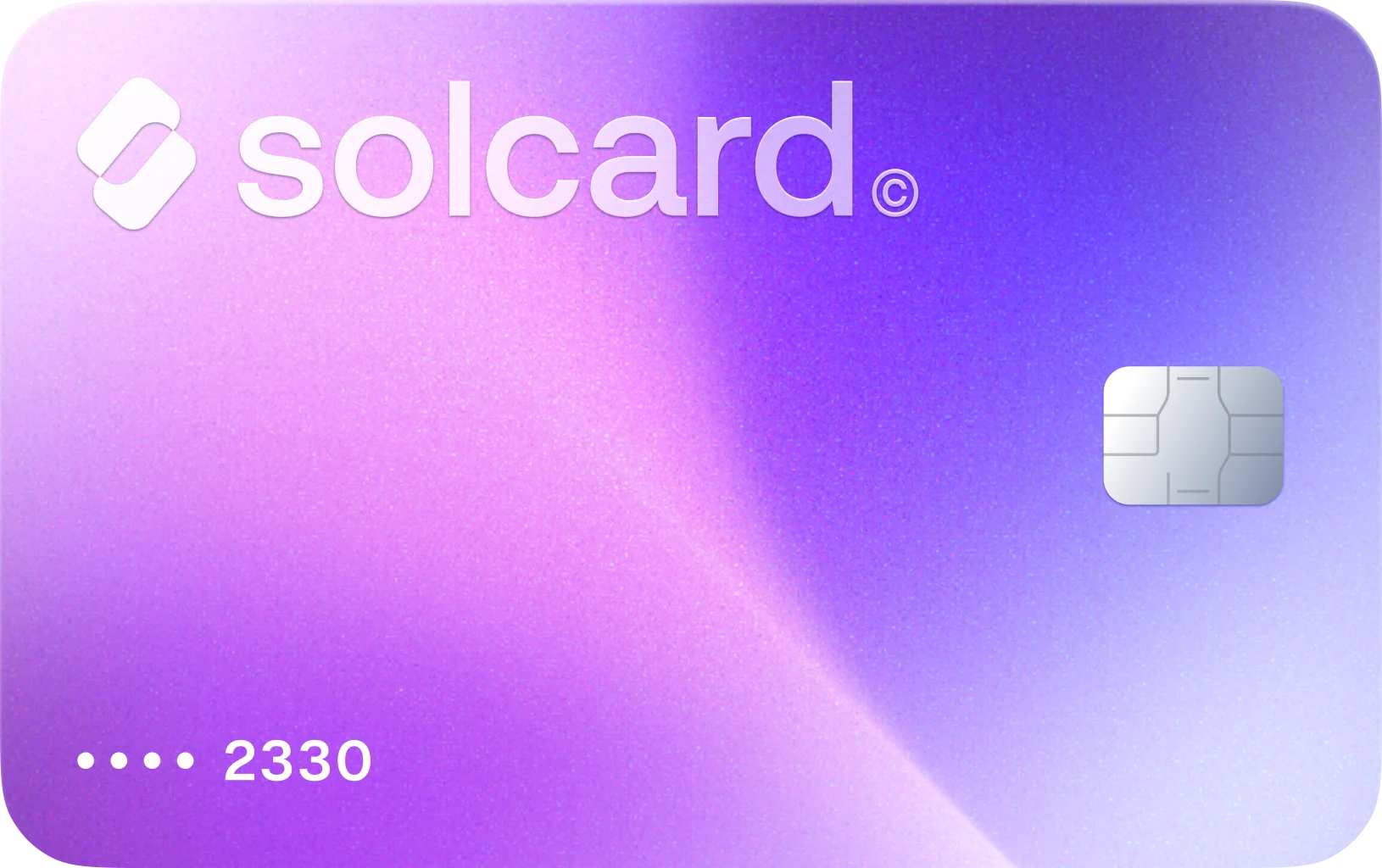
SolCard customers have successfully paid OpenCode with the Virtual for AI & Ad Spend card (as of October 2026). Top it up with USDT, USDC, USDG, EURC, ETH, BNB, POL, AVAX, HYPE, wBTC, wETH or SOL: $10 for the card, 5% per top-up. Get Virtual for AI & Ad Spend.
OpenCode does not take crypto. Its console accepts card, Link, Alipay, UPI and WeChat Pay through Stripe, per OpenCode's billing docs, so the crypto route is a card you top up from your wallet. That card then pays for Zen credits, auto-recharge and Go subscriptions like any other card.
OpenCode is an open-source coding agent. You can use it with your own model provider keys at no cost, or pay OpenCode for model access in two ways: Zen, a pay-as-you-go balance, and Go, a monthly subscription with usage limits. This guide covers both, what each costs, and the one setting that can quietly stop your agent mid-task.
- Get a crypto-funded card. Virtual for AI & Ad Spend is a prepaid virtual card you top up with stablecoins or other crypto.
- Add it in the OpenCode Console. Open Settings > Billing, click Add under Payment methods, choose Card and finish the Stripe setup.
- Buy credits or subscribe. For Zen, pick $10, $50, $100 or a custom amount. For Go, choose Go, Go Plus or Go Teams.
- Set auto-recharge, then keep the card funded. Auto-recharge charges the default card when your balance runs low.
| Zen (pay as you go) | Go (subscription) | |
|---|---|---|
| Price | Usage at model rates, plus a processing fee on each top-up | $10/month (Go), $40/month (Go Plus), $20/member/month (Go Teams) |
| Models | The full Zen catalog | A curated list tested for agentic coding |
| Limits | Your balance and any monthly spend limit you set | Estimated requests per 5 hours plus monthly usage caps per model |
| When it runs out | Requests fail with HTTP 402 | Turn on Extra Usage to continue from Zen credits |
Prices come from OpenCode's Go page and Zen page. Go Teams gives every member their own limits, which OpenCode says are $5 a month higher than Go on every model.
Our view: Go at $10 is the cheaper starting point if you mostly use one or two of its curated models. Zen makes sense when you want frontier models or bursty usage you can't predict, and you're willing to watch a balance.
OpenCode charges no markup on Zen model usage, but adds a payment processing fee to every credit purchase: 4.6% + $0.31. Its billing docs give the example: a $50 purchase costs $52.61, and the full $50 goes to your balance. The Zen page puts the fee on a $20 top-up at $1.23.
| Zen top-up | OpenCode processing fee | Card charge | SolCard fee at 5% |
|---|---|---|---|
| $10 | $0.77 | $10.77 | $0.54 |
| $50 | $2.61 | $52.61 | $2.63 |
| $100 | $4.91 | $104.91 | $5.25 |
Because the $0.31 part is flat, larger top-ups cost less per dollar of credit. With a crypto-funded card, both fees stack, so fewer, larger top-ups are the cheaper habit. Add the one-time $10 SolCard card fee in your first month.
Auto-recharge buys credits when the balance falls to a level you choose. You set the trigger balance and the amount to add under Auto-recharge > Add rule. It charges the default payment method, processing fee included.
The detail that matters: "If a charge fails, auto-recharge turns off until you set it up again." One declined top-up and the rule is gone. When the balance then reaches zero, paid requests fail with HTTP 402 ("Insufficient account funds") and the balance never goes negative. An agent running unattended just stops.
Two habits prevent that:
- Keep the card topped up above your auto-recharge amount plus the processing fee.
- After any failed charge, check the Billing page and re-create the rule.
Go renewals use the same saved payment methods, so the same balance rule applies on renewal day. Removing a payment method can stop both auto-recharge and Go renewals that use it.
OpenCode bills through Stripe, and Stripe's risk checks decide most declines. These are the common causes on crypto-funded cards:
- Insufficient balance. Remember the processing fee is charged on top of the credit amount.
- A prepaid card the checkout rejects. Many prepaid cards fail at AI and developer tools. Virtual for AI & Ad Spend was built for these merchants.
- Mismatched billing details. Use the name and address on your SolCard account.
- Repeated attempts. Several failures in a row can trigger a temporary block. Wait before retrying.
- 3D Secure. Complete the 3D Secure prompt on the first charge if it appears.
SolCard made Virtual for AI & Ad Spend for AI tools, APIs and ad platforms. SolCard customers have paid OpenCode with it, which makes it a way to keep Zen auto-recharge and Go renewals running from a crypto balance.
What it doesn't do: it doesn't remove OpenCode's processing fee, and the 5% top-up fee adds to it. It's a virtual card only, with no Apple Pay or Google Pay. If you also pay for other coding tools, the same card covers Cursor and model routers like OpenRouter.
No. OpenCode's billing docs list card, Link, Alipay, UPI and WeChat Pay, all through Stripe. To pay from a wallet, top up a crypto-funded card and add it in the Console. SolCard customers have paid OpenCode with the Virtual for AI & Ad Spend card as of October 2026.
Go is $10 a month, Go Plus is $40 a month, and Go Teams is $20 per member per month. Each has usage limits per model, measured in estimated requests per 5 hours and monthly caps. You can turn on Extra Usage to keep going from Zen credits once a limit is hit.
4.6% plus $0.31 on each credit purchase. A $50 top-up costs $52.61, and the full $50 is added to your balance. OpenCode says it adds nothing beyond that fee to model usage.
Auto-recharge turns itself off after a failed charge. Top up the card, then create the rule again under Settings > Billing. Until you do, requests fail with HTTP 402 once your balance reaches zero.
The OpenCode agent is open source and works with your own provider keys. You pay OpenCode only if you use Zen credits or a Go subscription for model access.
OpenCode's billing is honest about its costs, and the processing fee is easy to price in. The real risk is operational: auto-recharge switches off after one failed charge, and a Zen balance at zero stops your agent without warning. Whatever card you use, fund it well above the recharge amount. If that card is funded from crypto, a single top-up can cover weeks of agent work.
- OpenCode: Billing (Console)
- OpenCode: Zen
- OpenCode: Go
- OpenCode: Zen models and pricing
- SolCard payment data, Virtual for AI & Ad Spend card, as of October 2026