How to Pay for an LLM API with Crypto in 2026
Pay for an LLM API with crypto: which APIs take USDC directly, which need a card, and an OpenAI-compatible API you top up with SOL, USDC or ETH.
In this article
You can pay for an LLM API with crypto in three ways: use a provider that takes crypto at its own checkout, load a crypto-funded card and buy credits at a provider that only takes cards, or use an OpenAI-compatible API that you top up from a wallet. Anthropic's Console takes cards, OpenRouter takes USDC, and Venice takes USDC from a Base or Solana wallet. SolCard Inference is SolCard's own API, and you top it up with SOL, USDC, ETH, BTC and more. Which route fits depends on which models you need and whether anything runs unattended.
This guide covers API credits for developers and agents. For chat subscriptions such as ChatGPT Plus or Claude Pro, see the AI subscriptions you can pay for with crypto.
| API | Crypto at checkout? | How you pay with crypto | Source |
|---|---|---|---|
| Anthropic (Claude API) | No | A card funded with crypto, on the Claude Console | Anthropic pricing FAQ |
| OpenRouter | Yes, USDC | USDC at checkout, or a card | OpenRouter FAQ |
| Venice API | Yes, USDC | x402 top-ups from a Base or Solana wallet | Venice API docs |
| SolCard Inference | Yes | SOL, USDC, ETH, BTC and more, on 9+ networks, or a SolCard card balance | solcardinference.ai |
Anthropic's FAQ is short: "Major credit cards are accepted for standard accounts," and enterprise customers can arrange invoicing. OpenRouter says it accepts "all major credit cards, AliPay and cryptocurrency payments in USDC." Venice lists an "x402 Wallet" option: "USDC credits via a Base or Solana wallet (no account required, pay-as-you-go)."
So the first question is simple. If the model you need is only sold by a card-only provider, you need a card. If you only need a capable model behind an OpenAI-style endpoint, you can skip the card entirely.
This is the shortest path when the provider takes the coin you hold.
OpenRouter sells prepaid credits that work across many models. Its pricing page says the fee "is charged when you buy credits, 5.5% on Standard and 8% on Business," and lists "crypto (USDC)" among Standard payment methods. Two details from its FAQ are worth knowing before you send anything:
- "Cryptocurrency payments are never refundable."
- OpenRouter reserves the right to expire unused credits one year after purchase.
Our OpenRouter payment guide walks through the checkout and auto top-up.
Venice lets an agent pay for inference "from a USDC wallet with no API key using x402," according to its API docs. The docs describe it as wallet authentication with "no API key required." Our Venice guide compares its plan and API options.
The catch with both is the coin. OpenRouter and Venice name USDC only. If your funds sit in USDT, SOL or ETH, one of the other routes fits better.
The Claude API is paid by card, and so is the OpenAI API, as our ChatGPT guide explains. To fund either with crypto, you load a prepaid card from your wallet and the provider sees an ordinary card charge.
The card matters more here than anywhere else. AI checkouts run strict fraud checks, and many prepaid cards get declined with money on them. SolCard built Virtual for AI & Ad Spend for these merchants. In SolCard's payment data, more than 9 in 10 OpenAI charges and about 4 in 5 Anthropic charges on it have gone through. Use that card for the Claude Console and platform.openai.com. SolCard's standard Virtual and Platinum cards struggle at both checkouts in our data.
What it costs:
- $10 to issue the card, once.
- 5% of each top-up.
So $100 of Claude API credits takes $105 of crypto before any tax, plus the $10 card fee the first time. Our Anthropic API guide covers Console billing, spend caps and auto-reload in detail.
Card-only providers run on prepaid credits, and most offer auto-reload. Anthropic's billing article says auto-reload "purchases additional credits automatically when your balance falls below a threshold you set." It also says that "if you run out of credits, you can no longer call the API or use the playground until you add more."
On a prepaid card, the reload only works if the card holds enough at that moment. If it doesn't, the charge is declined and your agents stop at $0. Keep at least one full reload on the card, and top it up again after each reload goes through.
Anthropic credits also "expire one year from the purchase date, and the expiration date can't be extended," per the same article. Buy what you'll use within the year.
If your code already speaks the OpenAI or Anthropic API format, you can point it at a different base URL and pay that provider in crypto. Nothing else in your code changes except the key and the model name.
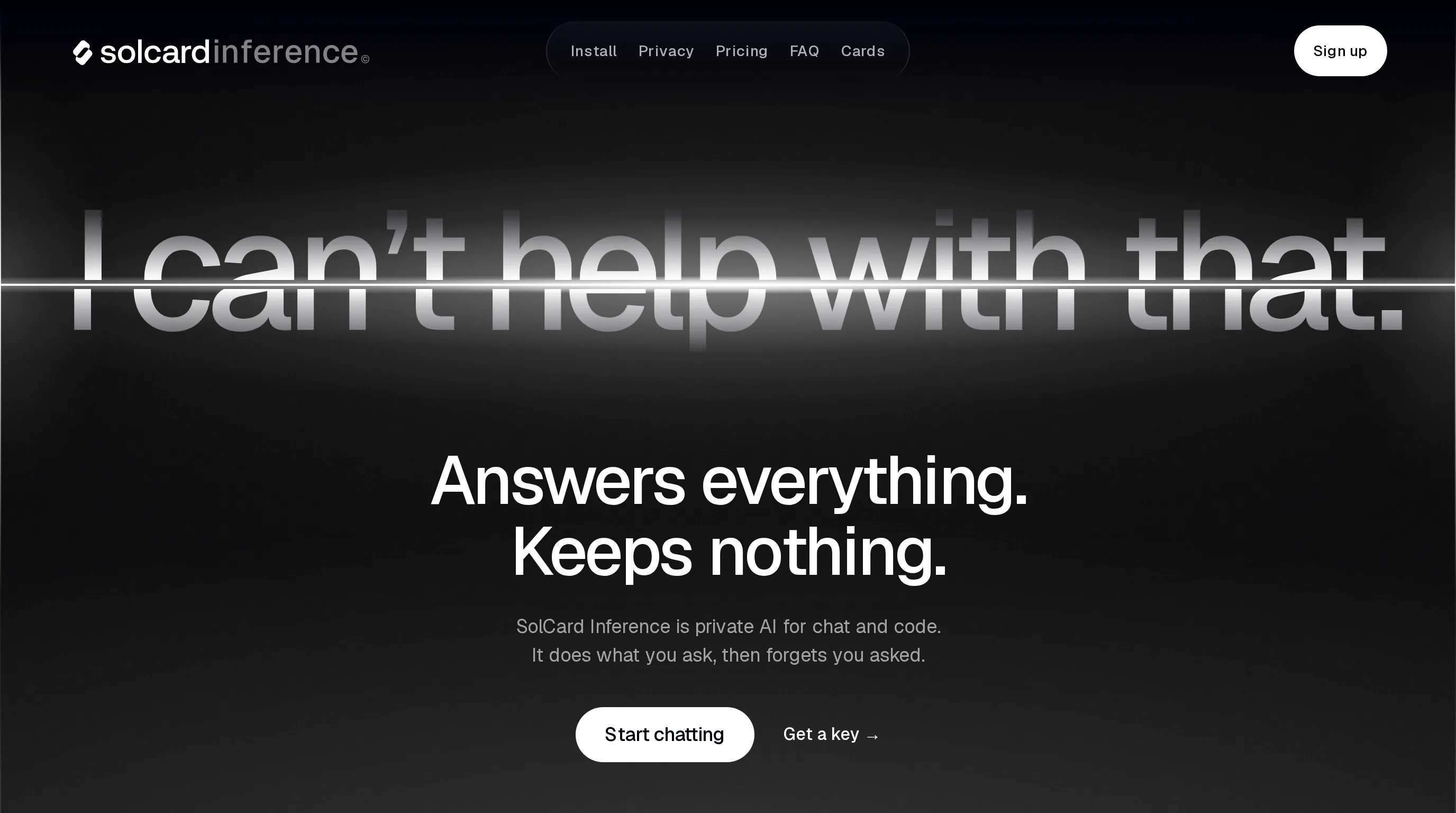
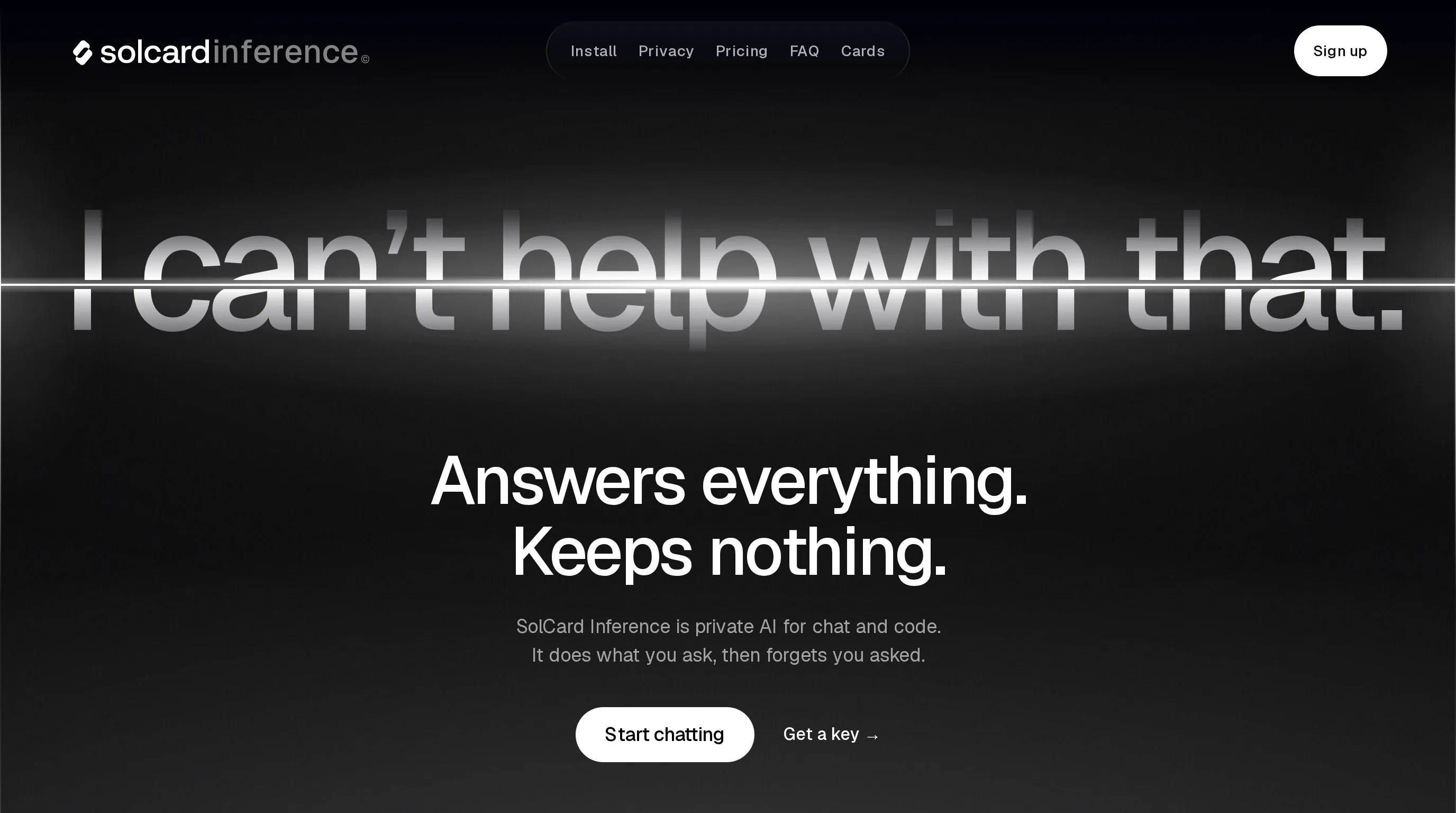
SolCard Inference is SolCard's API built this way. Its quickstart lists the base URL https://api.solcardinference.ai/v1, and it accepts OpenAI Chat Completions, OpenAI Responses and Anthropic Messages requests. Keys start with sk-si-. One prepaid USD balance covers every key and every model, and there is no card on file.
- Sign up at app.solcardinference.ai with an email address or a Solana wallet.
- Top up the balance with crypto, or pay straight from your SolCard card balance. The site lists SOL, USDC, ETH, BTC and more, on 9+ networks. Any amount works, and the balance never expires.
- Open API keys and create a key.
- Change the base URL and model in your client.
With the OpenAI Python SDK, that is two lines:
from openai import OpenAI

client = OpenAI(base_url="https://api.solcardinference.ai/v1", api_key="sk-si-...")
reply = client.chat.completions.create(
    model="solcard-inference-fast",
    messages=[{"role": "user", "content": "Say hello in five words."}],
)
print(reply.choices[0].message.content)
The Anthropic SDK works too. Per the quickstart, its base URL is https://api.solcardinference.ai with no /v1, because "the Anthropic SDK appends /v1/messages itself."
If you use Claude Code or Codex, the install page adds SolCard Inference's models next to your existing Claude or ChatGPT models. For the manual config, see how to add custom models to Claude Code and Codex.
New email sign-ups may get $1 of free credit for 30 days to test it. Abuse checks apply, and wallet sign-ups get none.
| Model | Context | Input | Cached input | Output |
|---|---|---|---|---|
solcard-inference-fast (default, fastest and cheapest) | ~1M | $1.25 | $0.125 | $2.50 |
solcard-inference-large (most capable, always reasons) | 1M | $3.75 | $0.375 | $6.25 |
solcard-inference-base | 262k | $1.25 | $0.125 | $3.75 |
Web search costs $0.008 per search, on top of tokens. Output is capped at 32,768 tokens per request on every model.
Per-token prices are hard to picture, so here is one workload priced out. Say an agent reads 20 million input tokens and writes 4 million output tokens in a month.
| Model | Input cost | Output cost | Total |
|---|---|---|---|
solcard-inference-fast, no caching | 20M x $1.25 = $25.00 | 4M x $2.50 = $10.00 | $35.00 |
solcard-inference-fast, 15M of input cached | 5M x $1.25 + 15M x $0.125 = about $8.13 | $10.00 | about $18.13 |
solcard-inference-large, no caching | 20M x $3.75 = $75.00 | 4M x $6.25 = $25.00 | $100.00 |
Agents resend the same system prompt and files on every turn, so cached input is where most of the saving comes from. Put stable content (instructions, tool definitions, reference files) at the start of the prompt, where it can be reused.
Pay as you go draws from what you top up. For steady use, SolCard Inference also sells plans that renew from the same balance:
| Plan | Price | Usage | Requests a minute |
|---|---|---|---|
| Pay as you go | -- | What you top up | 60 |
| Starter | $20/mo | 20% more than pay as you go | 120 |
| Pro | $100/mo | 5x Starter, 20% more than pay as you go | 300 |
| Max | $200/mo | 10x Starter, 25% more than pay as you go | 600 |
Source: SolCard Inference pricing
Plan limits reset every 5 hours and every week, and unused plan usage doesn't roll over. API keys spend credits first, then the plan. The pricing page also says plans renew from your balance "and nothing is refunded," so cancel before a renewal you don't want.
- You want Claude or GPT models straight from Anthropic or OpenAI. Both bill by card. Use Virtual for AI & Ad Spend and budget 5% on each top-up.
- You hold USDC and want many models under one key. OpenRouter's USDC checkout skips the card. Remember that crypto purchases there are never refundable.
- You want an agent to pay from its own wallet. Venice's x402 option needs no account and no key.
- You want an OpenAI-compatible endpoint and want to pay in the coin you already hold. SolCard Inference takes SOL, USDC, ETH, BTC and more, and the balance never expires.
You can also combine them: a card for the provider whose models you can't replace, and a crypto-funded API for everything else. For hosting and GPUs, see how developers pay for cloud with crypto.
Every route has trade-offs. Check these before you move traffic:
- SolCard Inference is text only. Its models page shows no image, audio or file input. If your app sends screenshots or PDFs, keep a multimodal provider for those calls.
- Its models are SolCard's own. You call
solcard-inference-fastor-large, not a Claude or GPT model. Test your prompts before you move production traffic. - The card route has a fee on every top-up. Virtual for AI & Ad Spend charges 5%, and no card gets every AI charge through. Keep a buffer.
- The wrong network loses money. Send each coin on a network the deposit address supports. A wrong-chain send to a provider like OpenRouter, where crypto payments are never refundable, has no fix.
For SolCard's card fees and tiers, see SolCard fees.
In many countries, spending crypto counts as a disposal, whether you send it to a provider or load a card. Paying with a stablecoin that holds its peg usually leaves little or no gain to report. Paying with SOL or BTC that has risen in value may not. Rules differ by country; see our guide to spending crypto and taxes, and ask a tax professional for your case.
Yes. OpenRouter takes USDC, Venice takes USDC from a Base or Solana wallet, and SolCard Inference takes SOL, USDC, ETH, BTC and more. For card-only APIs such as Anthropic's, load a crypto-funded card and buy credits with it.
Not at their own checkouts: both bill API credits by card. Load Virtual for AI & Ad Spend with crypto and add it on the billing page. In SolCard's data, more than 9 in 10 OpenAI charges and about 4 in 5 Anthropic charges on it have gone through. It costs $10 to issue and 5% per top-up.
Yes. SolCard Inference uses the base URL https://api.solcardinference.ai/v1 and accepts OpenAI Chat Completions, OpenAI Responses and Anthropic Messages requests. You top it up with USDC, SOL, ETH, BTC and more, and pay per token from a prepaid balance.
No. Anthropic, OpenRouter and SolCard Inference all sell prepaid credits you draw down per token. SolCard Inference also offers optional plans from $20 a month for steady usage.
It depends on the provider. Anthropic credits expire one year after purchase. OpenRouter reserves the right to expire unused credits after a year. SolCard Inference says its pay-as-you-go balance never expires.
Yes, with a wallet. Venice's x402 option lets an agent pay for inference from a USDC wallet without an API key. With a card-only provider, the agent depends on auto-reload, which only works while the prepaid card holds enough.
Paying for an LLM API with crypto comes down to the provider. If it takes your coin, pay it directly. If it only takes cards, use a card that gets through AI checkouts and keep it topped up ahead of every reload. And if all you need is a capable model behind an OpenAI-style endpoint, a crypto-funded API such as SolCard Inference skips the card altogether. New to wallet-funded cards? Start with what a crypto debit card is, or see what SolCard offers.
- Pricing, Claude Platform docs
- How do I pay for my Claude API usage?, Anthropic Help Center
- FAQ and Pricing, OpenRouter
- Documentation index, Venice API
- solcardinference.ai, Quickstart, Models, Pricing, SolCard Inference
- SolCard payment data, Virtual for AI & Ad Spend card, as of October 2026